

Description
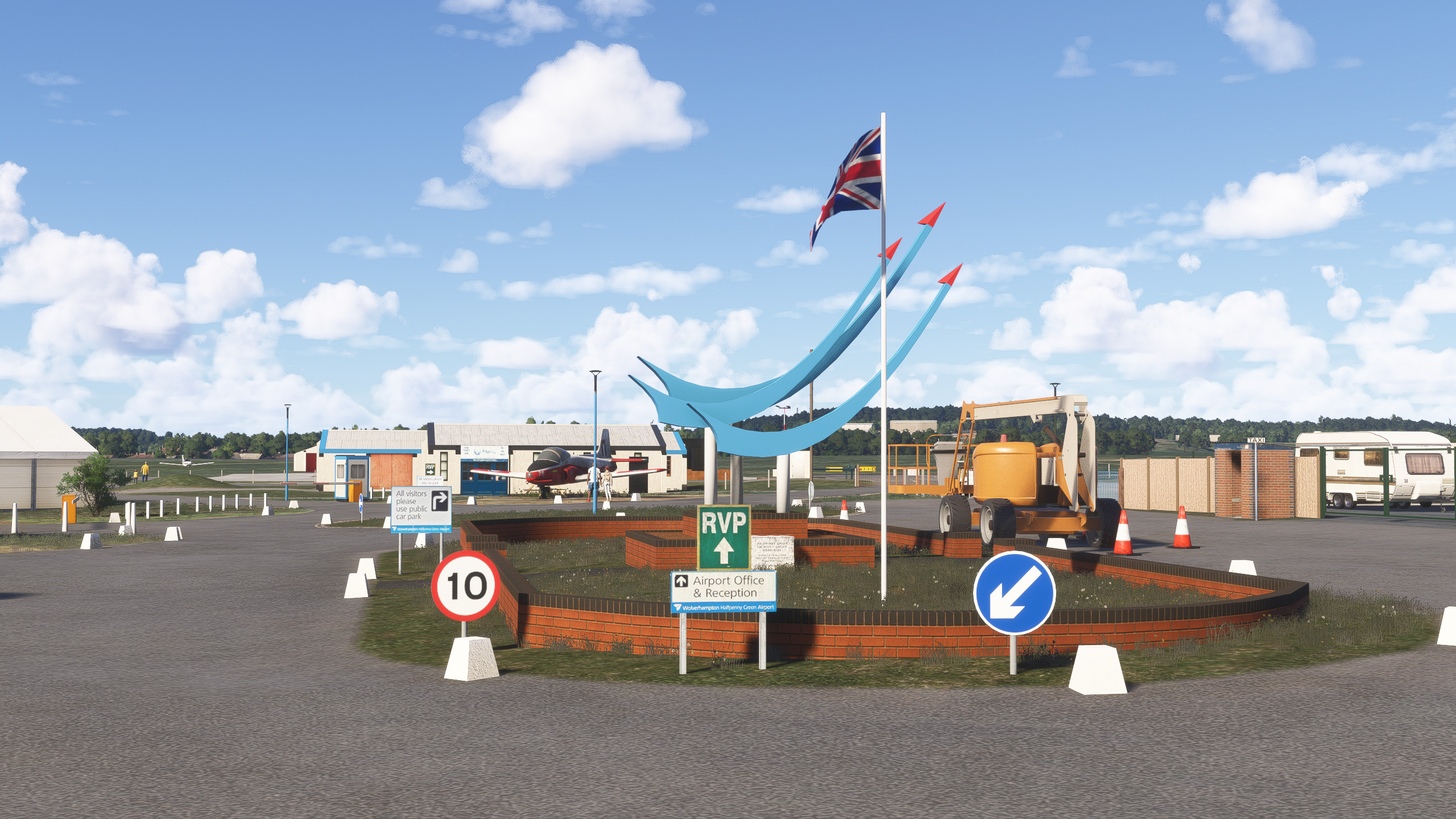
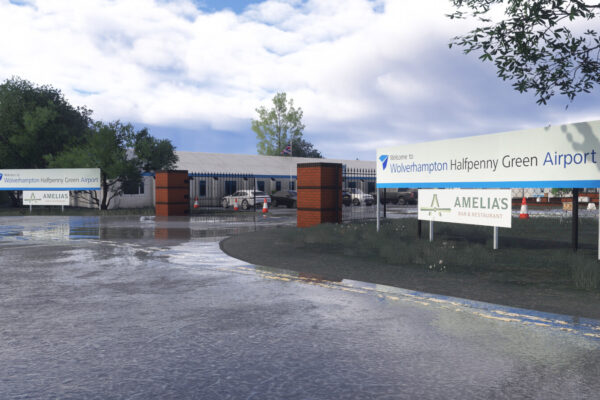
Wolverhampton Halfpenny Green Airport is found near Bobbington in South Staffordshire, around eight miles southwest of Wolverhampton. It is used for private flying, flight training, and aircraft maintenance, and retains its three asphalt runways arranged in a Second World War–era triangular layout.
Construction began in 1939, and the airfield opened in 1941 as RAF Bobbington, serving No. 21 Elementary Flying Training School, which trained pilots on de Havilland Tiger Moths. In 1943, the name was changed to RAF Halfpenny Green to avoid confusion with RAF Bovingdon in Hertfordshire. Wartime flying training continued until 1947, after which the station was placed on care and maintenance.
In 1956, the site was transferred to the Ministry of Civil Aviation and converted for public use under Wolverhampton Corporation, initially promoted as Wolverhampton Airport. Plans for scheduled passenger services did not progress, and the airfield instead developed as a centre for general aviation, hosting flying clubs, training organisations, and engineering firms.
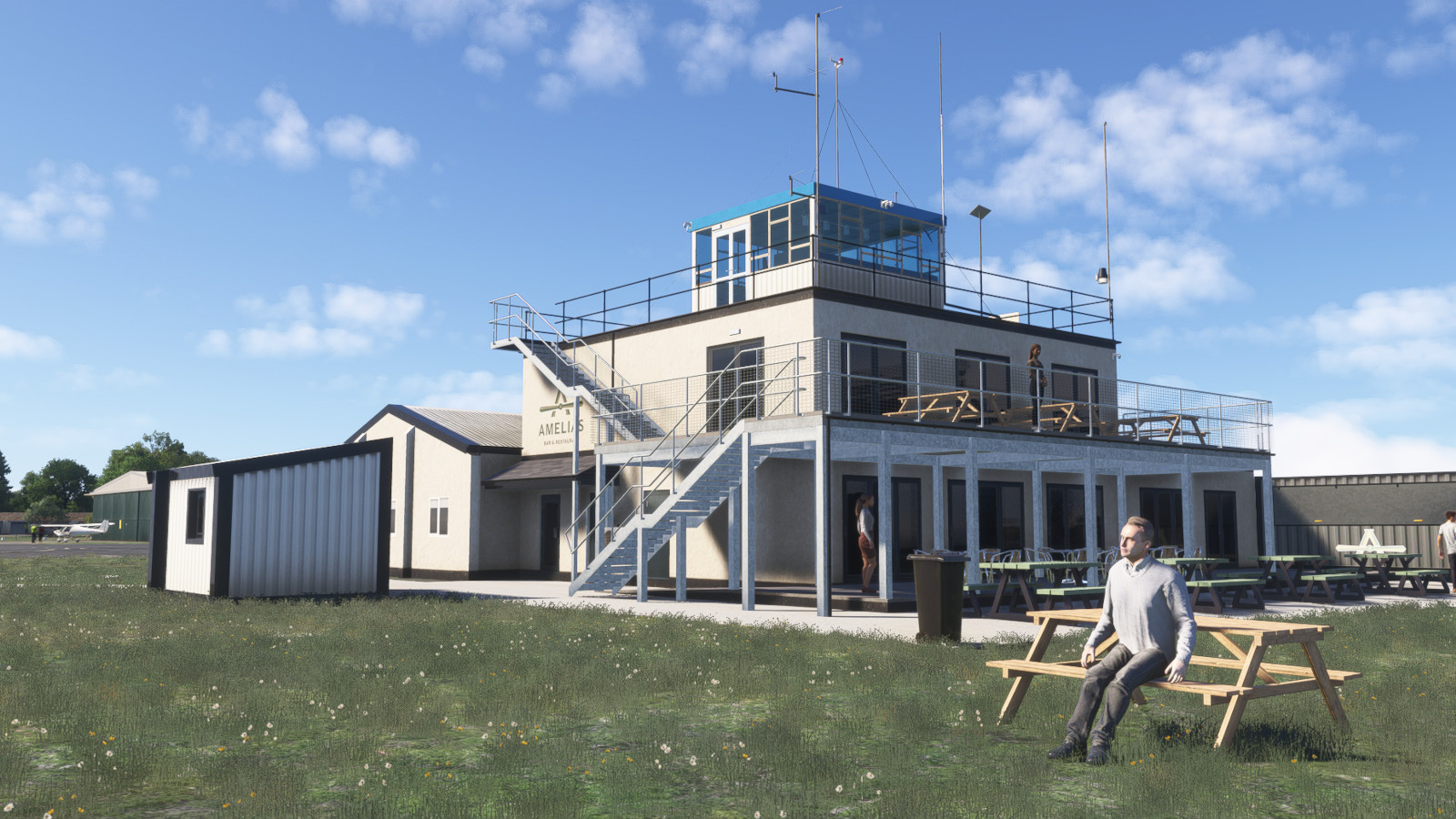
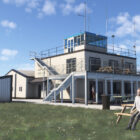
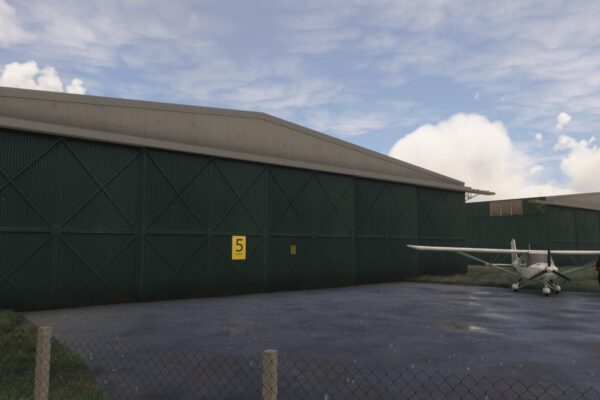
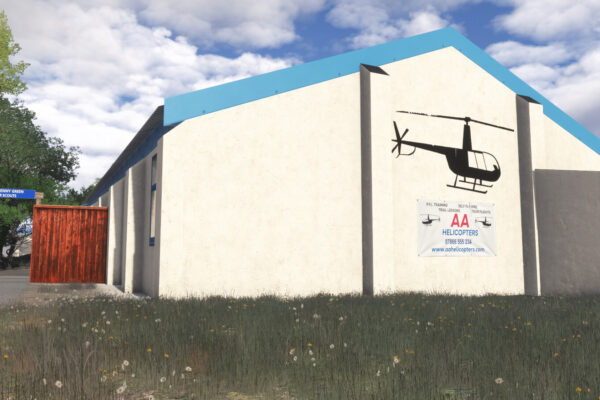
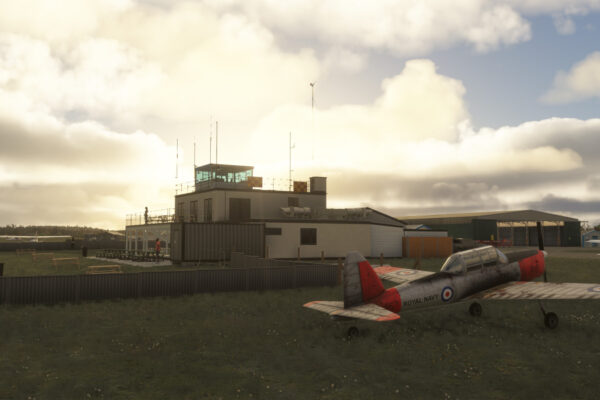
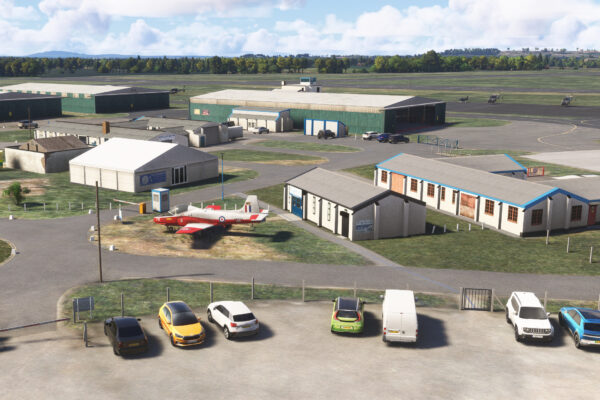
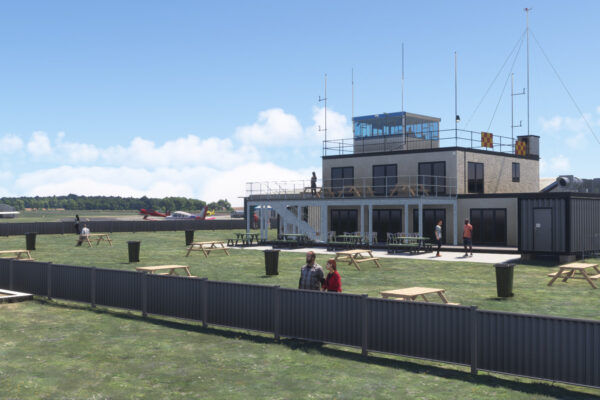
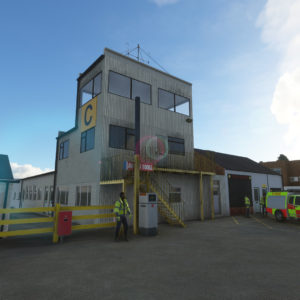
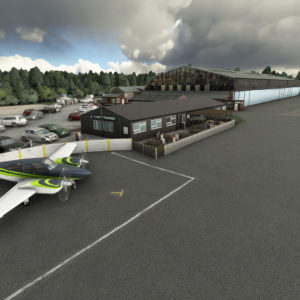
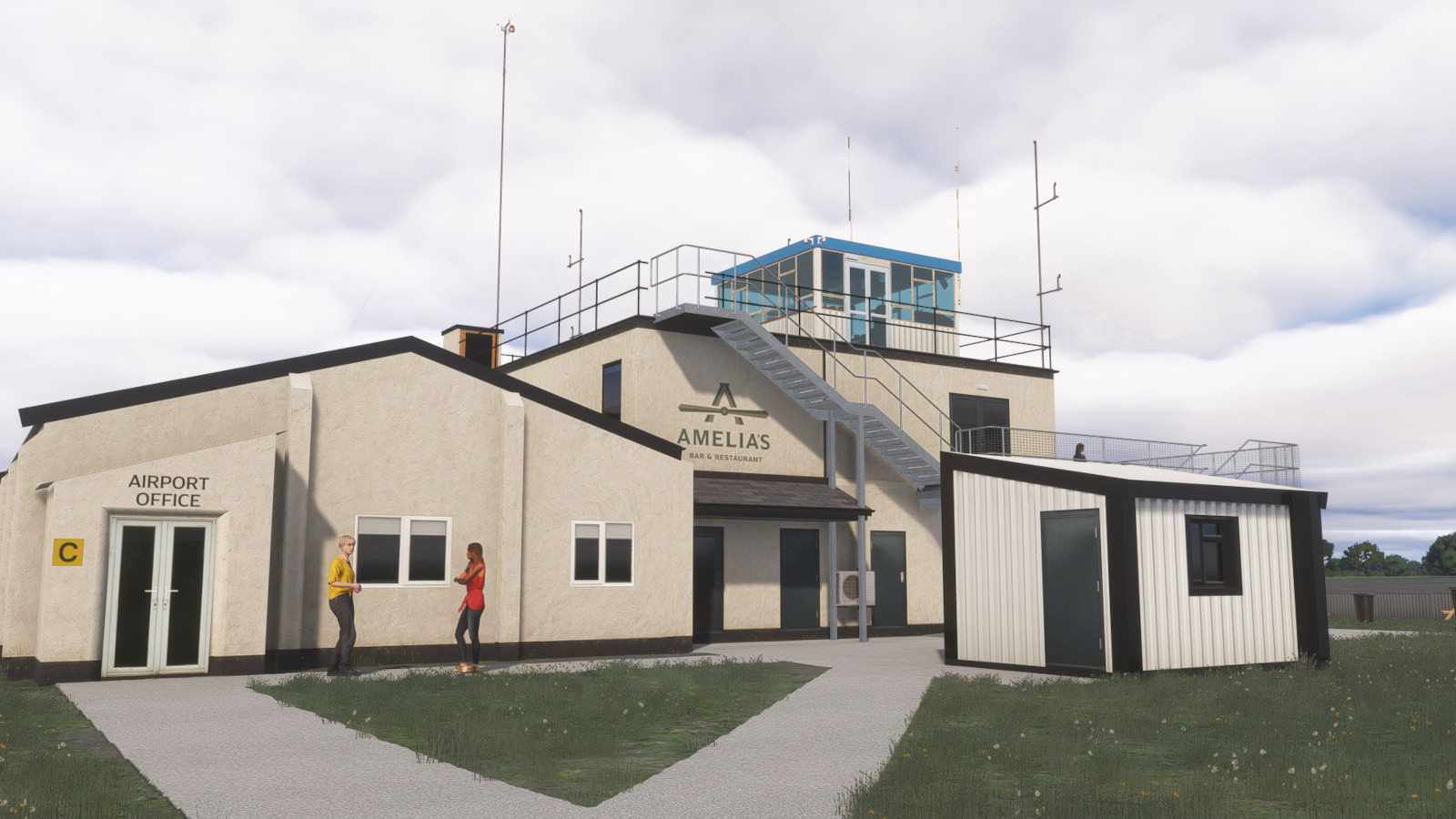
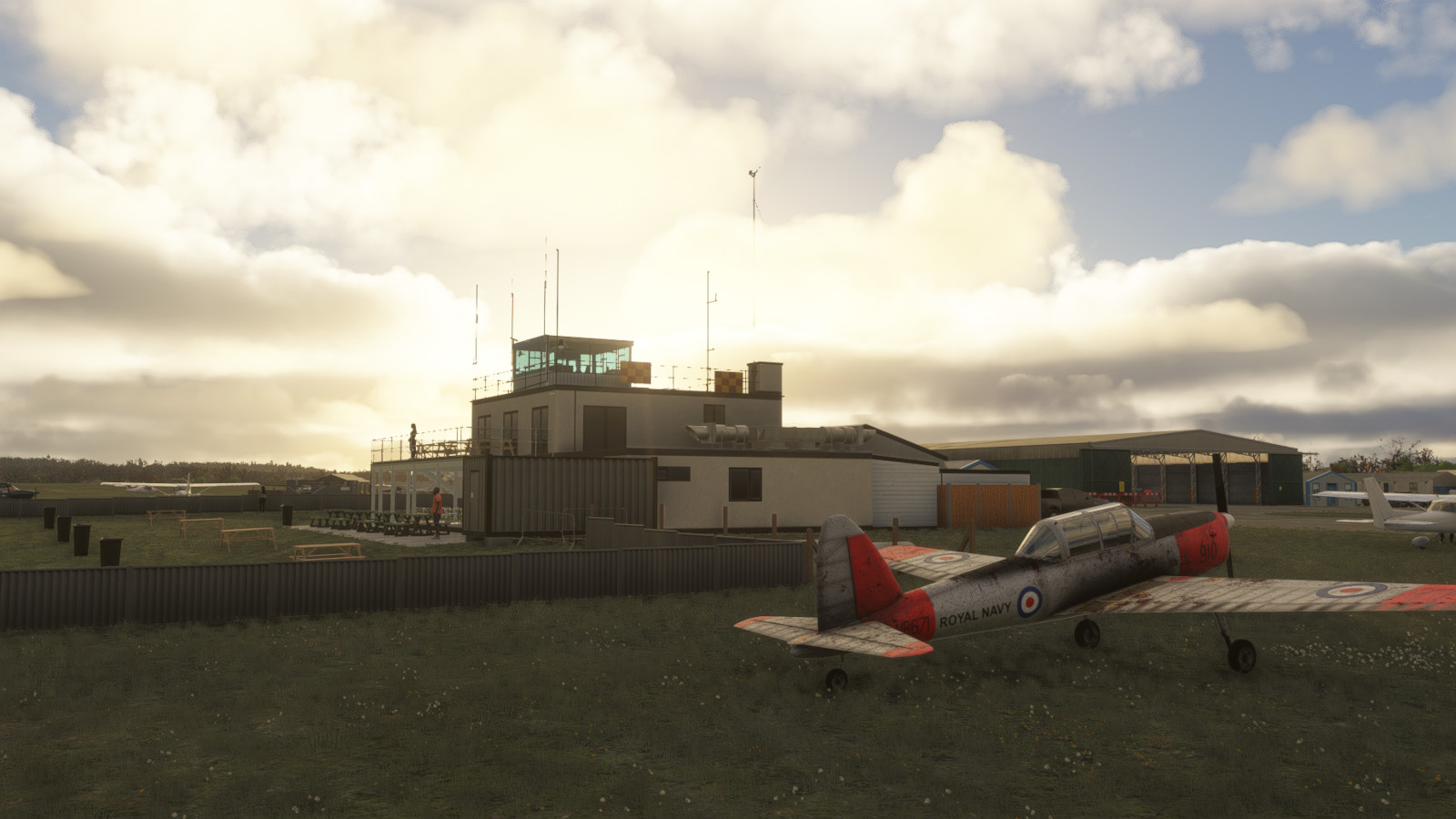
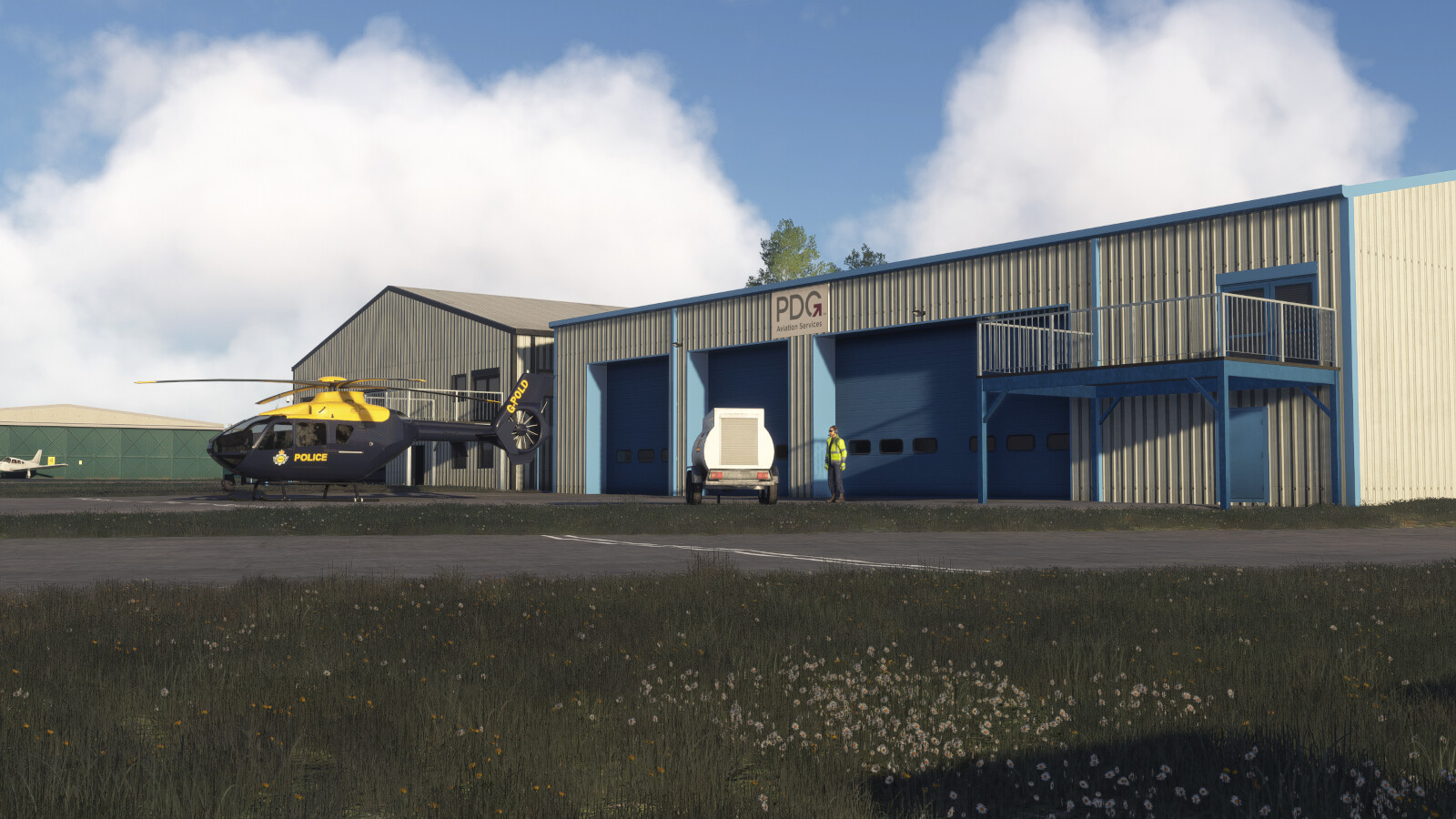
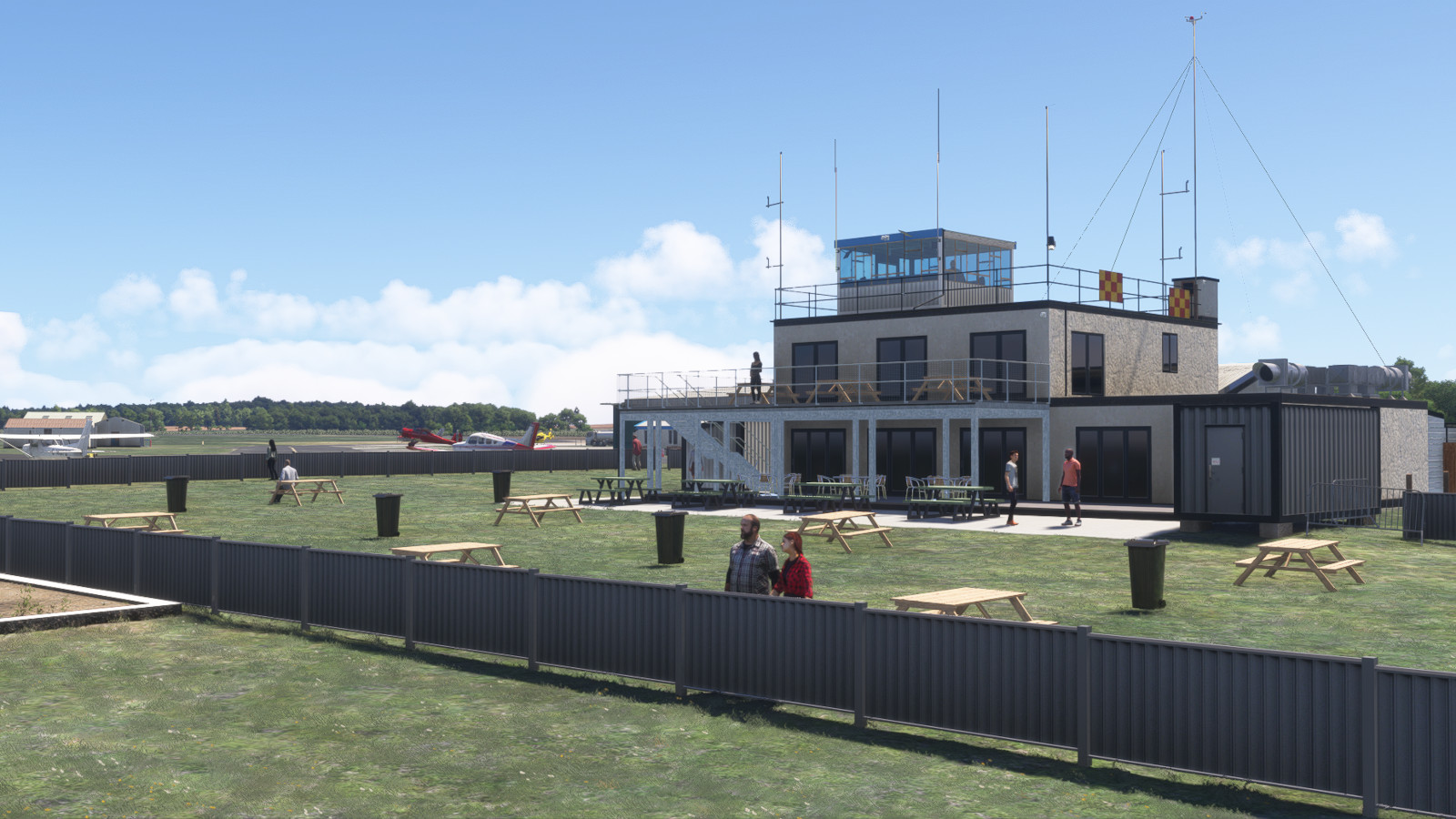
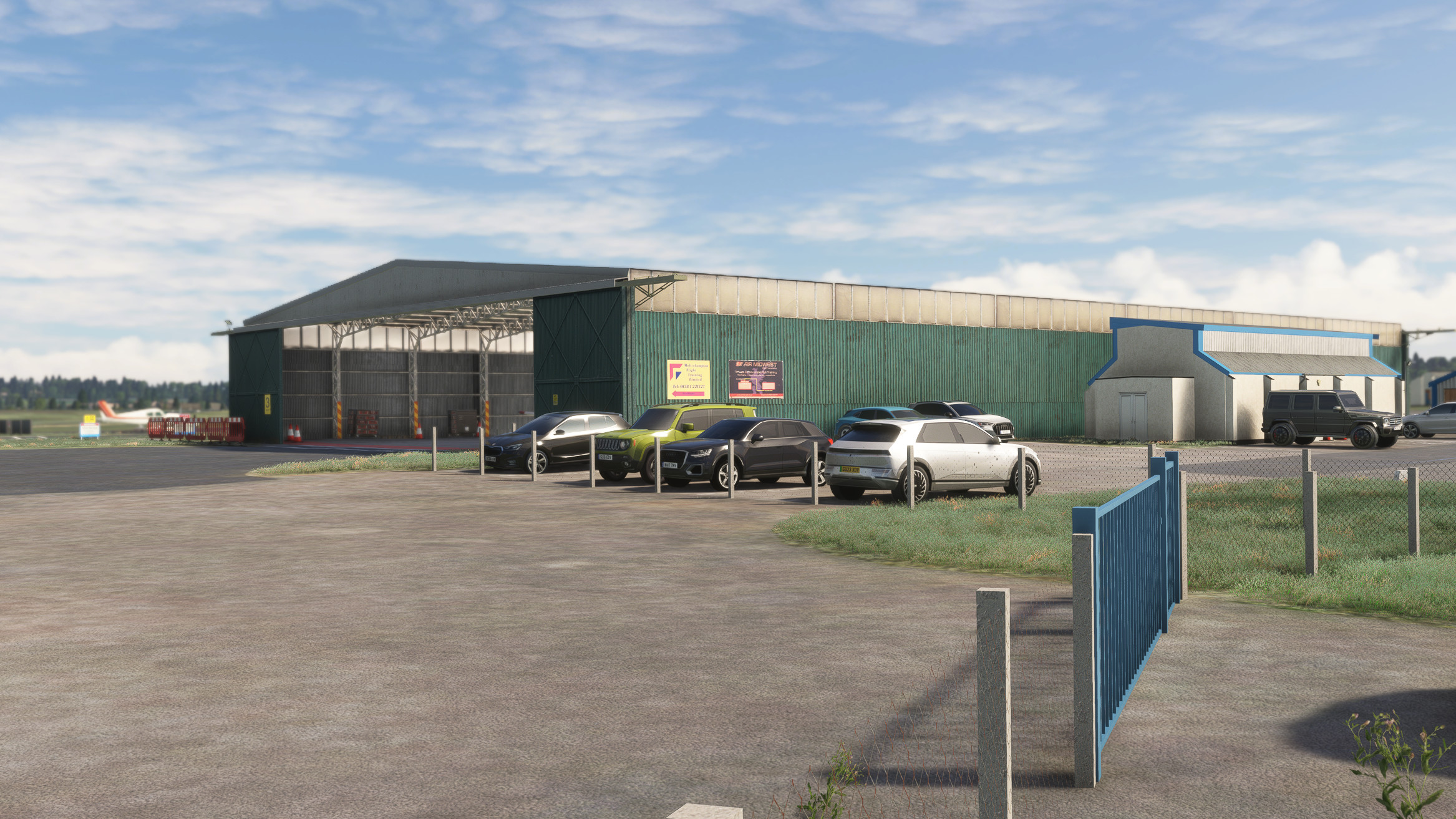
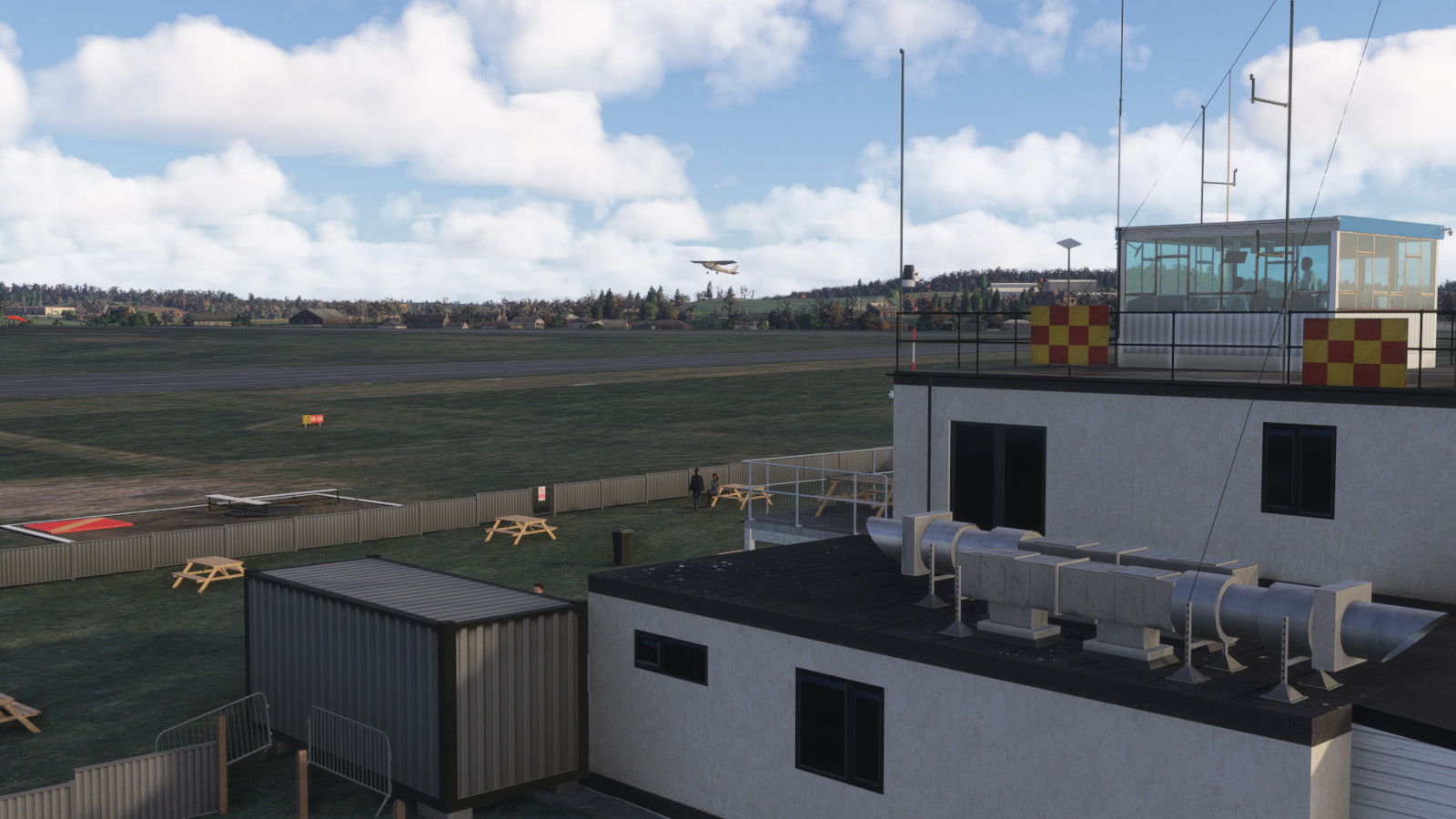
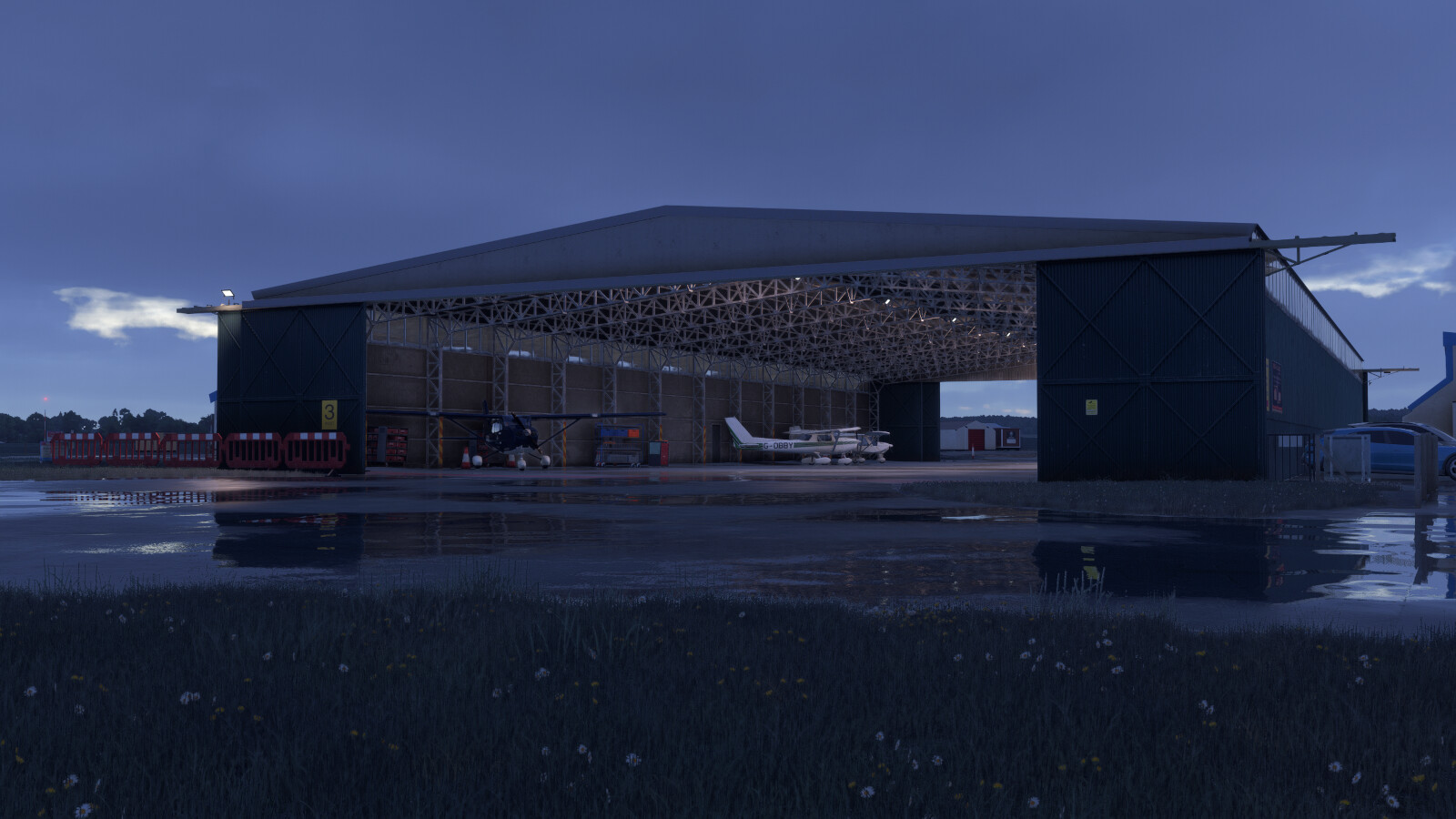
Today, the airport remains a licensed aerodrome with a control tower, public restaurant, and multiple hangars used by flight schools and maintenance companies. In early 2025, the runways and taxiways were resurfaced, and the main aircraft parking apron was expanded to support increased traffic and modern operational requirements.
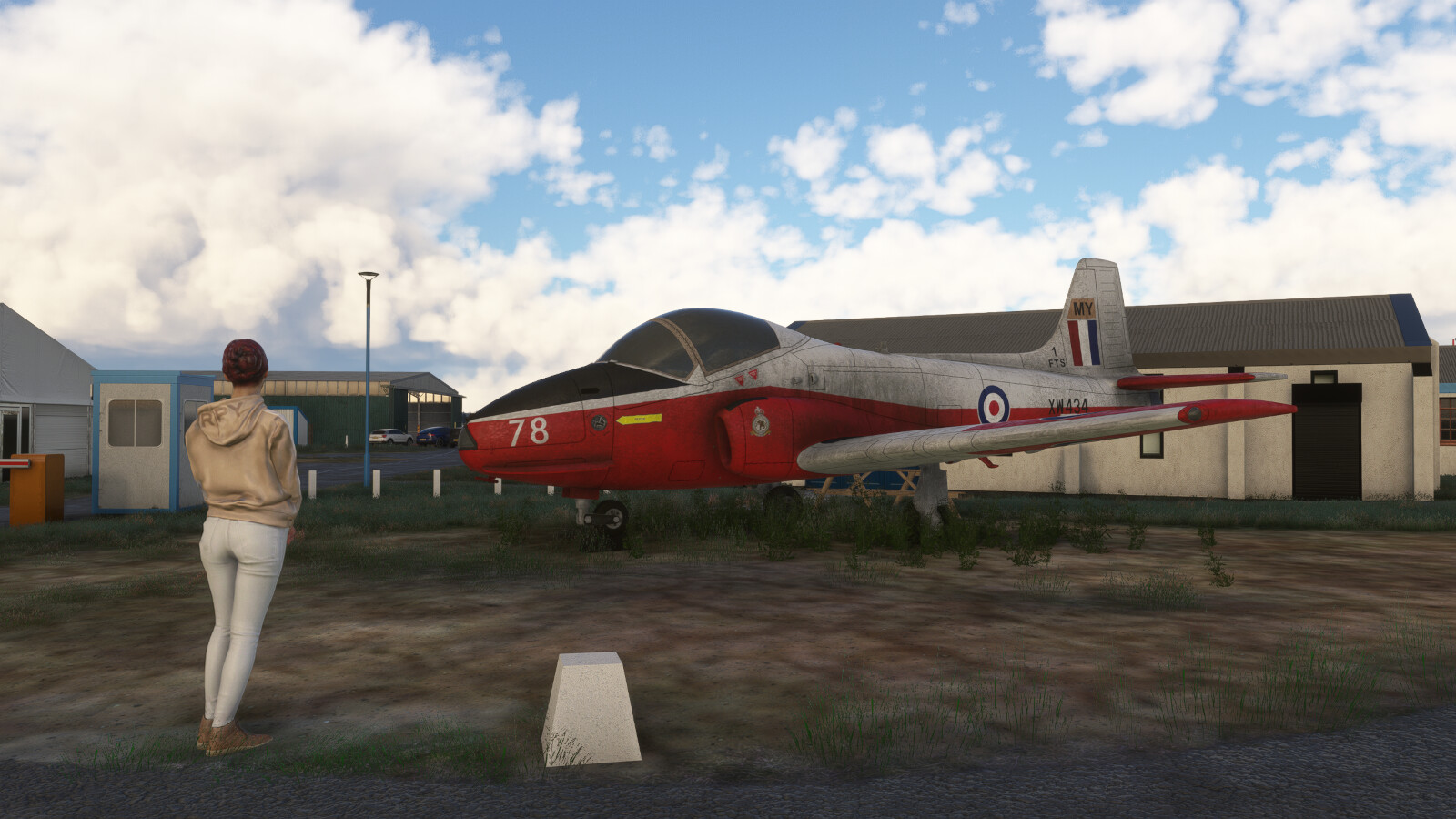
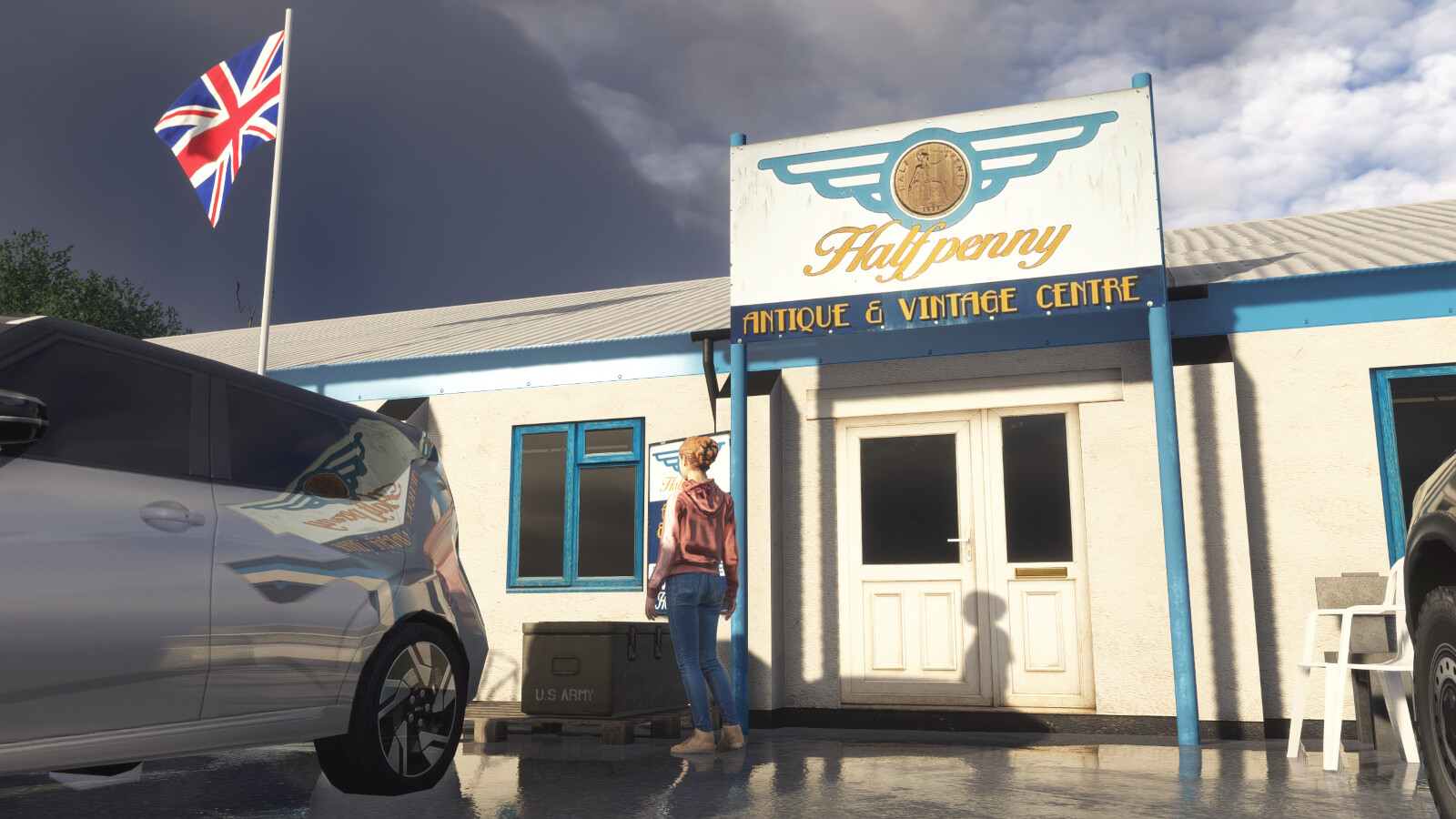
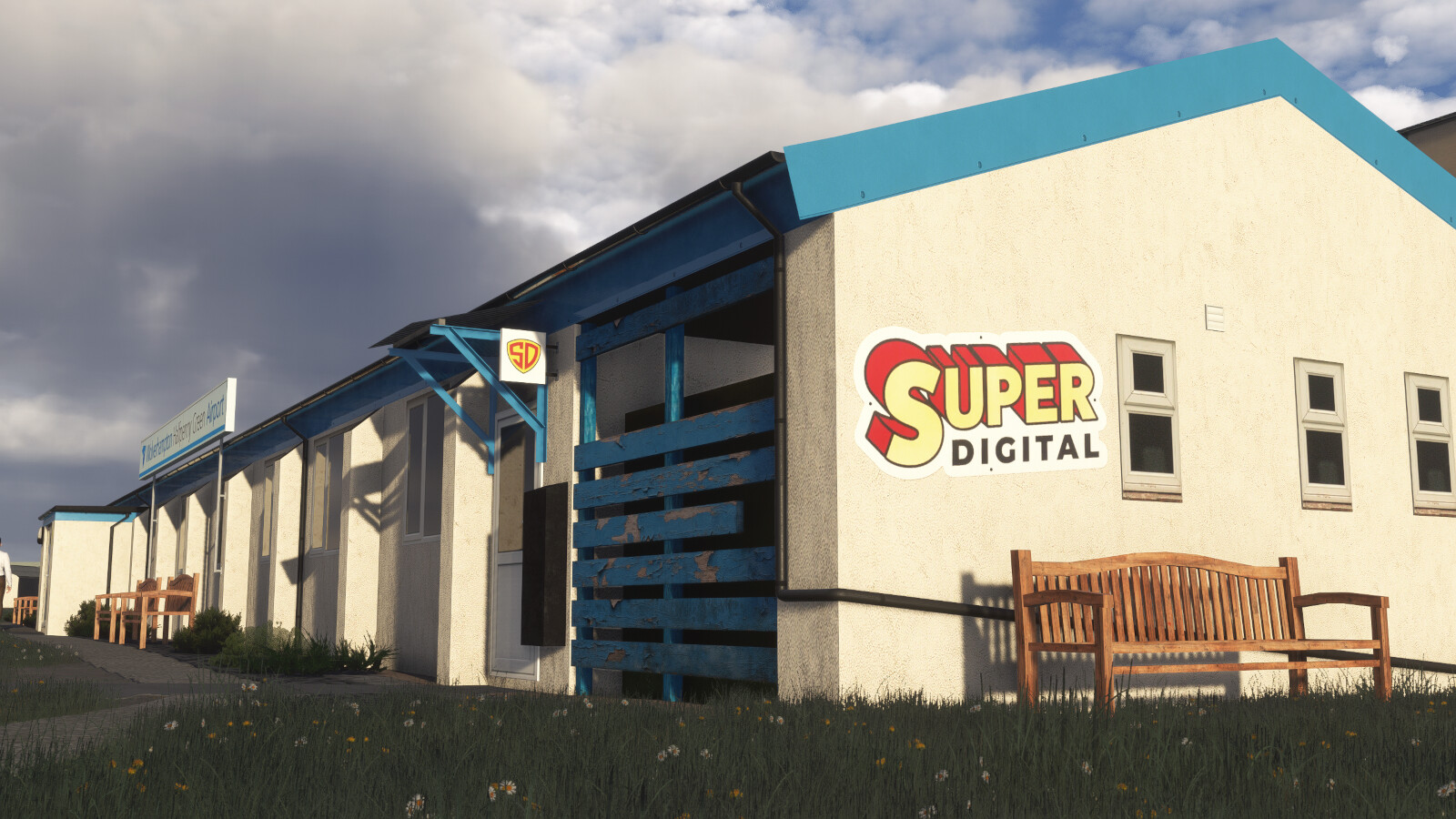
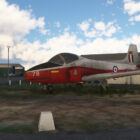
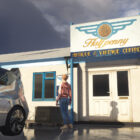
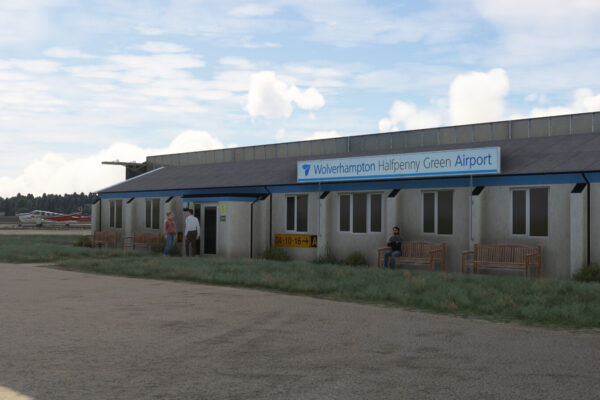
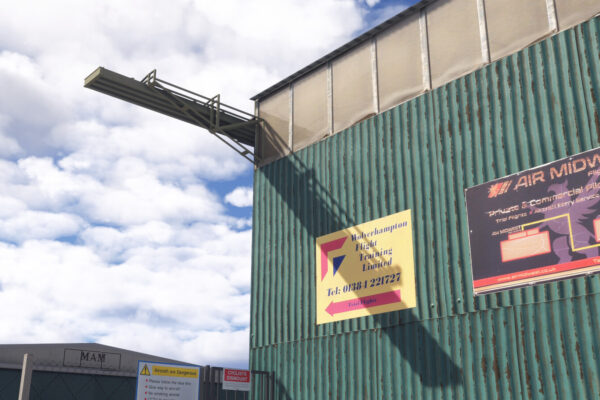
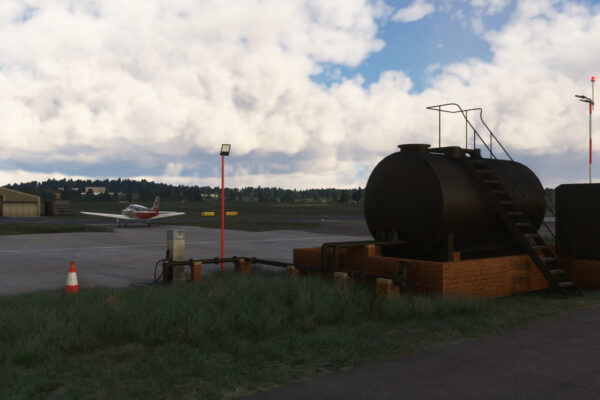
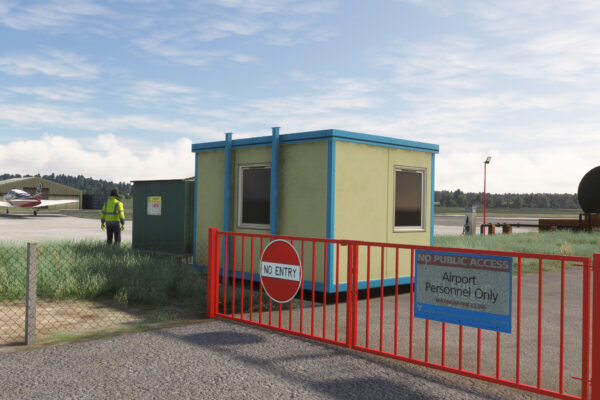
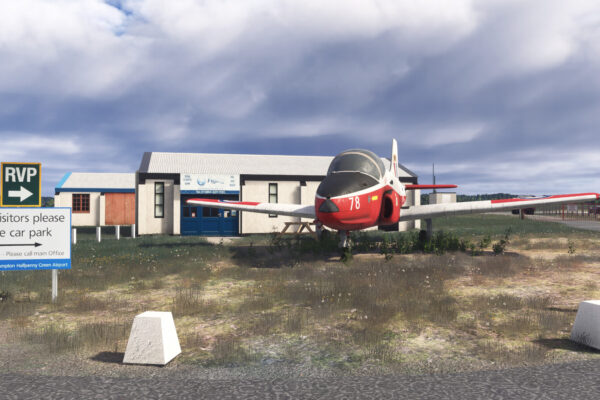
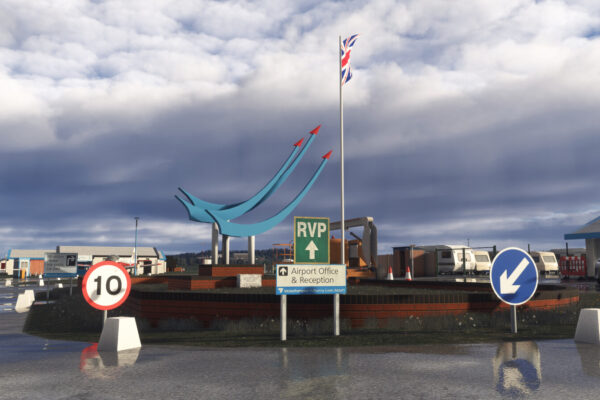
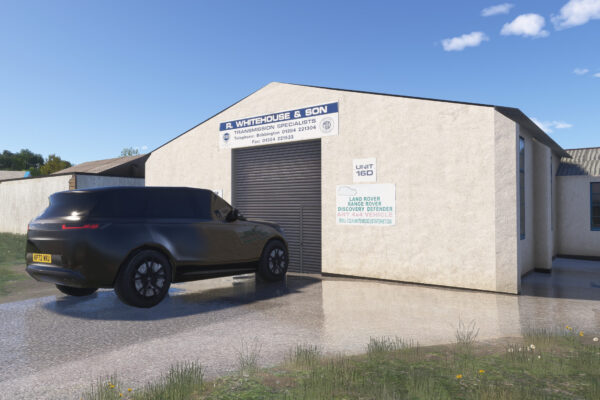
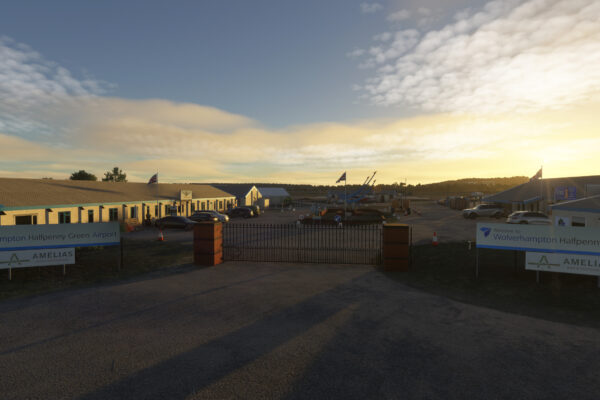
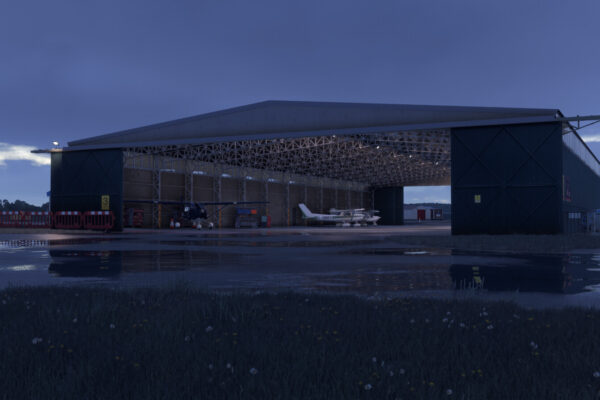
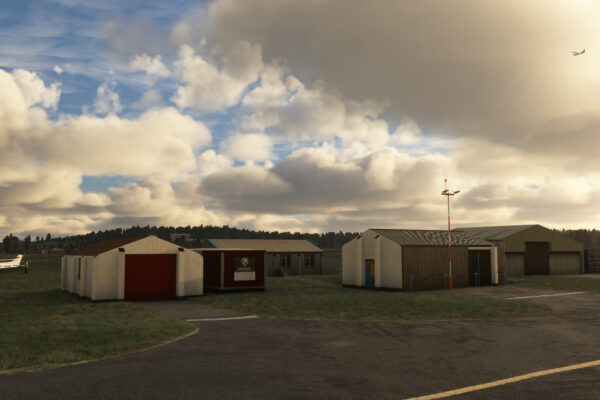
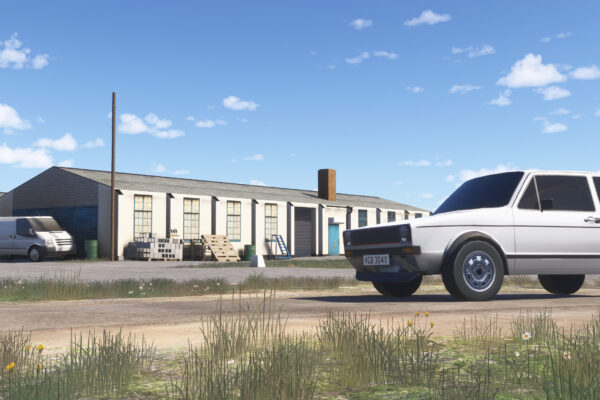
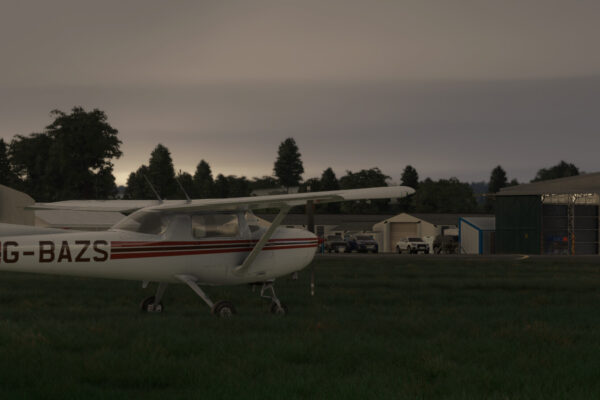
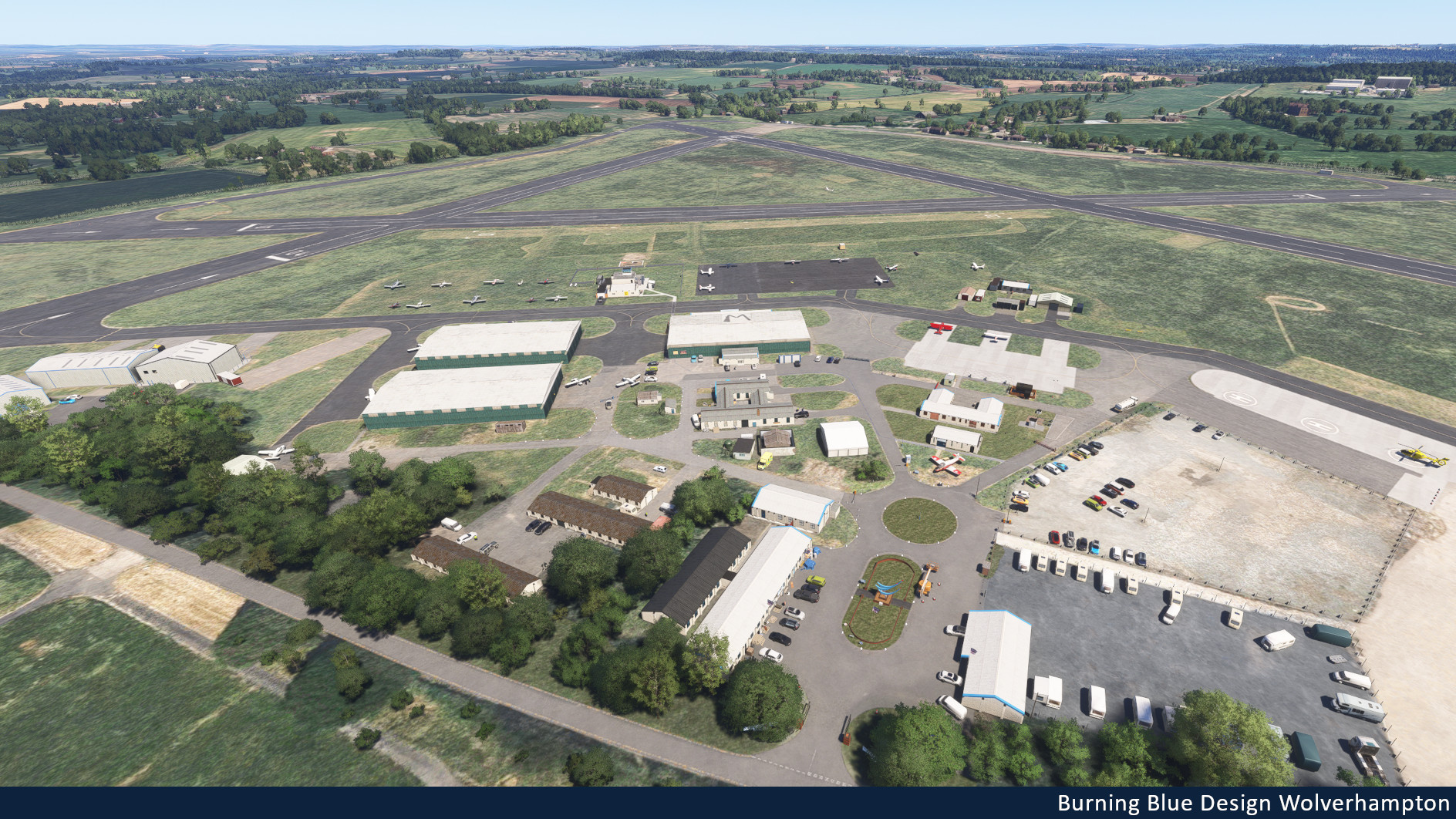
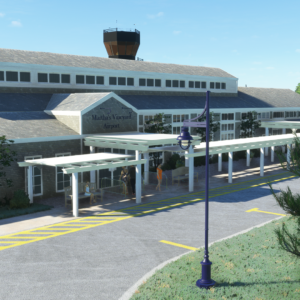
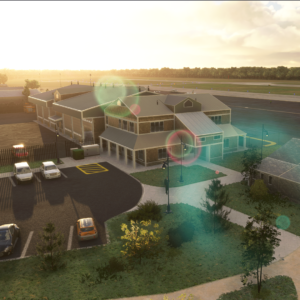
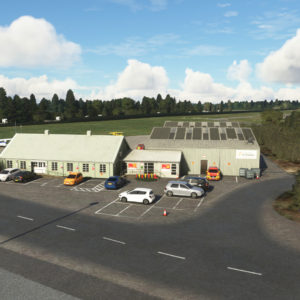
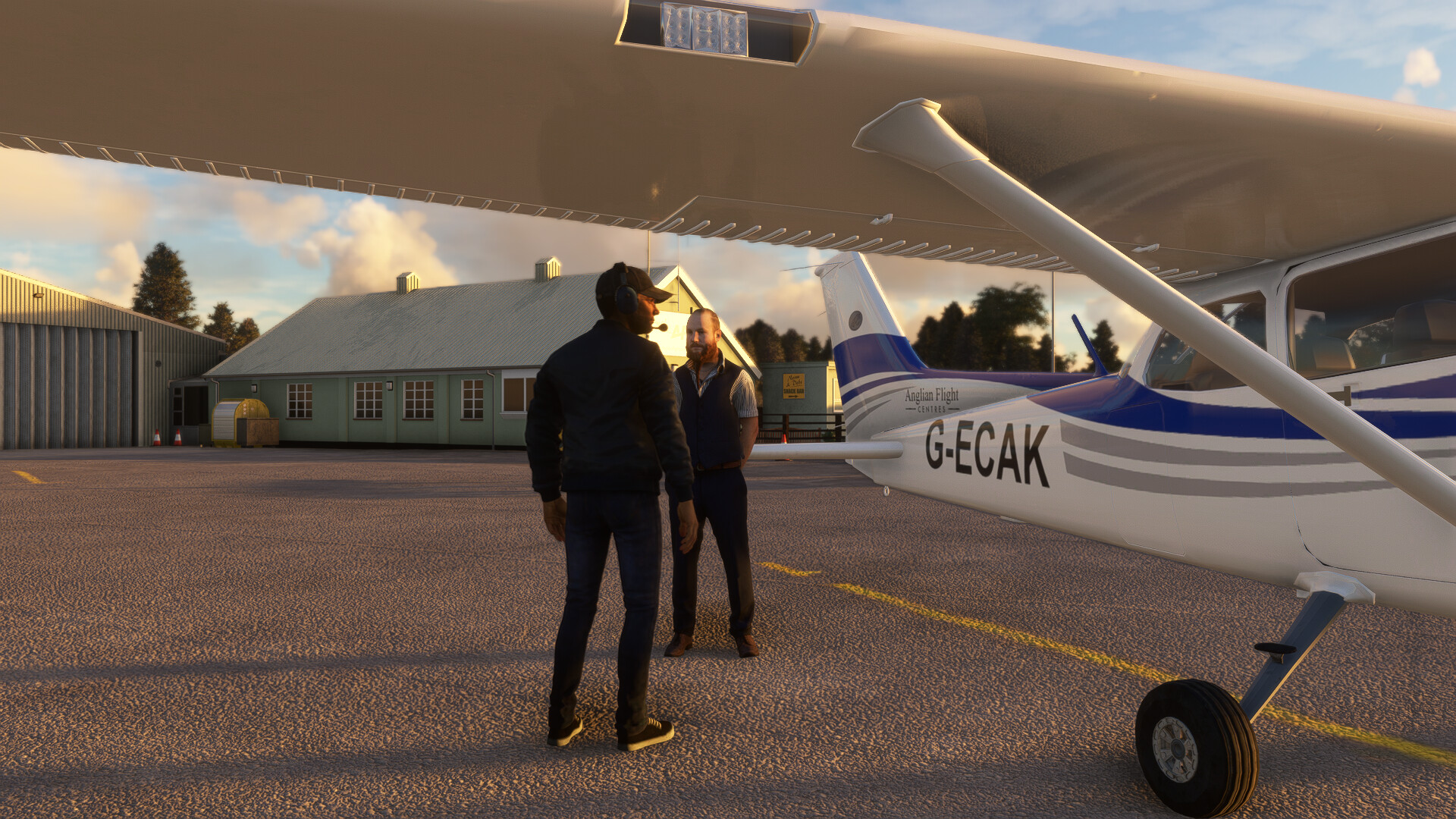
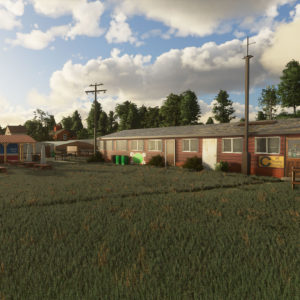
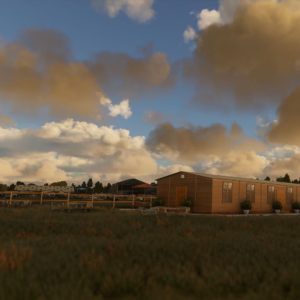
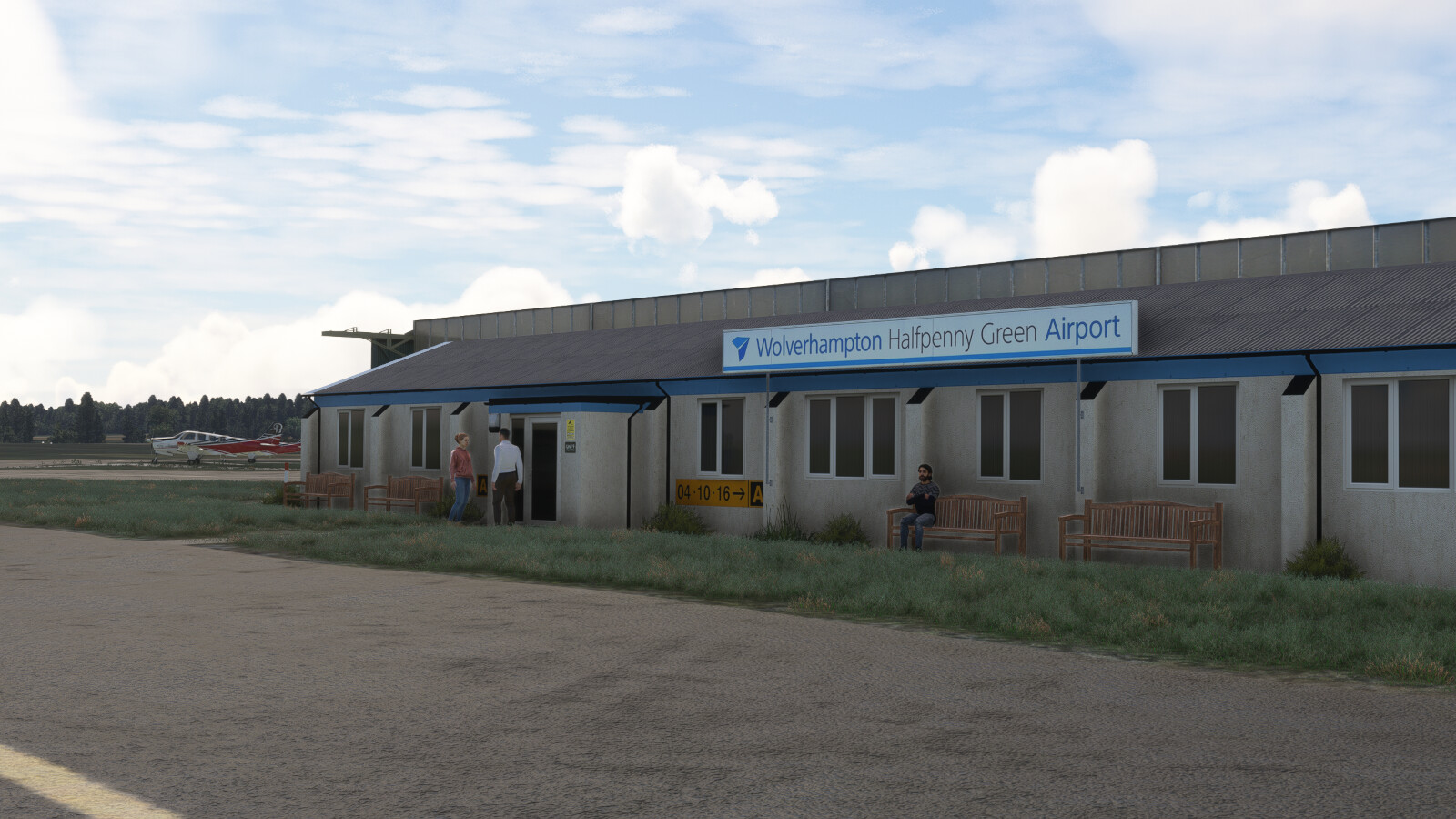
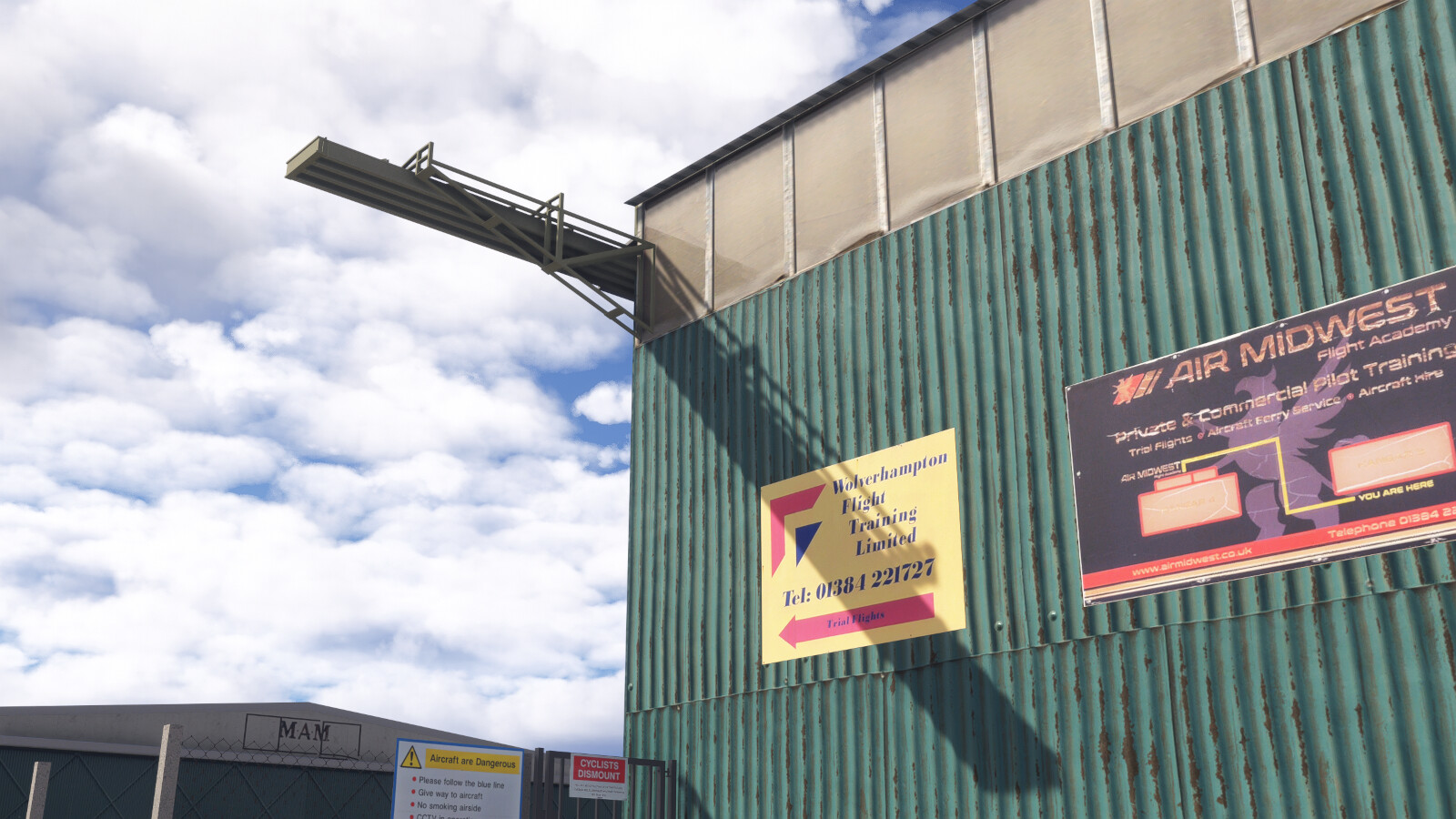
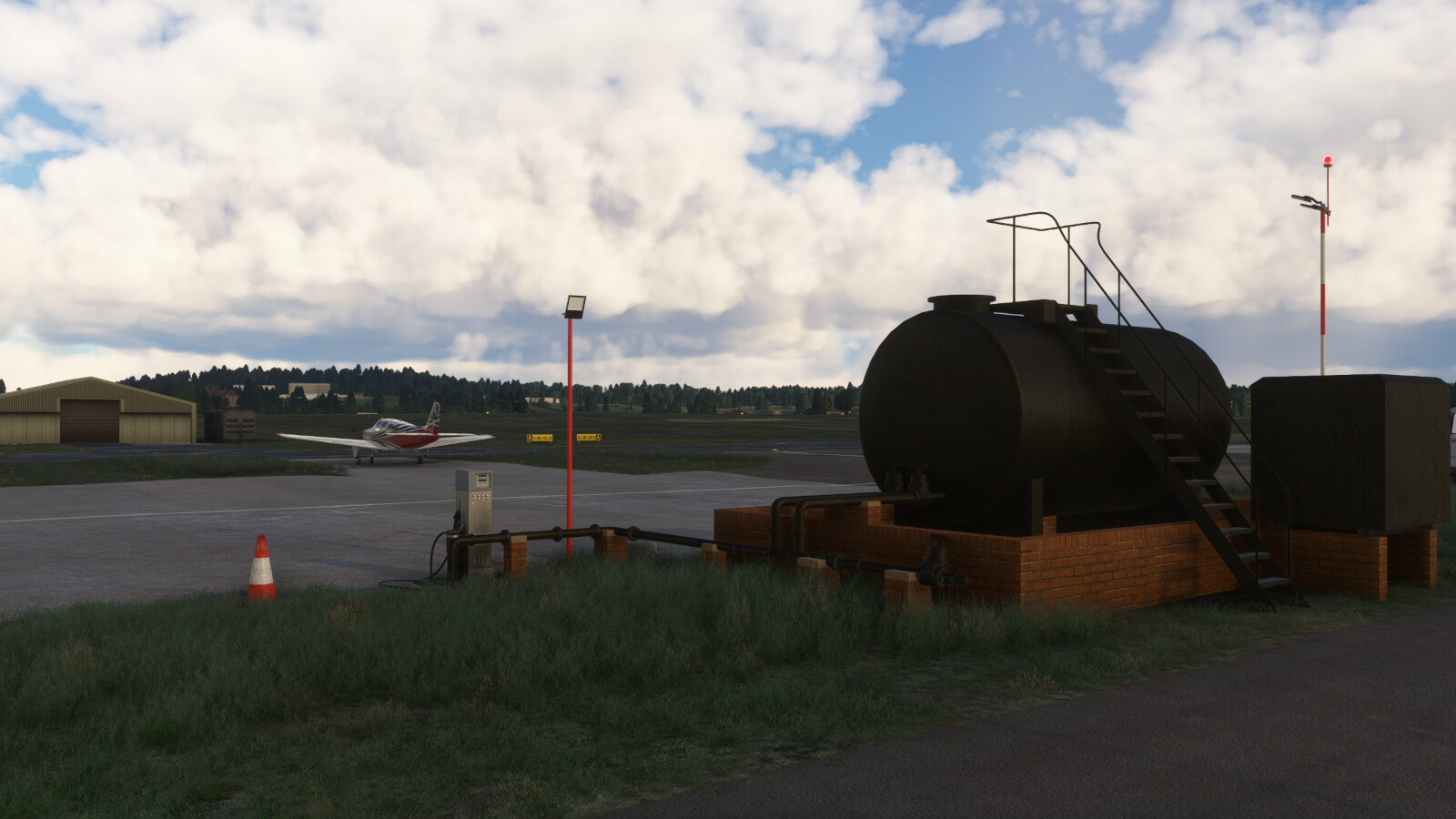
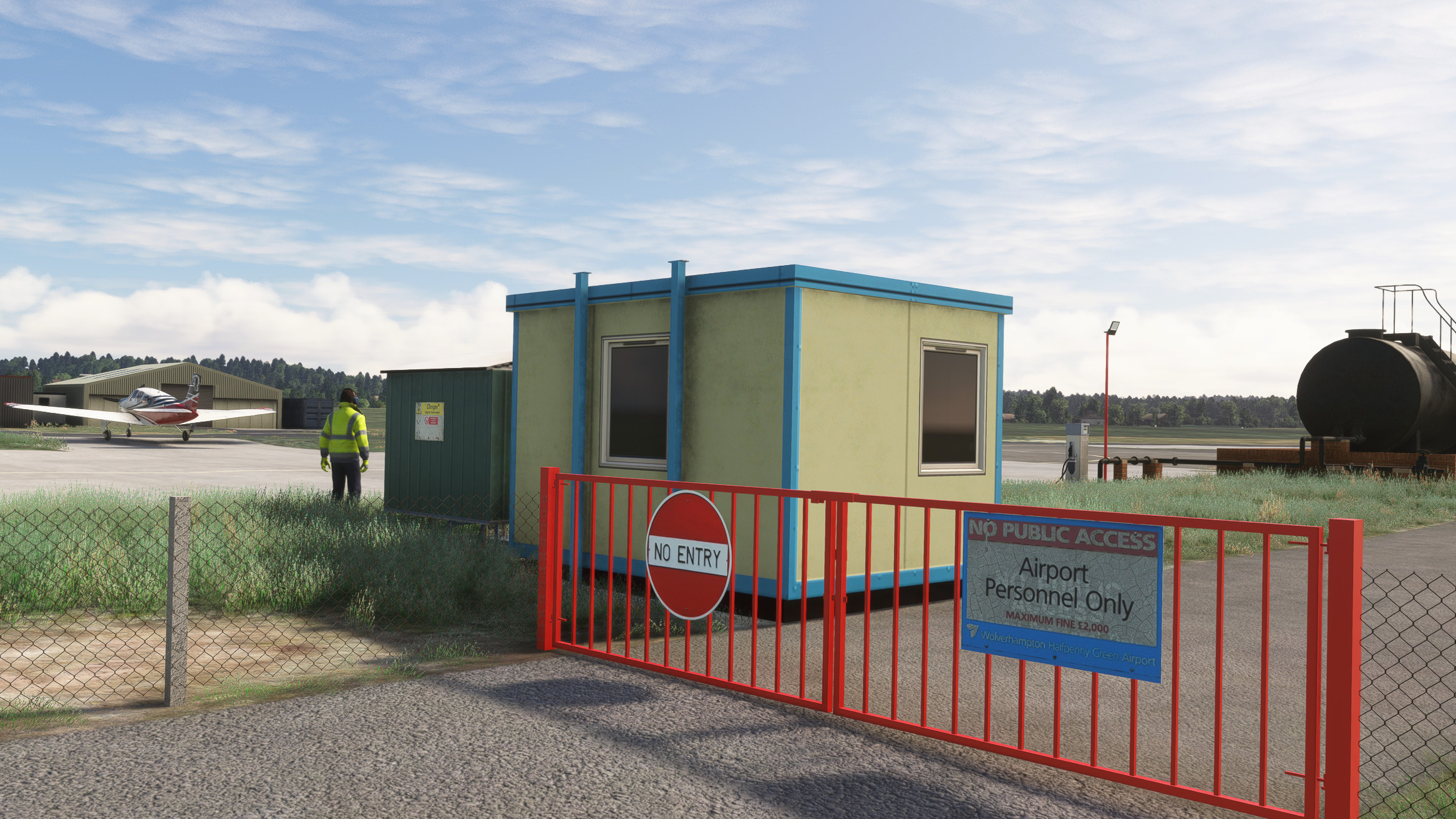
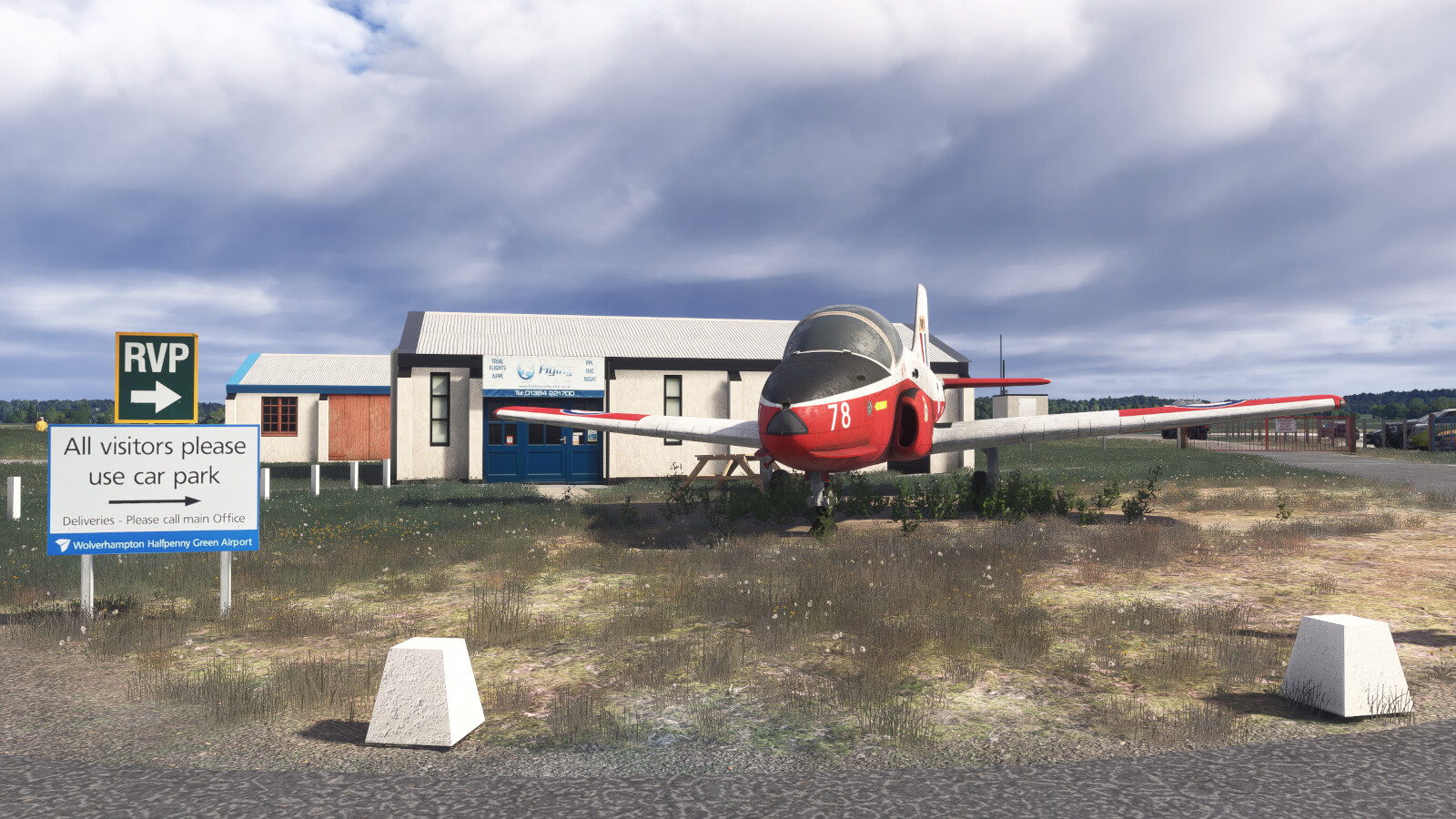
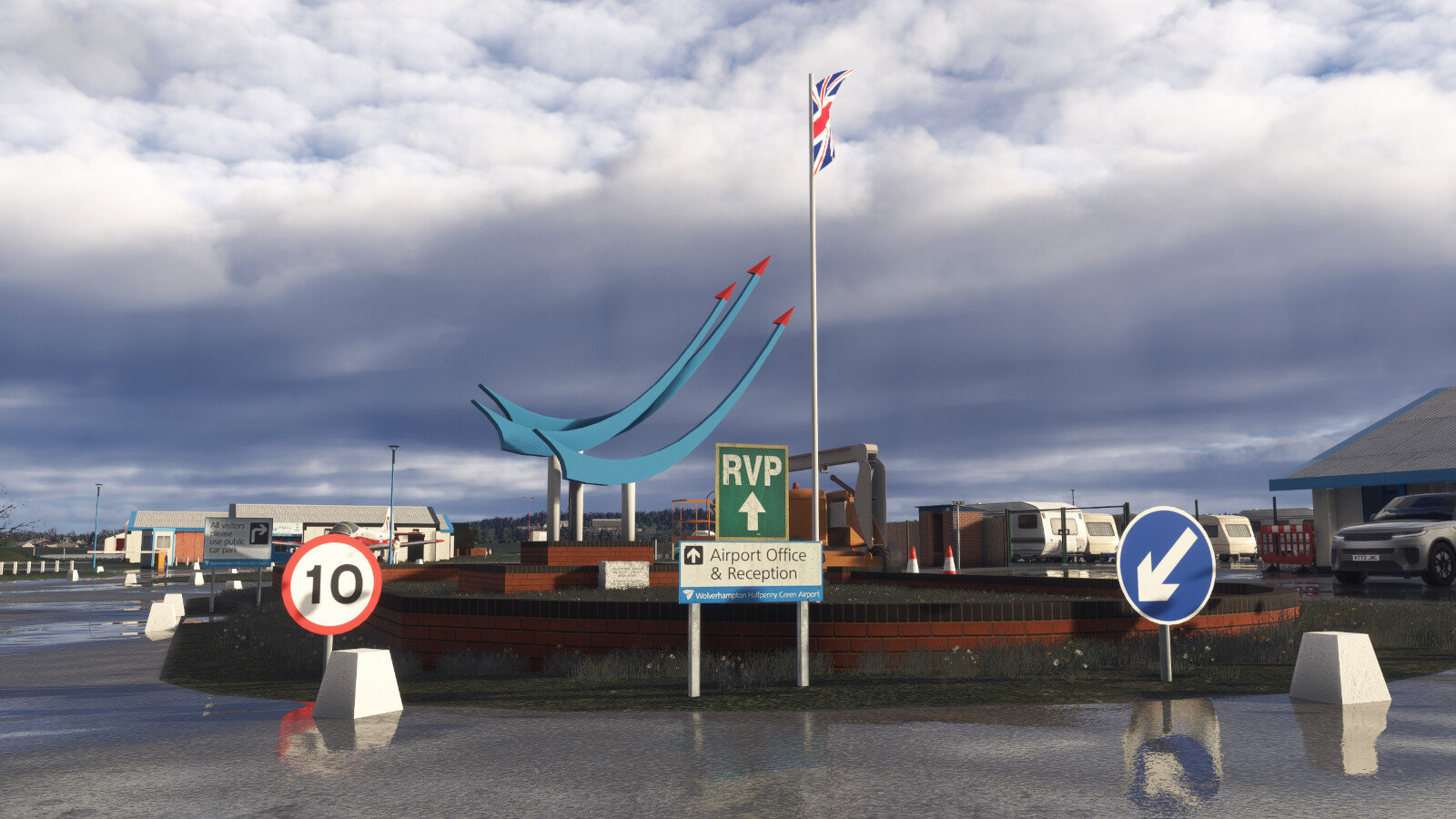
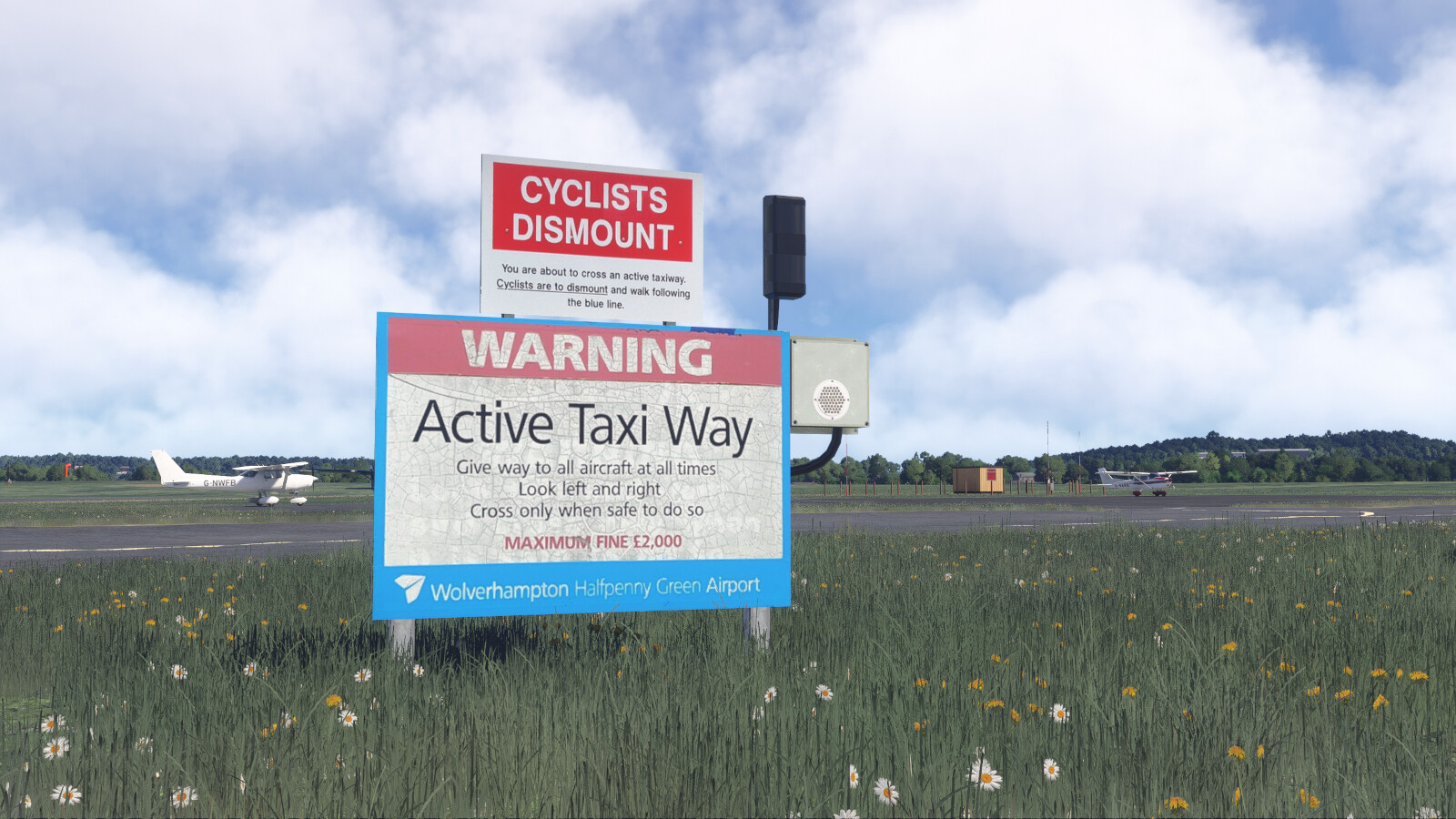
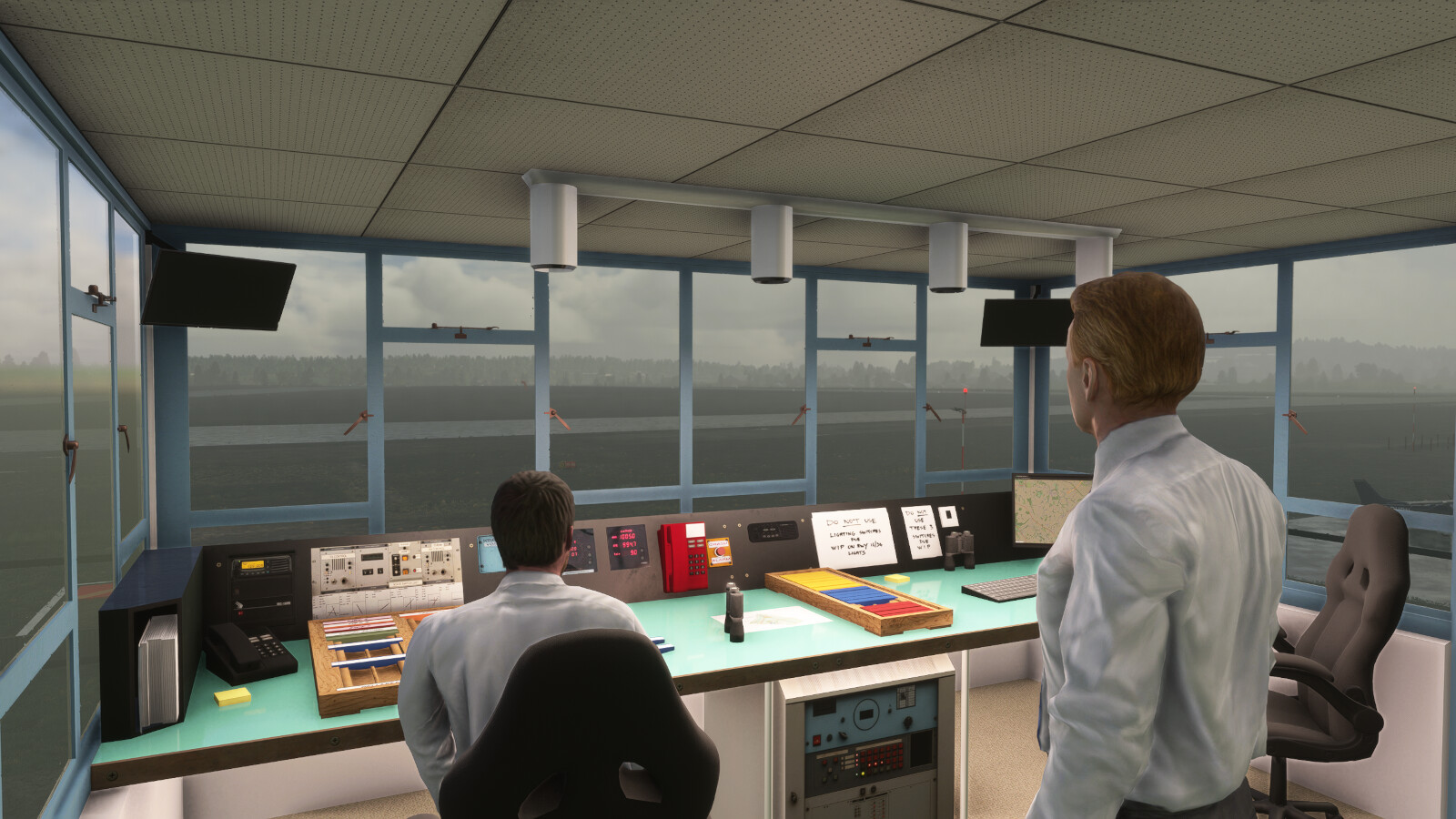
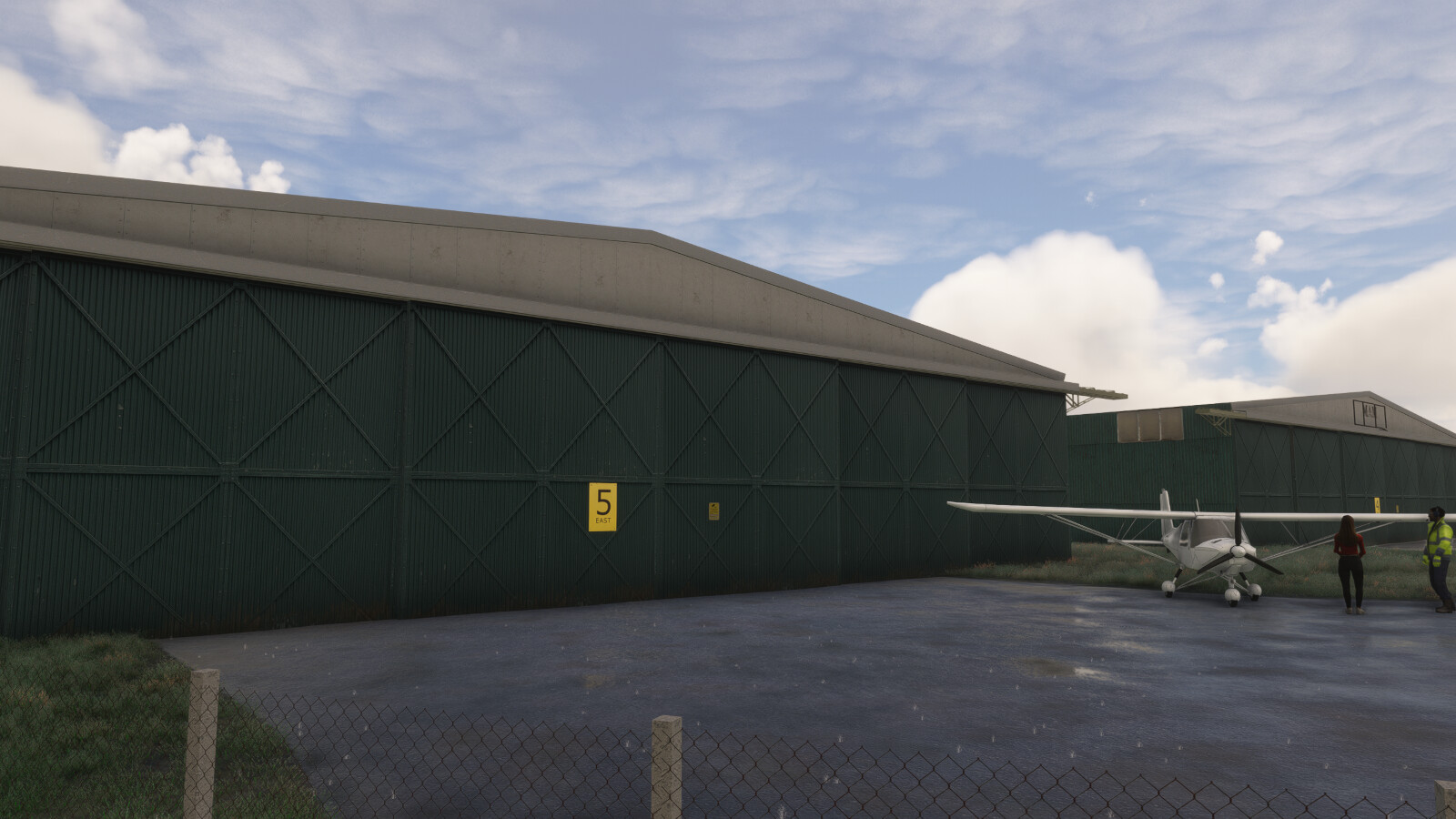
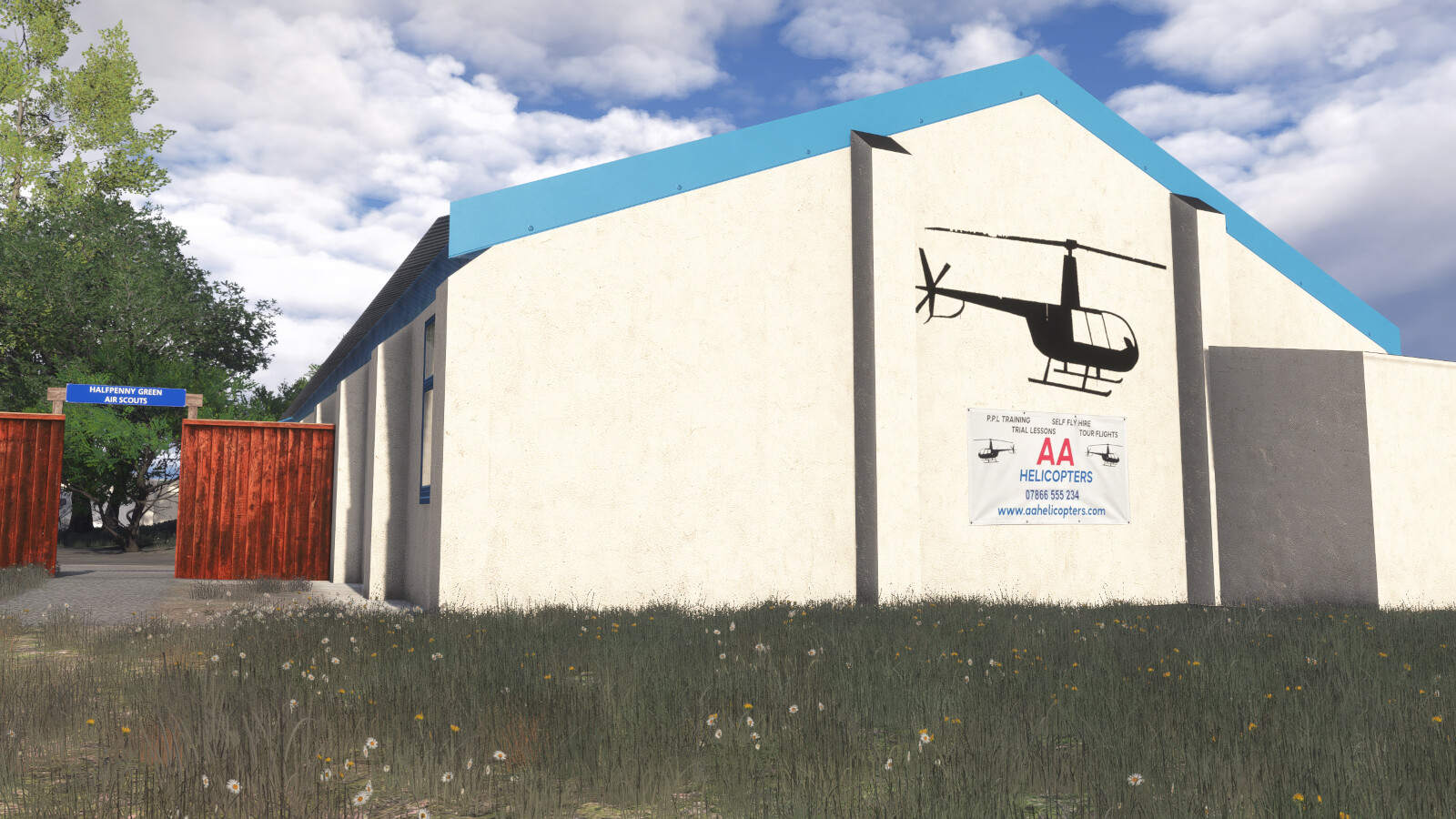
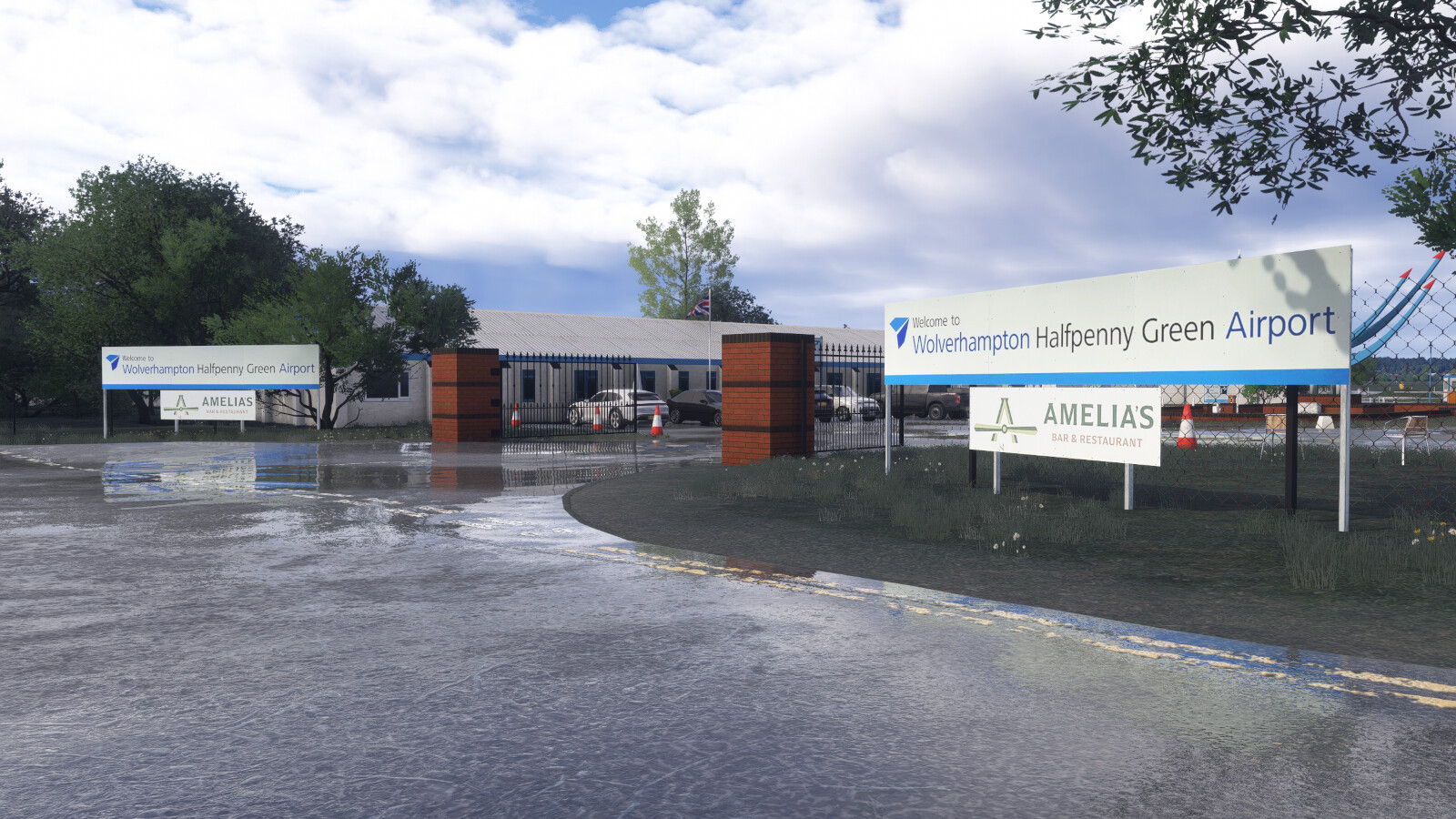
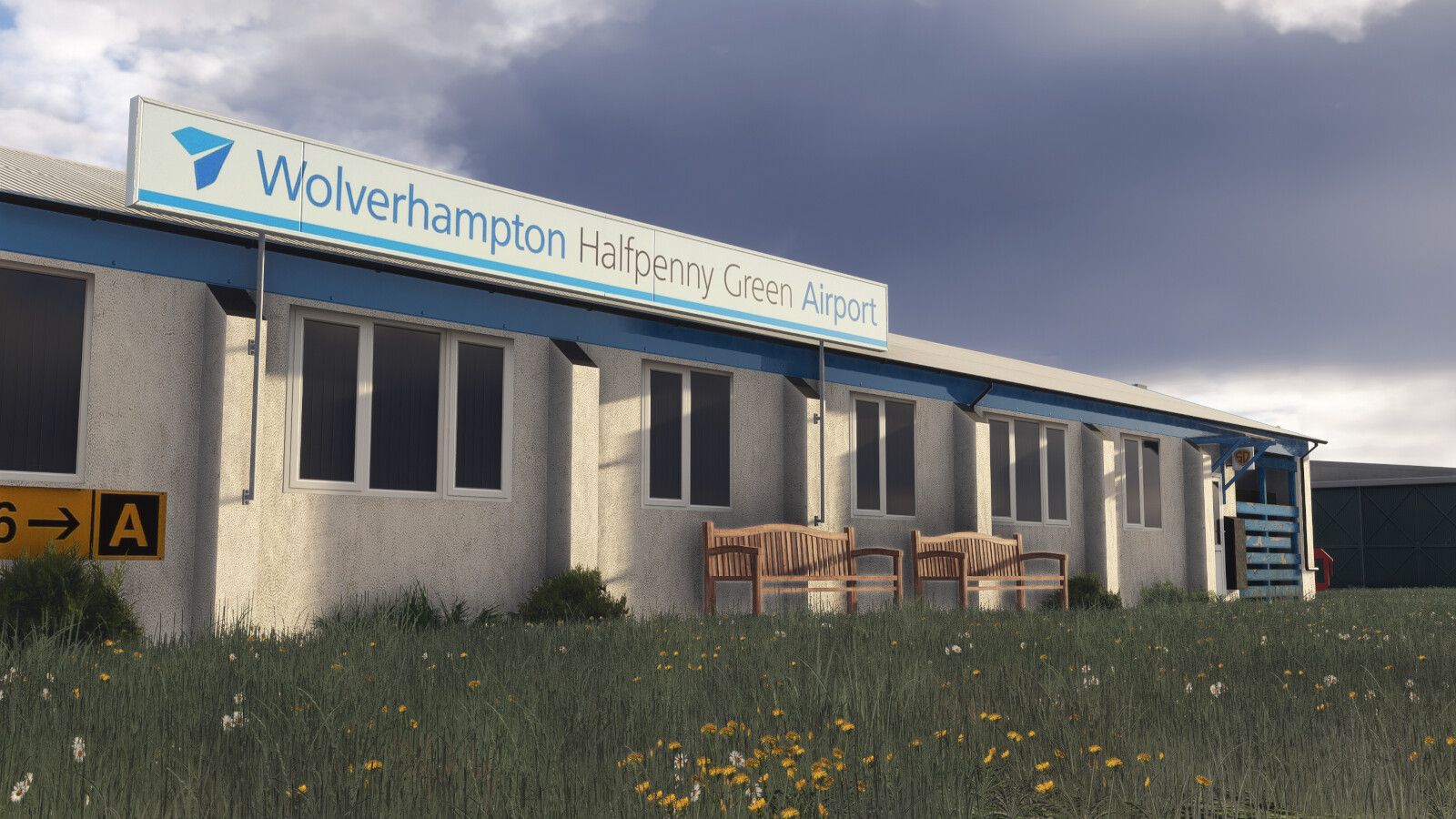
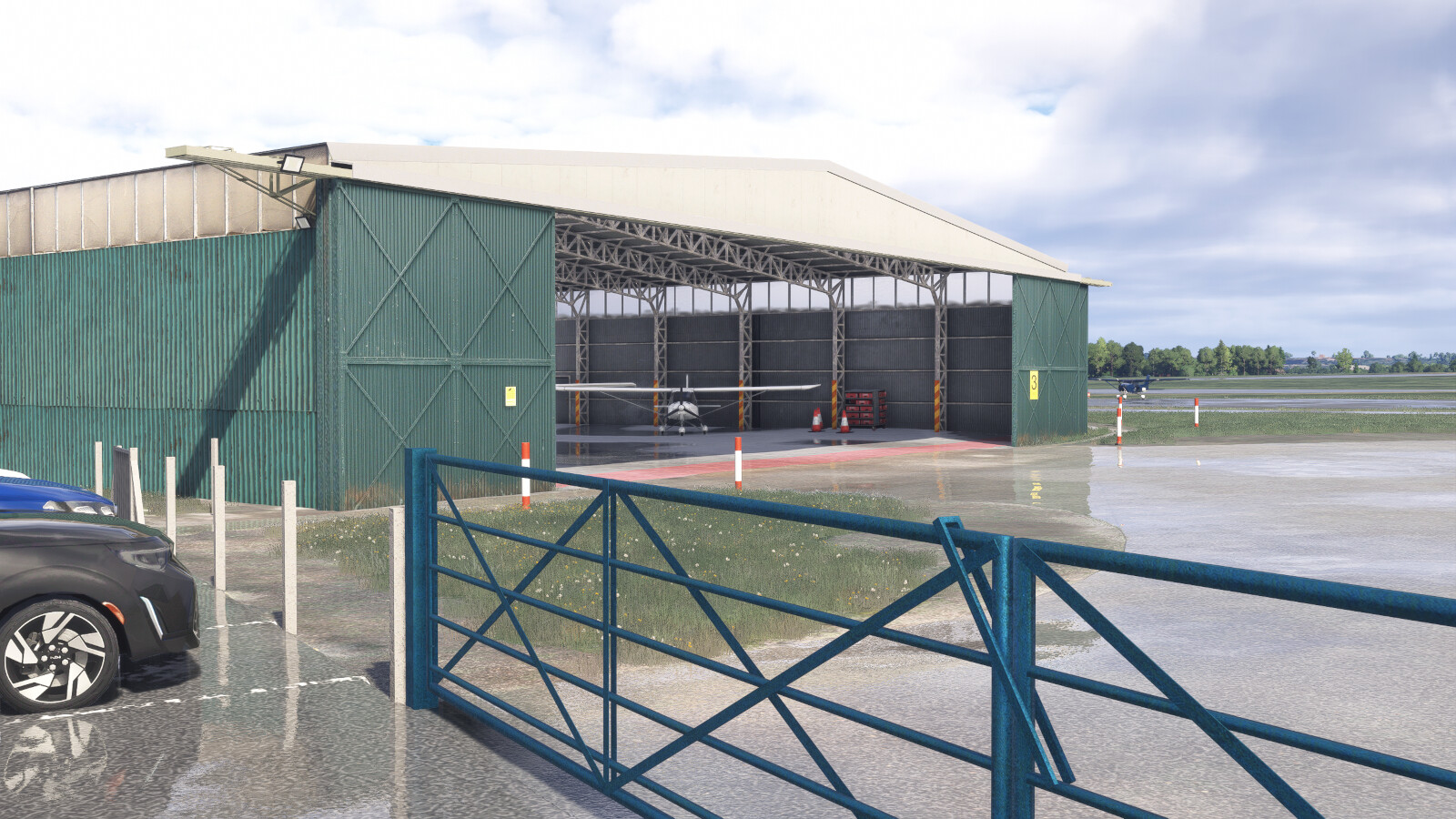
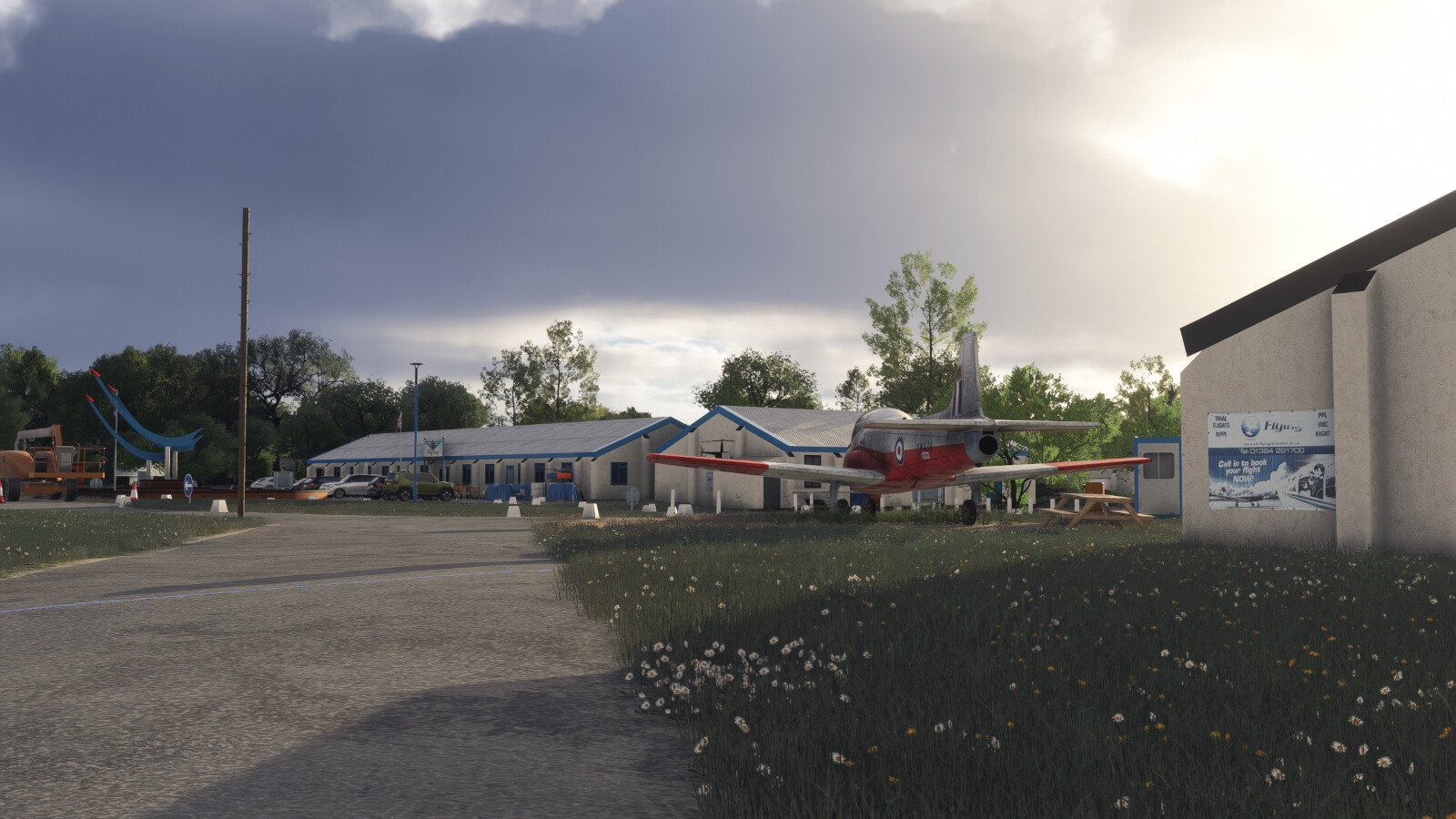
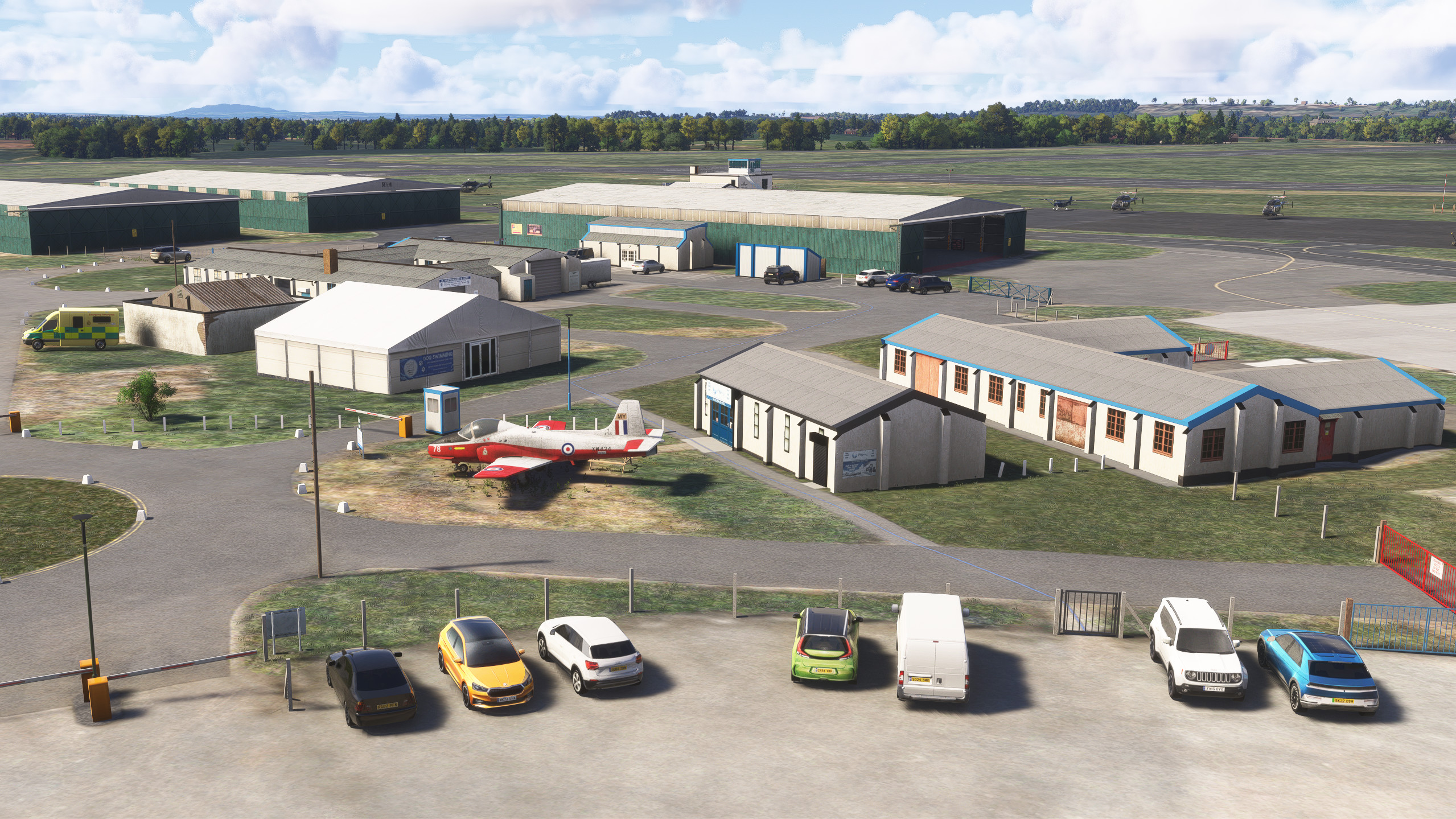
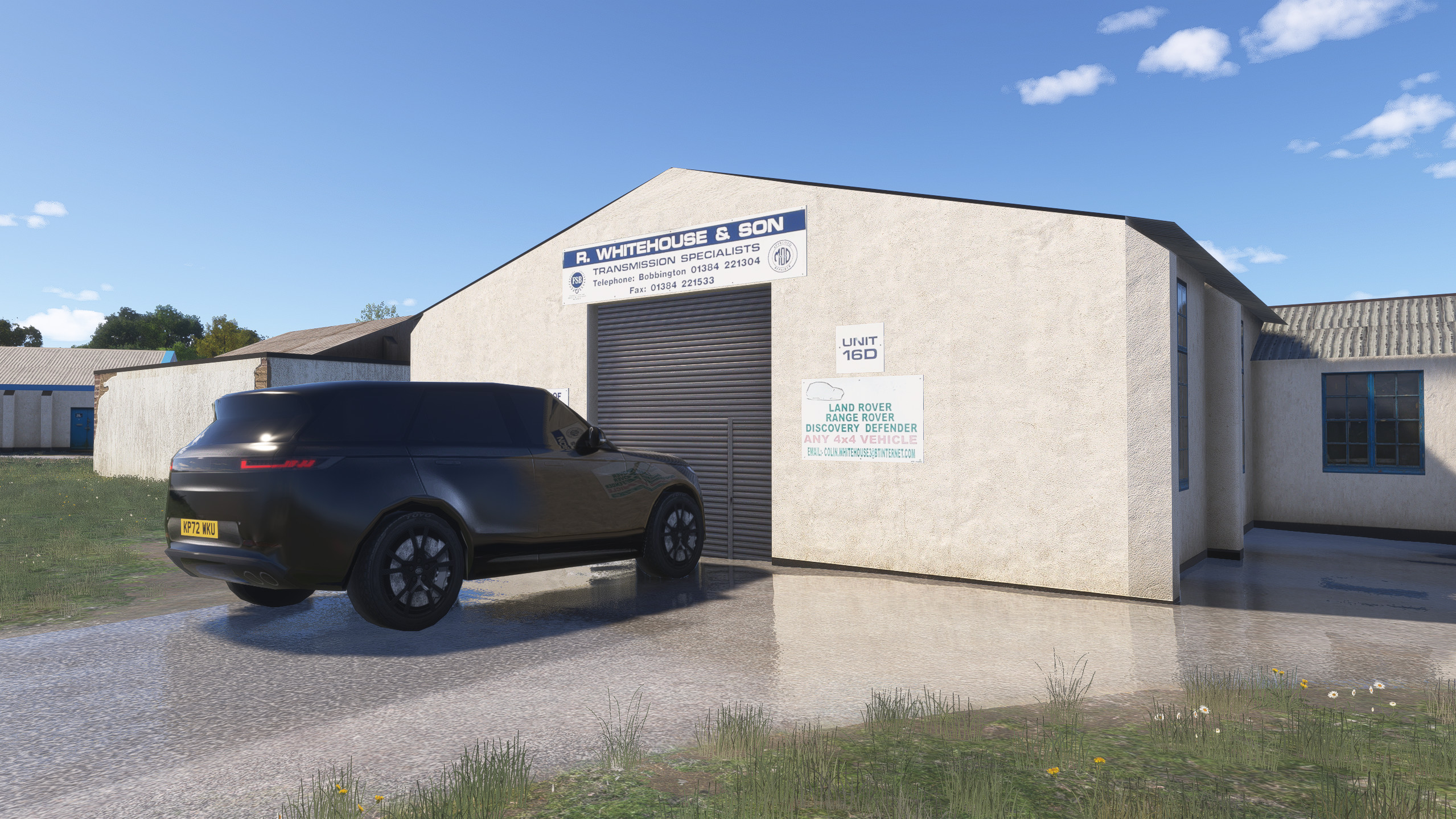
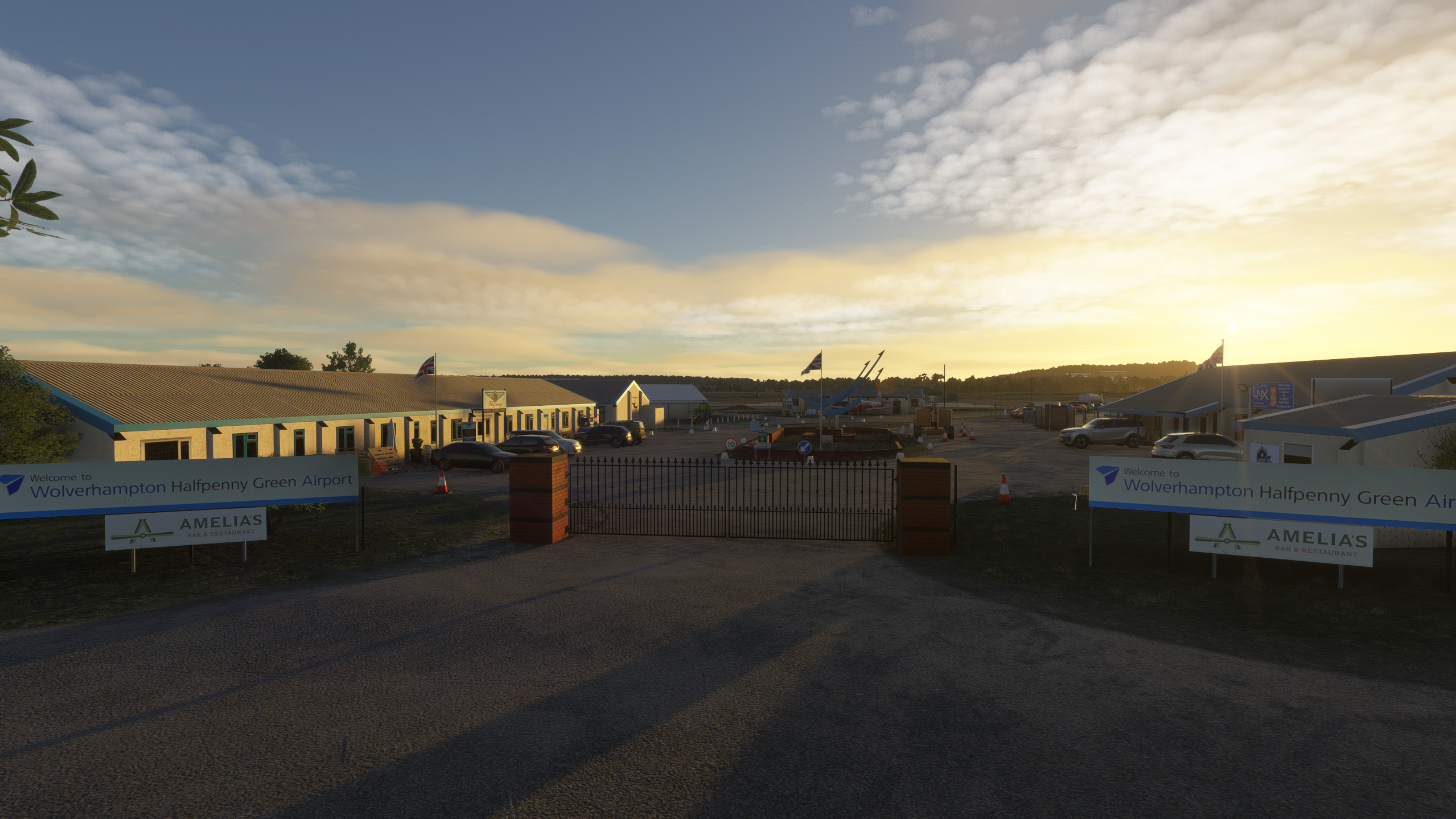
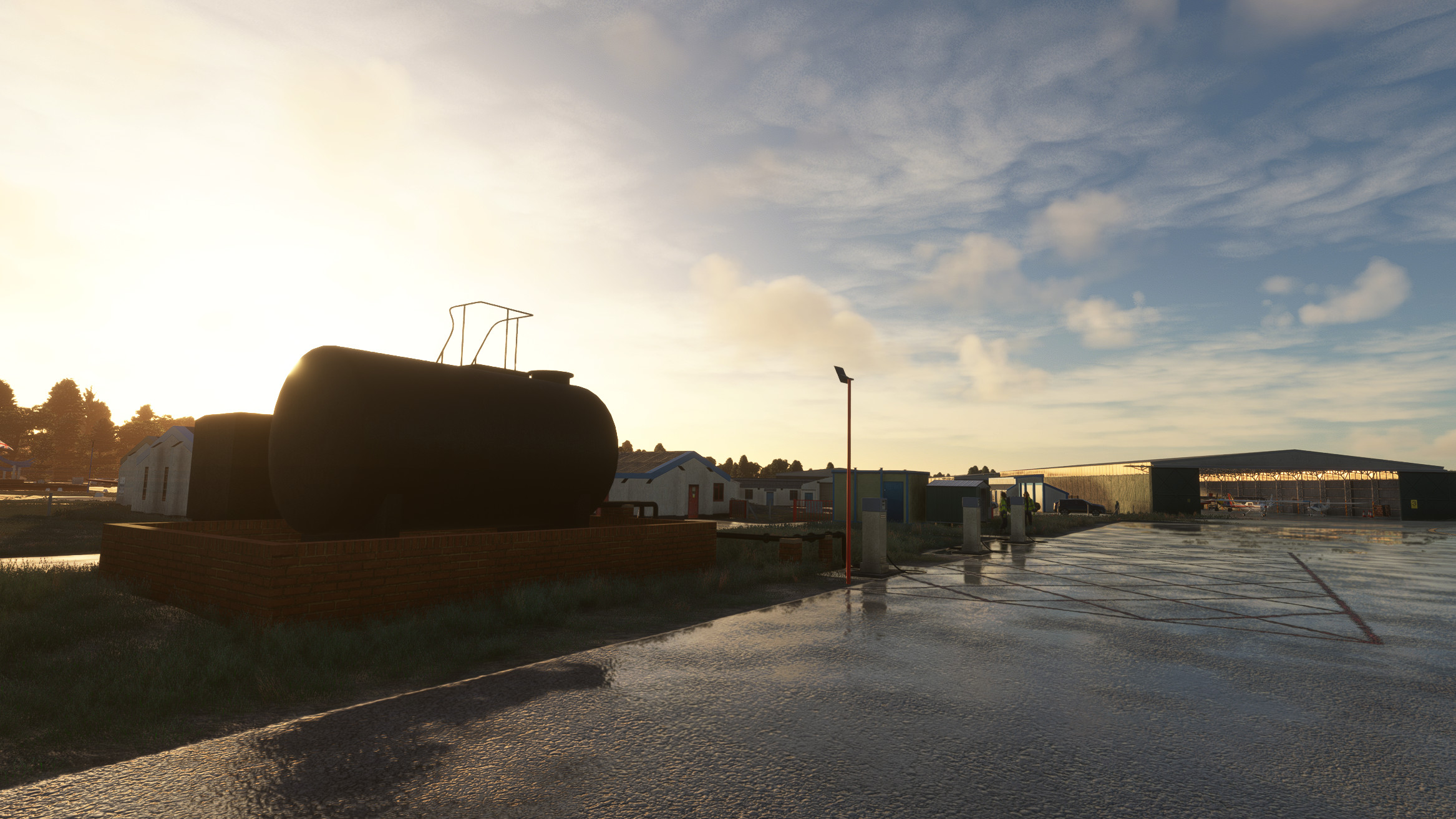
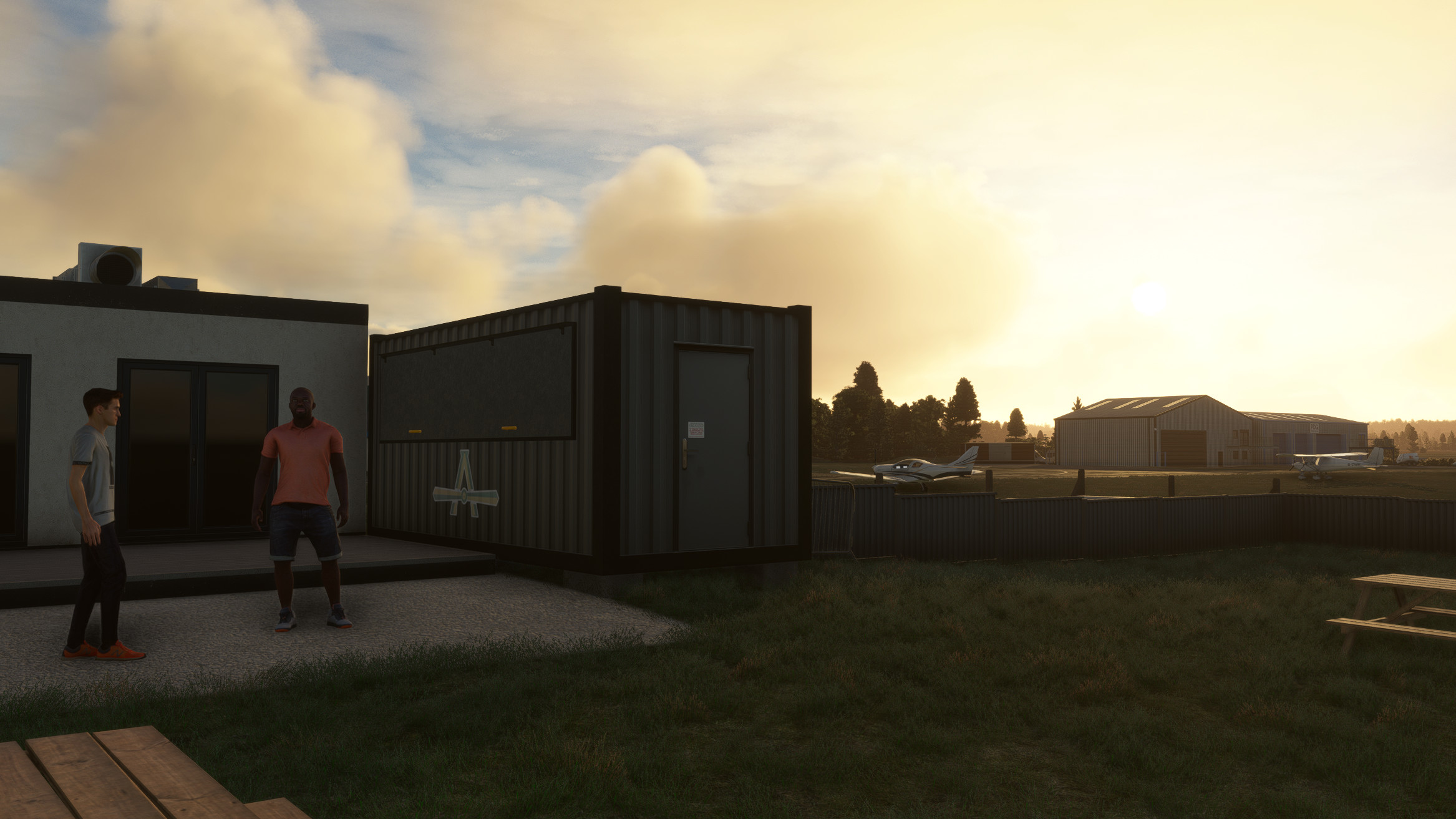
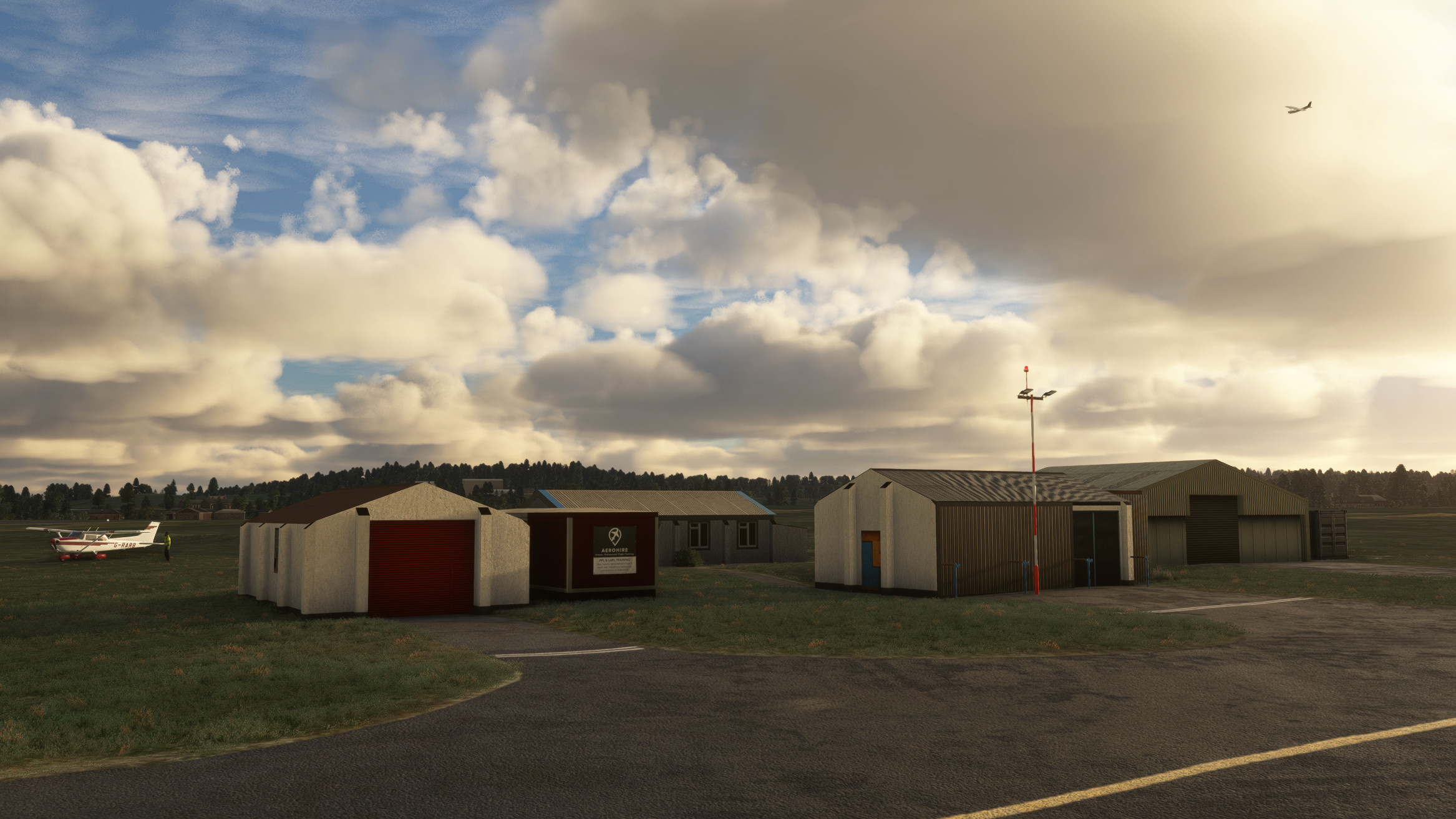
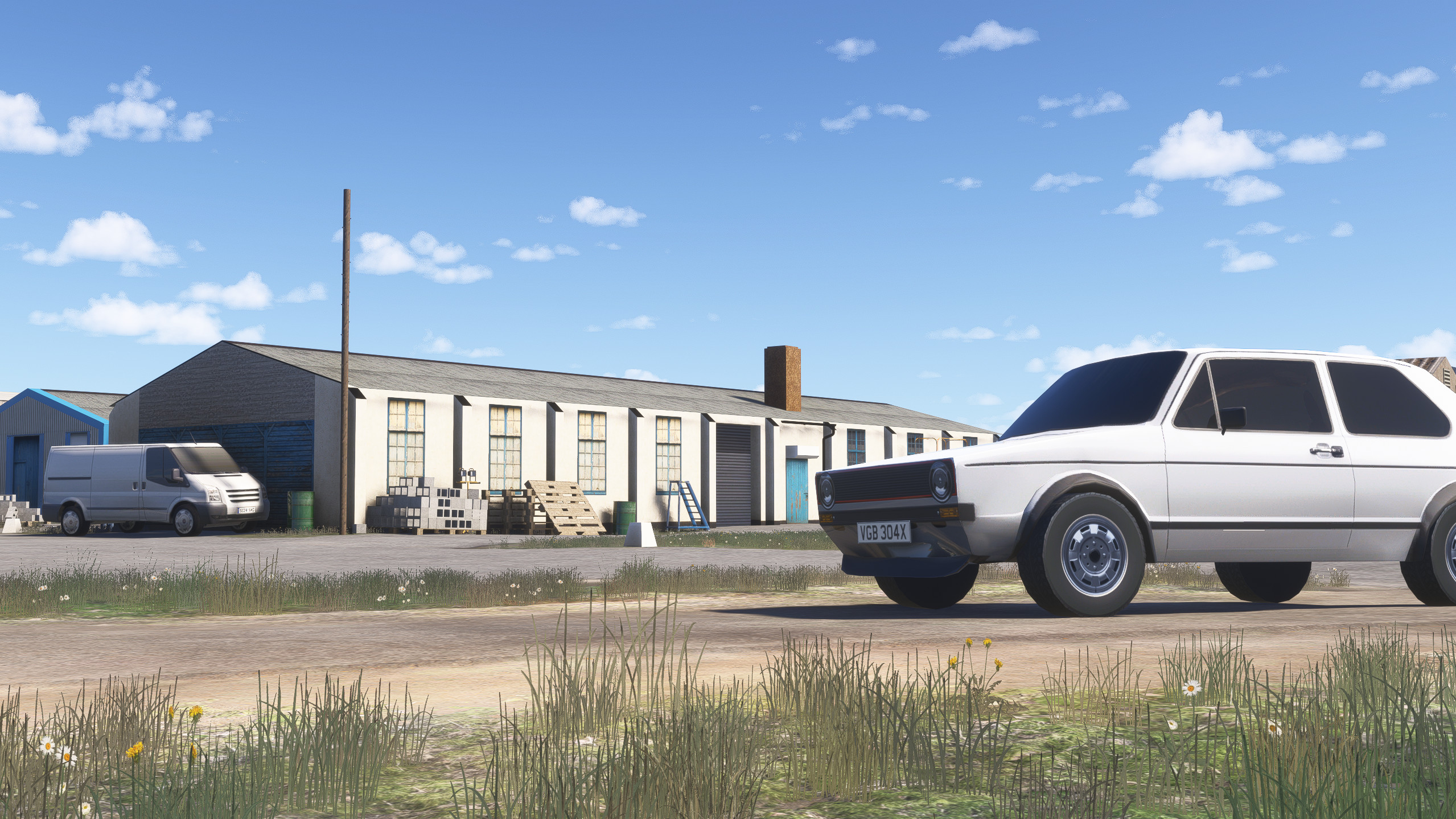
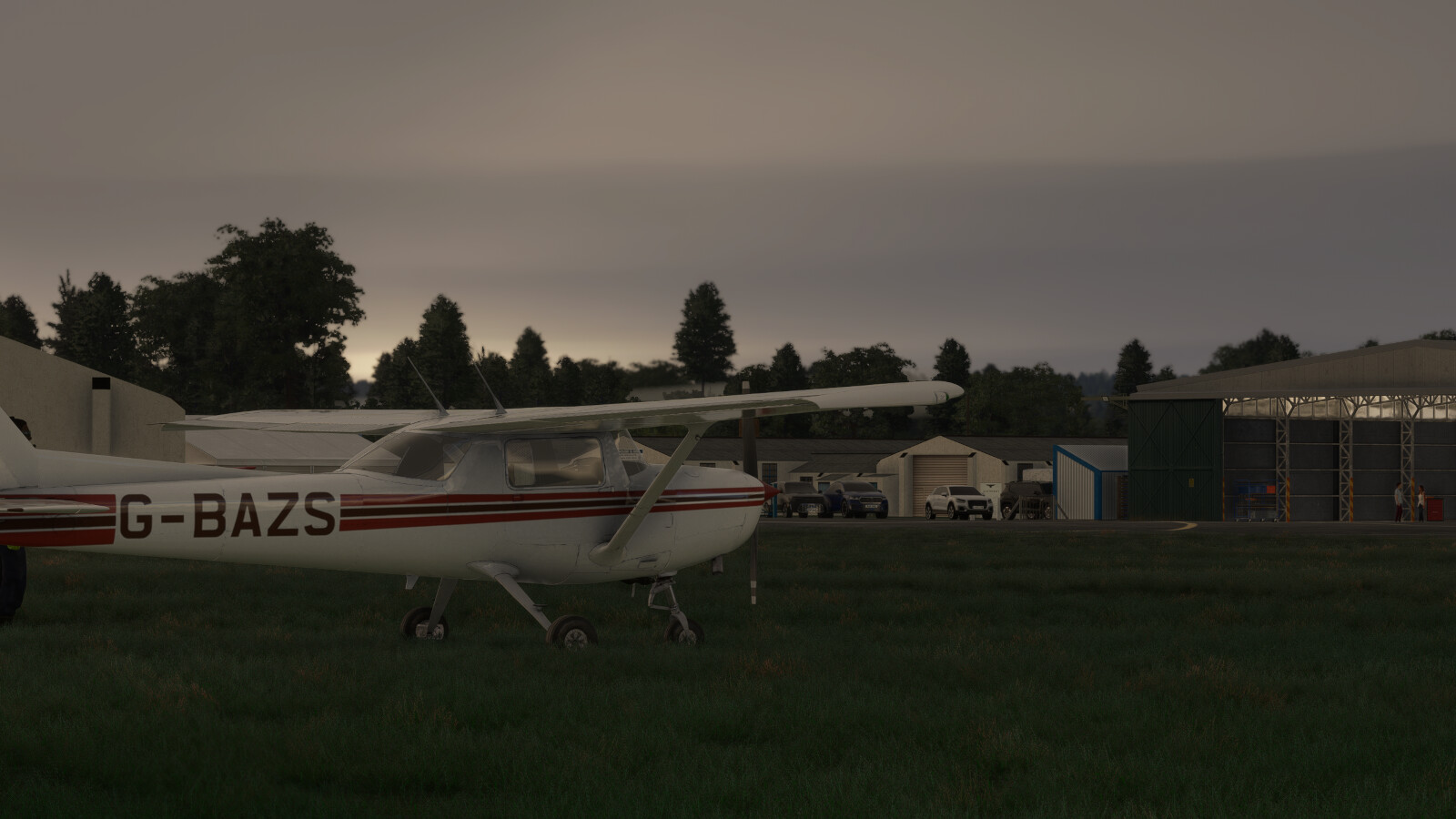
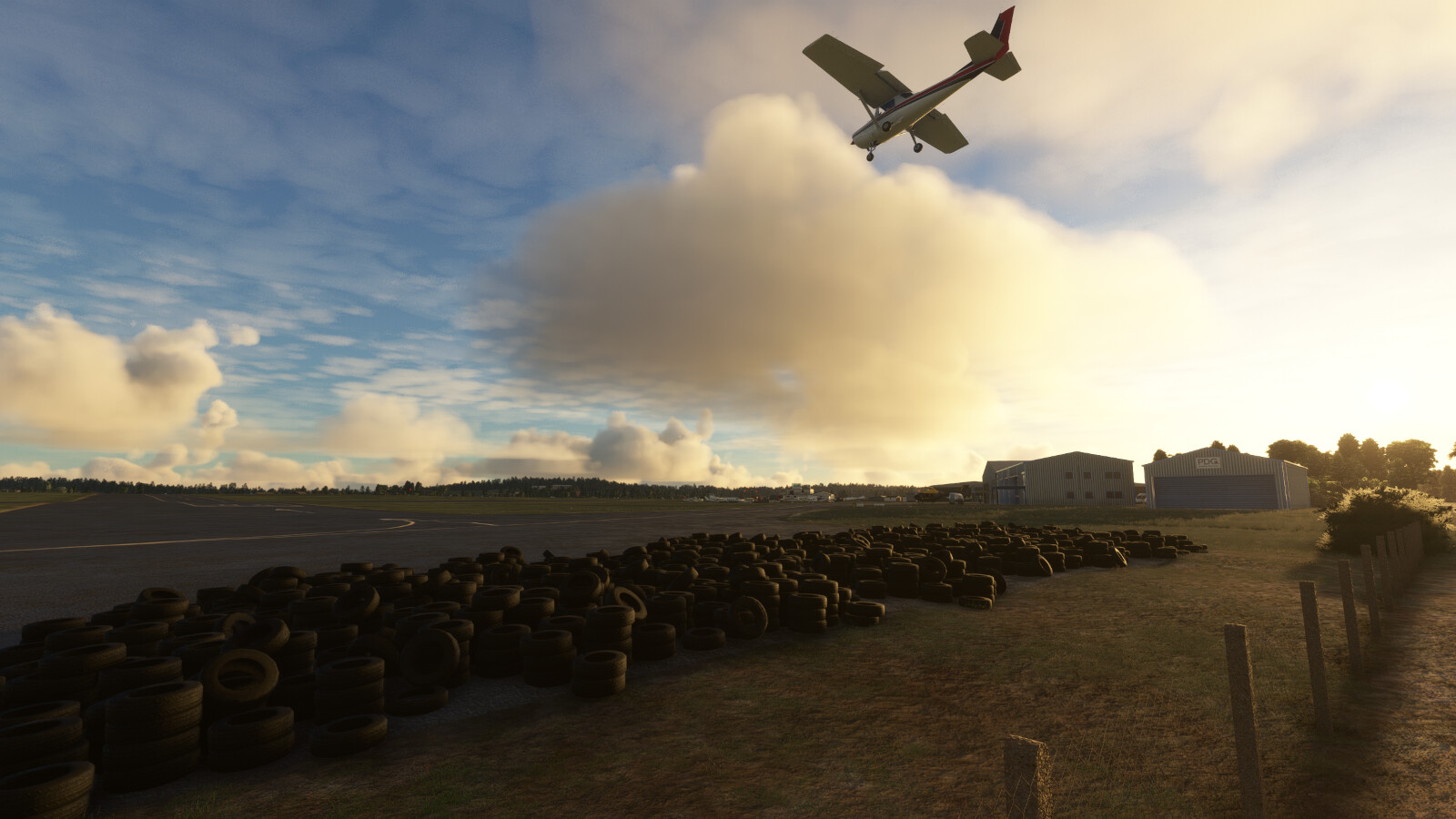
Wolverhampton Halfpenny Green Airport has been meticulously recreated by Burning Blue Design undertaking on-site visits to ensure the highest levels of accuracy. It features:
- Over 200 custom 3D objects each with full Physical Based Rendering (PBR) textures.
- Accurate runways, taxiways and custom taxi signs, including the recently expanded parking apron.
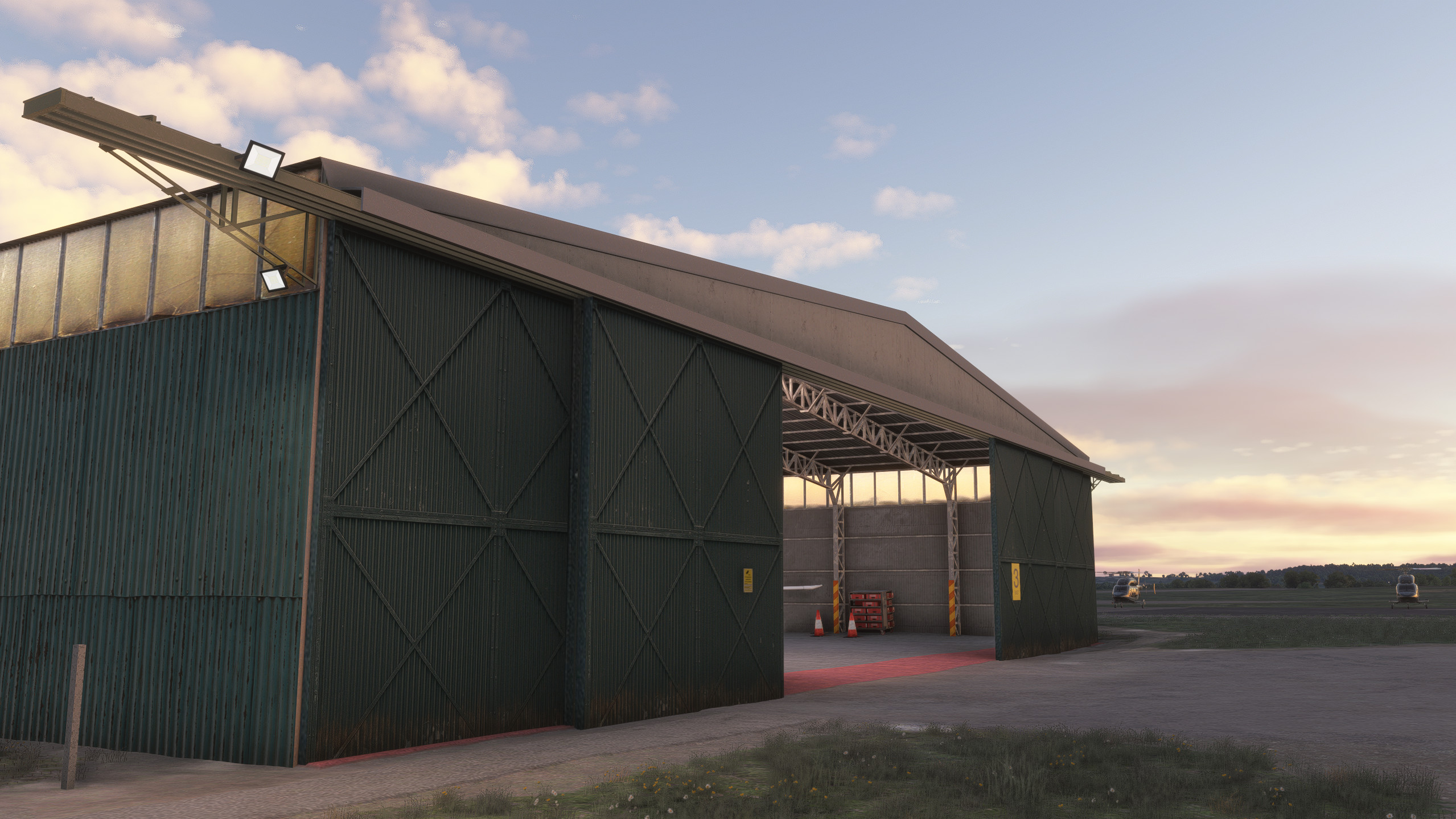
- Detailed control room and hangar interiors with animated hangar doors which close at night (open manually with Taxi Lights)
- Working signal square
- Completely custom windsock and dynamic animated flags
- Animated spectators
- Full dynamic weather compatibility
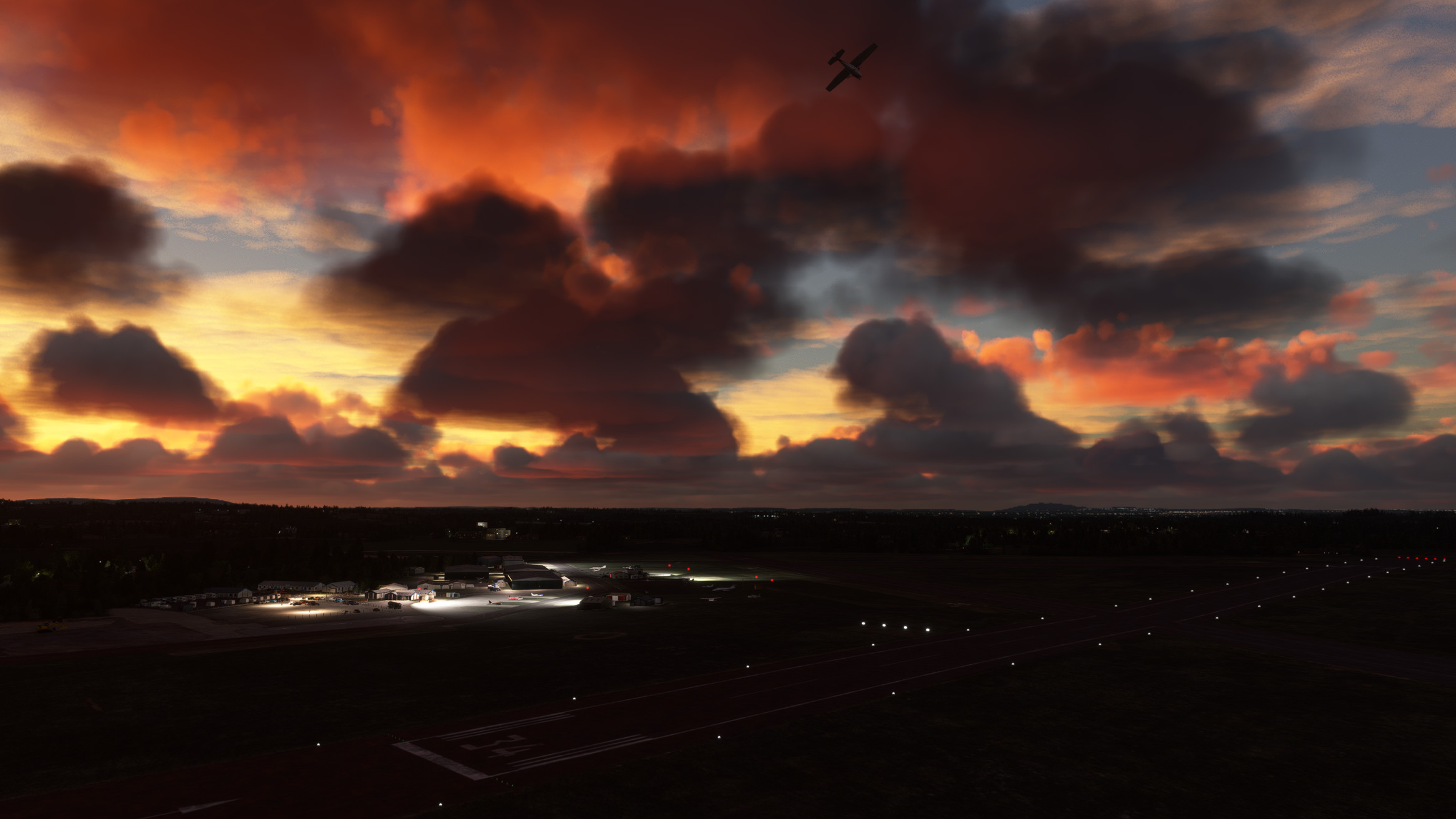
- Custom night lighting with accurate PAPI and runway lighting
- Enhanced high resolution colour corrected ground textures
- Native support for both MSFS 2020 and 2024
Image Gallery
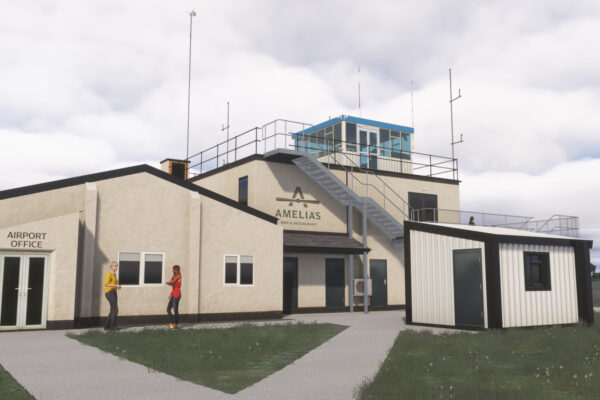
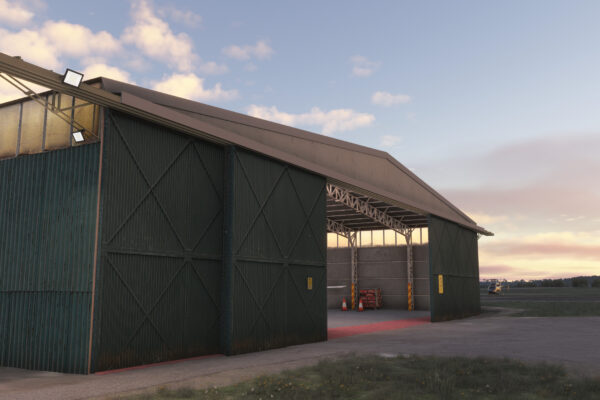
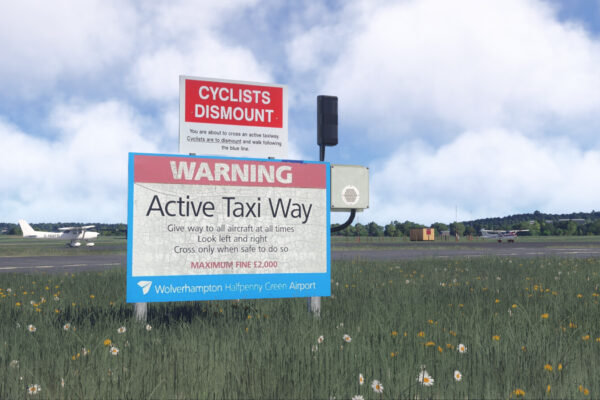
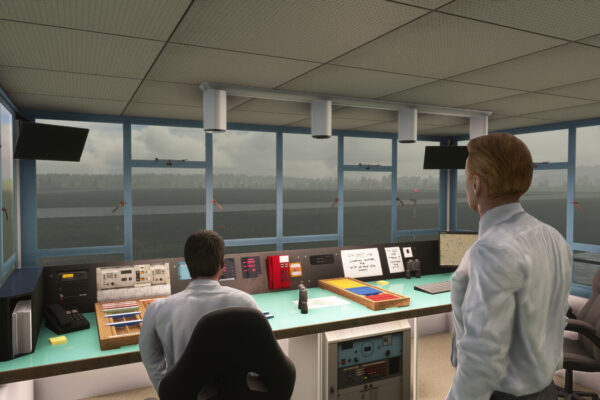
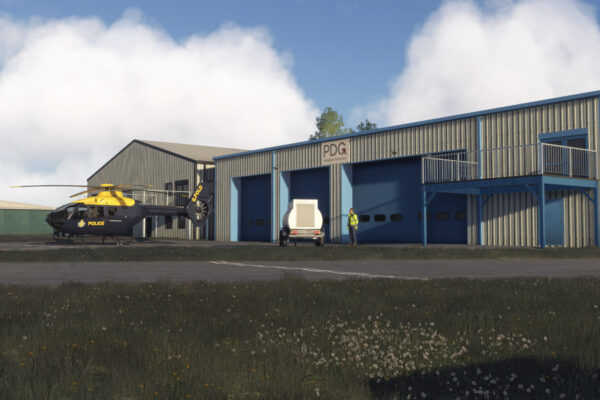
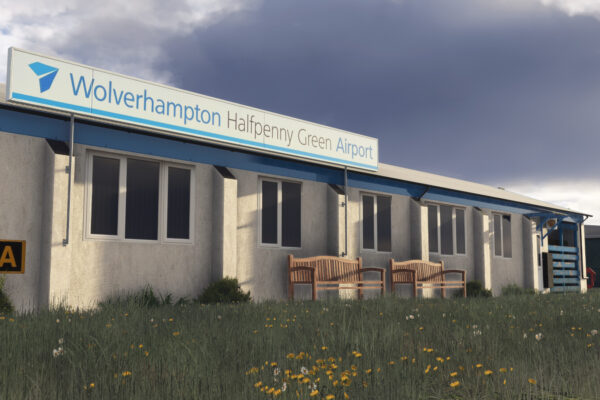
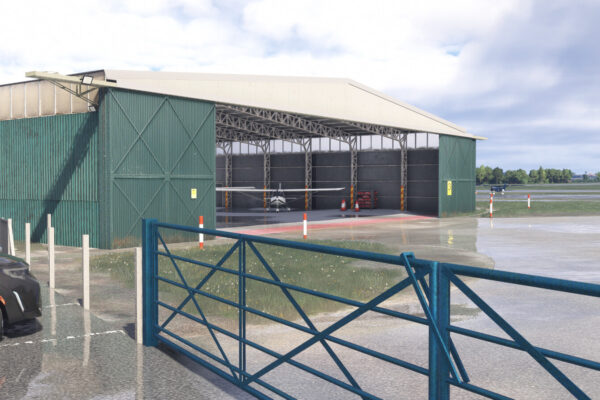
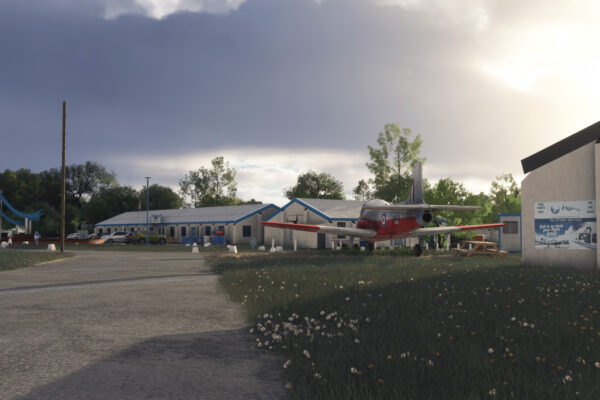
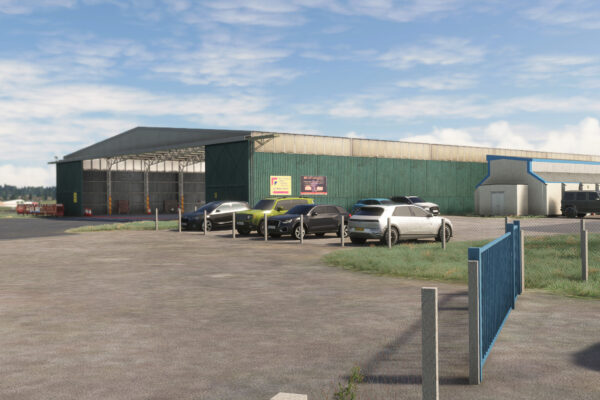
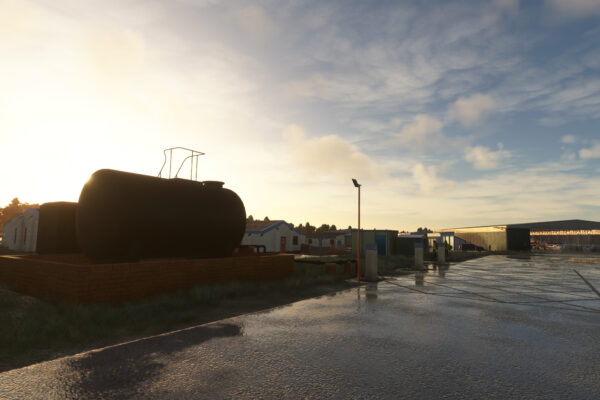
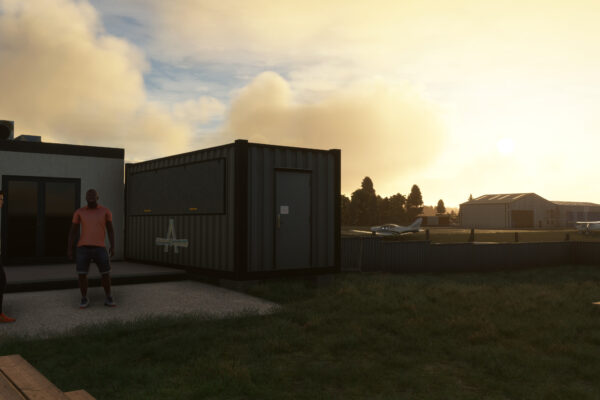
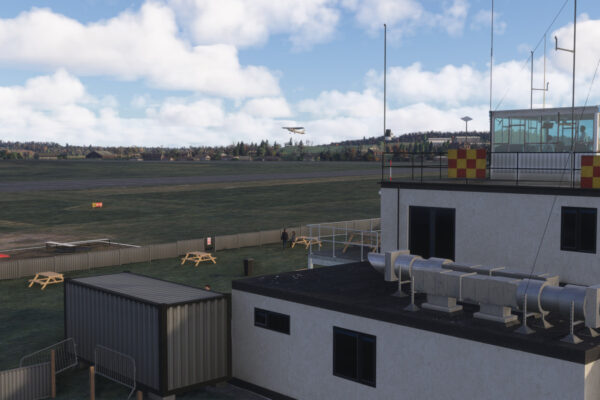
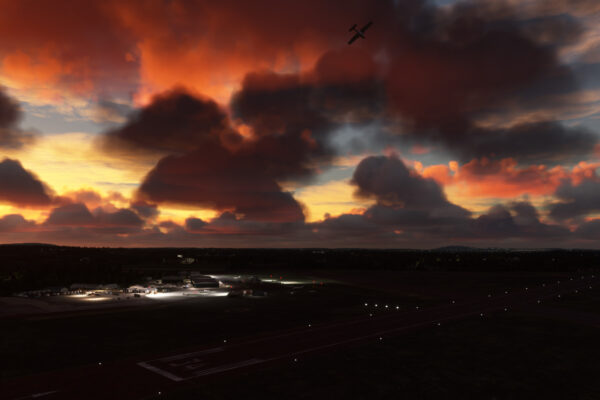
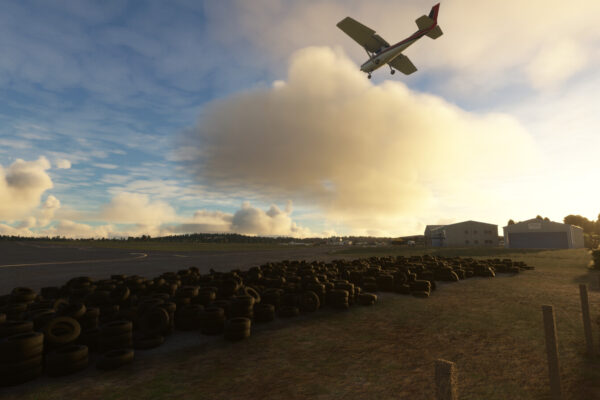
Trailer
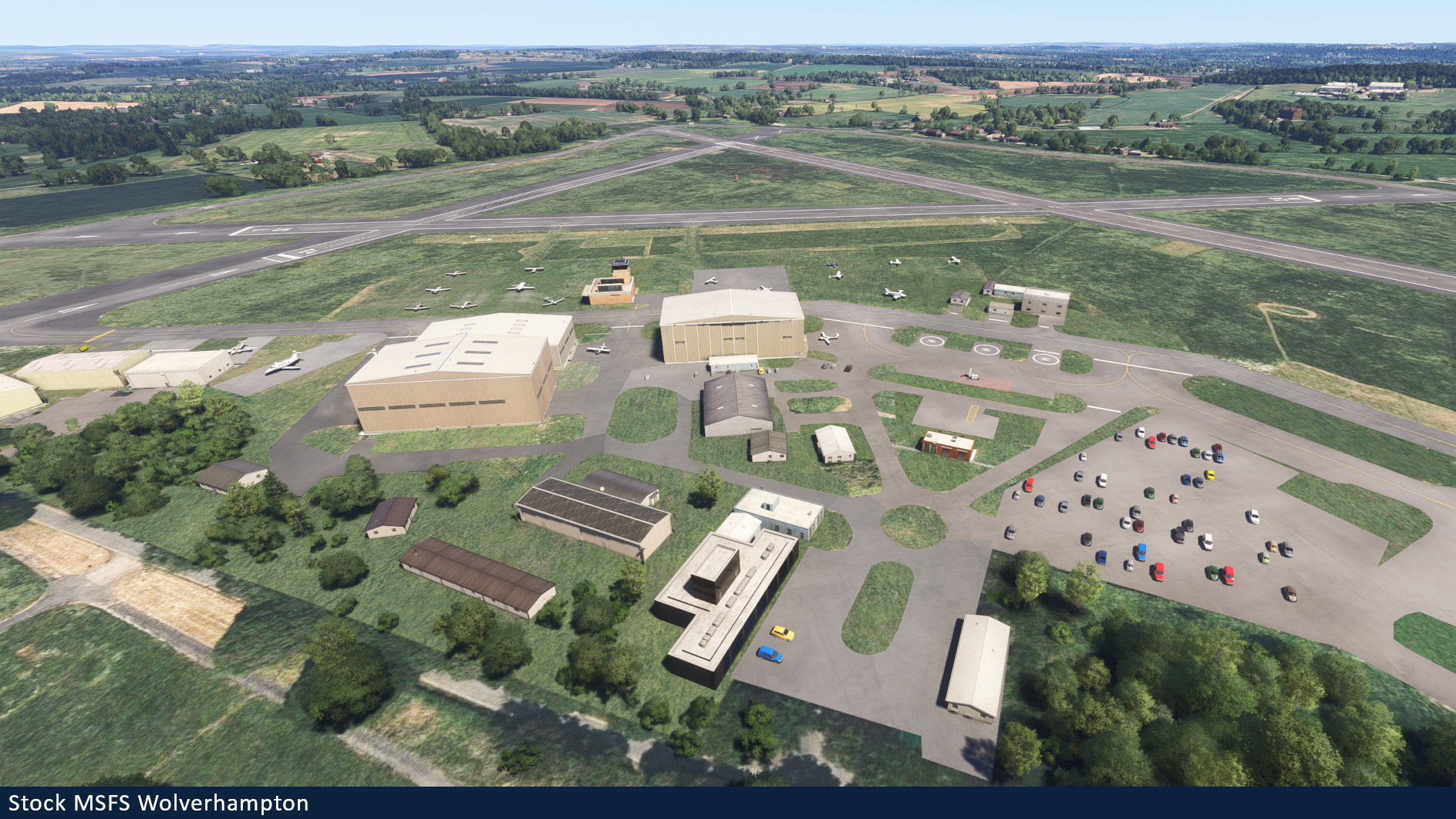
MSFS stock Halfpenny Green vs Burning Blue Design Halfpenny Green
Installation Instructions
Once you have purchased and downloaded the product, double click on the zip file to open it. You should see the airport’s folder inside, this will need to be extracted and placed into your Microsoft Flight Simulator Community folder, if you don’t know where the community folder is, we have a full guide on how to install our packages here.
If you still have trouble locating your community folder this easy to follow video will help: https://www.youtube.com/watch?v=fhSkMzWLFR0
There is also a community tool called ModmanFX which makes installing and removing Microsoft Flight Simulator packages incredibly easy, you can get it here: https://www.msfsaddons.org/freeware/modmanfx
Known Bugs
- Transparent and translucent glass panes can appear very dark when subject to particle effects such as rain, snow and fog. This is a known bug that Asobo/Microsoft are aware of and will hopefully fix in the near future.
Requirements:
Minimum
Recommended
Further Information and Licensing:
A number of the static vehicles used within the scenery were 3D models used under the Creative Commons Attribution License. The models were reskinned to match their real life contemporaries. For further information and full attribution on any of the individual models please contact us here: https://burningbluedesign.com/contact/
There are no reviews yet.