

Description
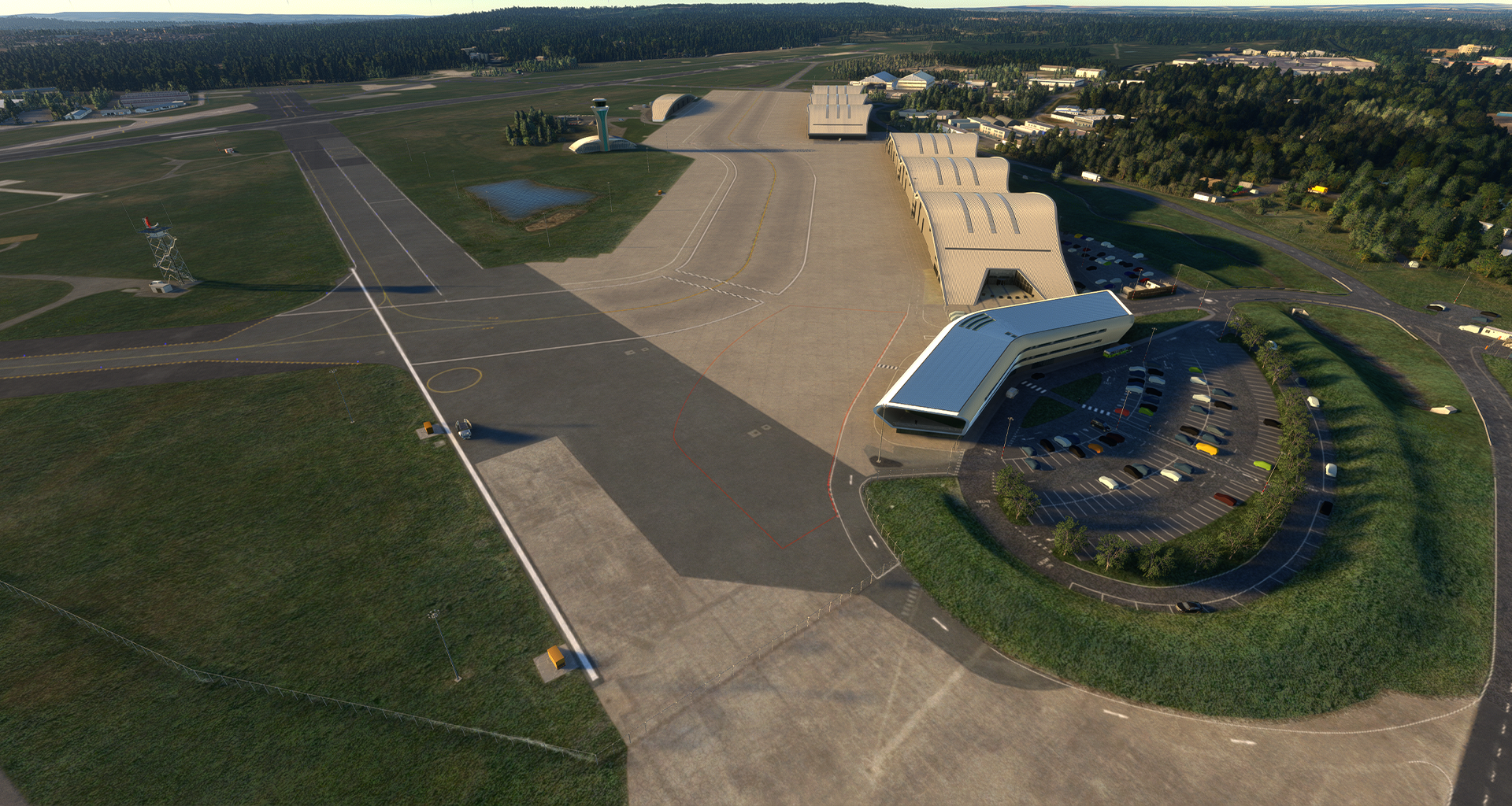
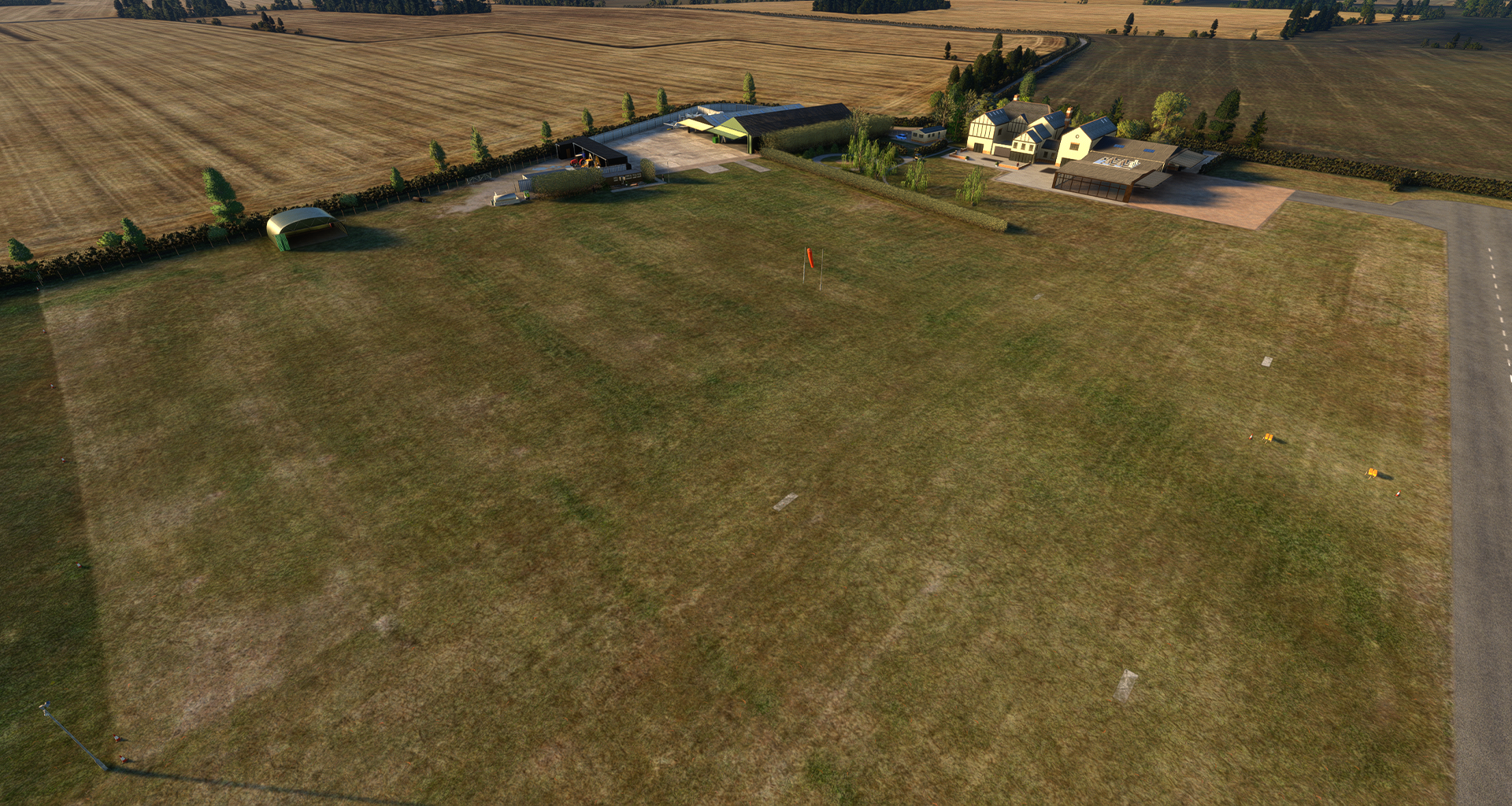
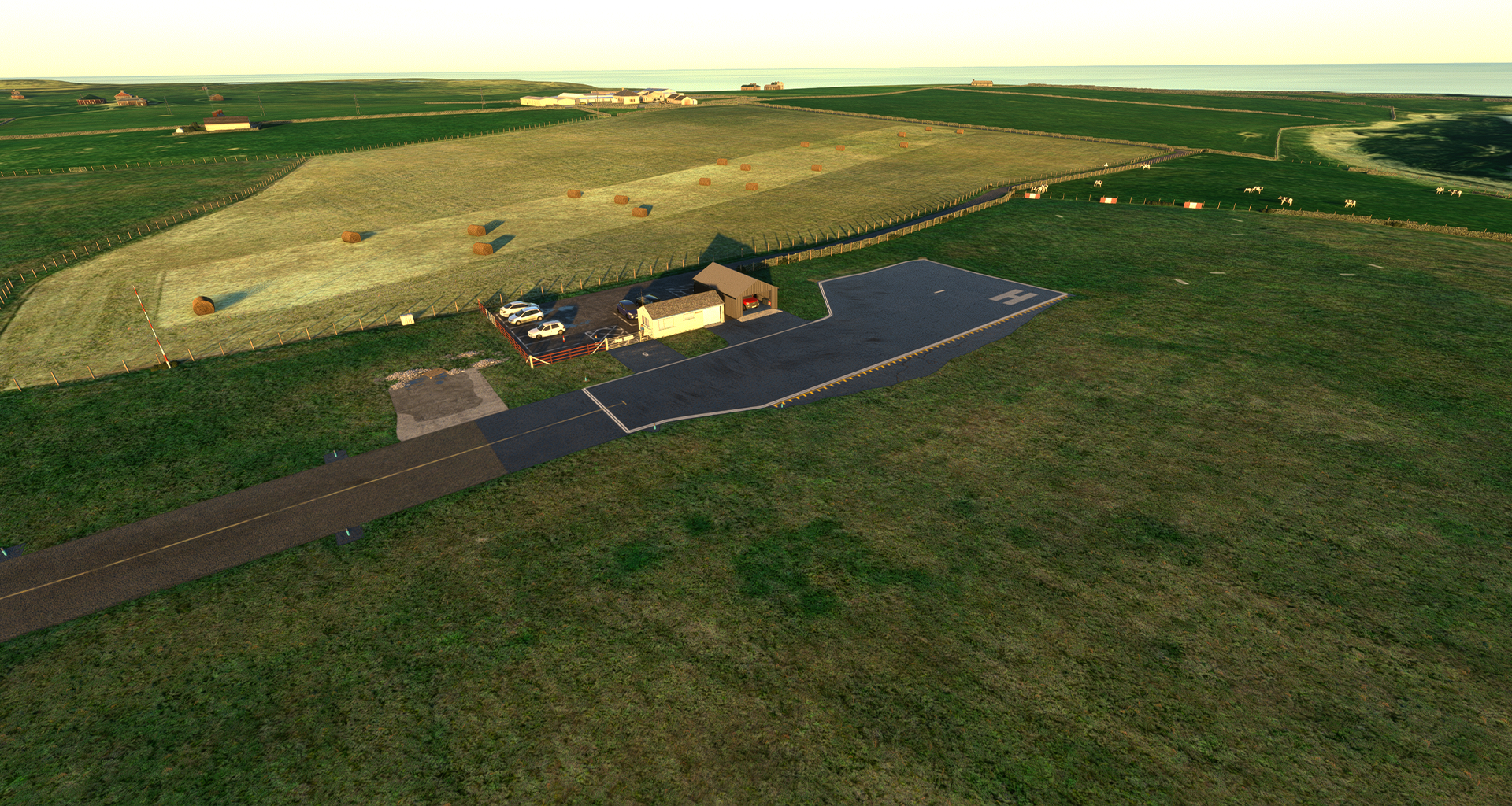
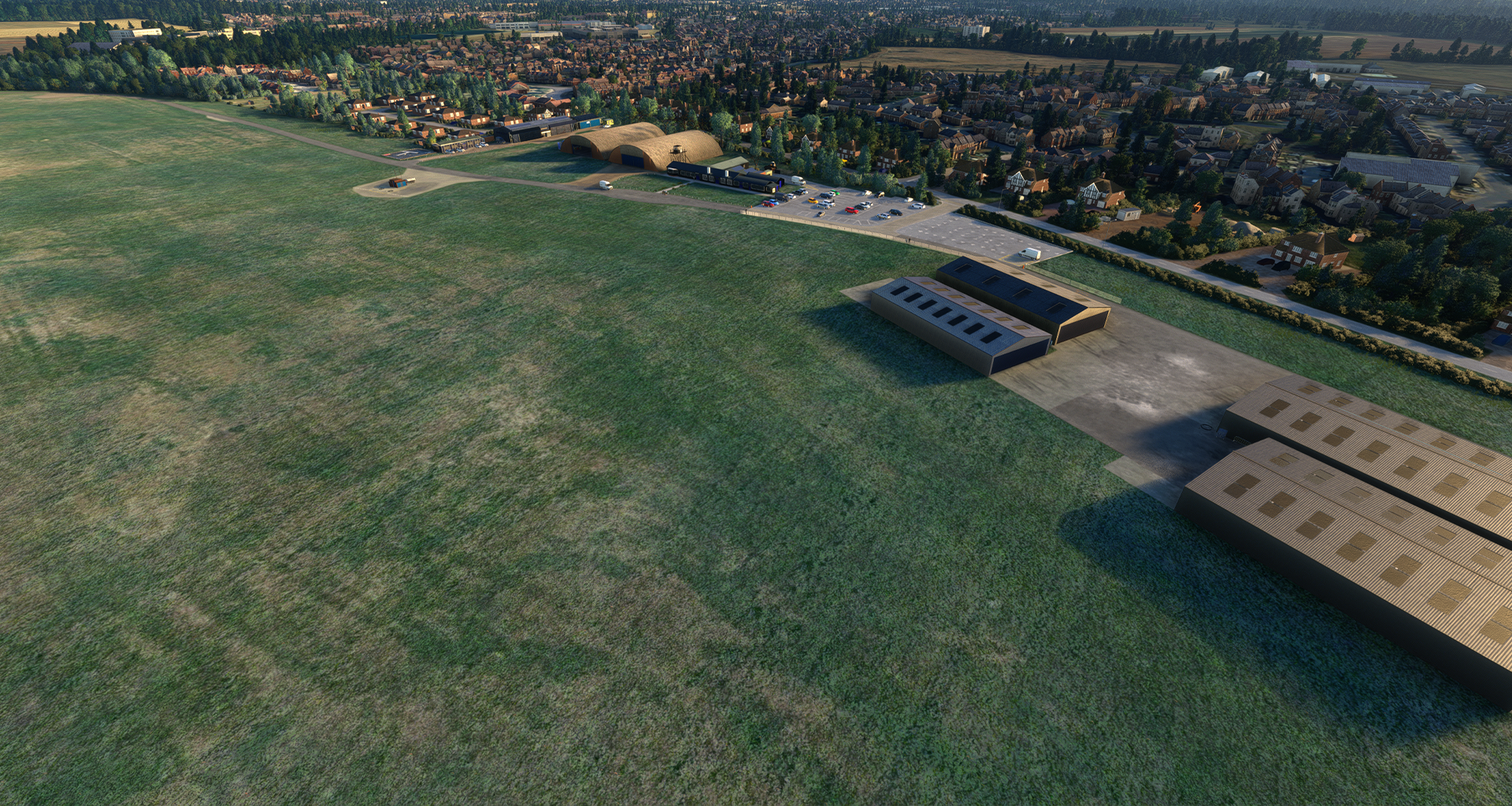
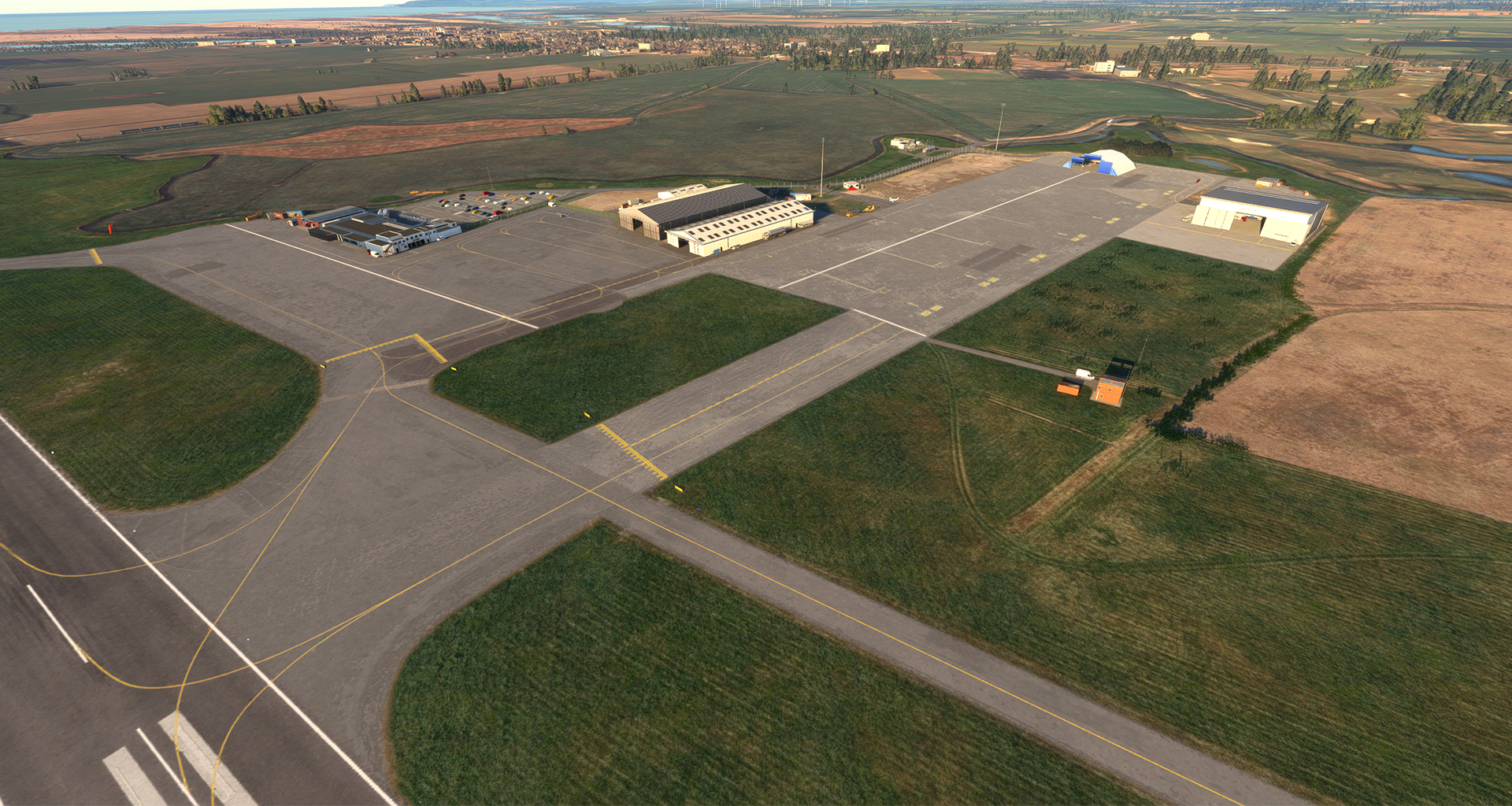
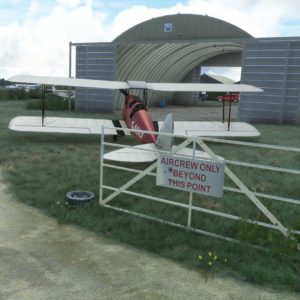
This addon adds exclusion rectangles around every static aircraft for every one of Burning Blue Design’s airfields.
- All of Current Burning Blue Design airfields have been addressed.
- Each airfield has its own BGL file in the package so you can choose which airfields to include and exclude. This is as simple as deleting the file from the package once downloaded.
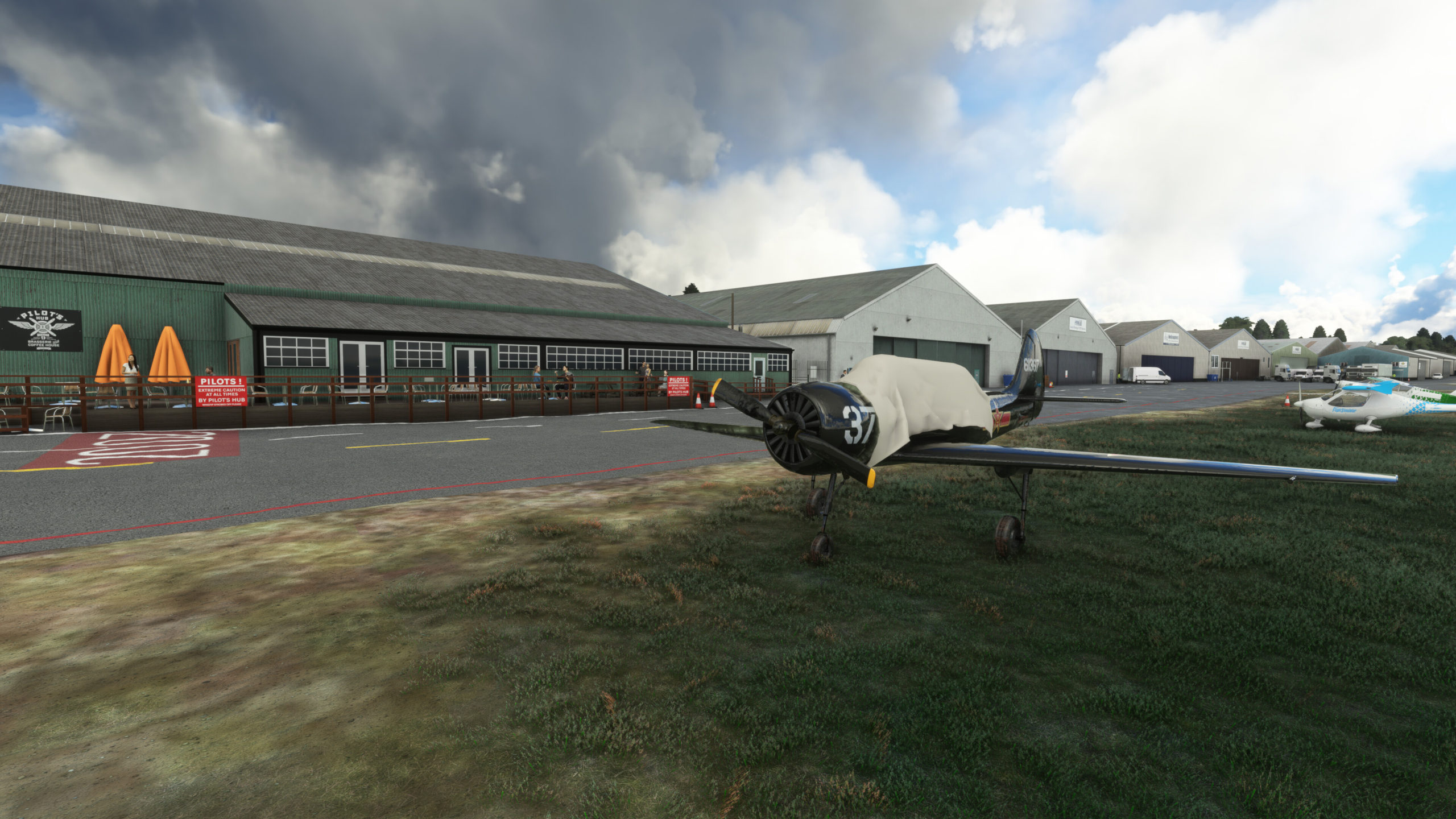
- Almost all static aircraft removed for all of our airfields. Aircraft in hangars still exist (it caused too many problems with unwanted objects getting removed) as do static display aircraft and some aircraft far enough away from the flight line.
- Package starts with ZZ so it loads last and reduces compatibility issues with other scenery.
- compiled in 2020 so forward compatible with 2024.
We recommend you only use this package if you are having compatibility issues with other scenery that places static aircraft at Burning Blue Design airports/airfields, and even then, only keep the BGL files for the airfields you are having issues with. Please be aware this addon will reduce realism and immersion as the static aircraft we place at our airfield reflect the real life aircraft at that airfield.
Installation Instructions
Once you have purchased and downloaded the product, double click on the zip file to open it. You should see the airport’s folder inside, this will need to be extracted and placed into your Microsoft Flight Simulator Community folder, if you don’t know where the community folder is, we have a full guide on how to install our packages here.
If you still have trouble locating your community folder this easy to follow video will help: https://www.youtube.com/watch?v=fhSkMzWLFR0
There is also a community tool called ModmanFX which makes installing and removing Microsoft Flight Simulator packages incredibly easy, you can get it here: https://www.msfsaddons.org/freeware/modmanfx
Known Bugs
- Occasionally there can be an issue with other addon scenery showing a different custom VOR at airports which clashing with this package. We have tried to mitigate this as much as possible by using exclusion tools, however it can still occur under the right circumstances.
- Transparent and translucent glass panes can appear very dark when subject to particle effects such as rain, snow and fog. This is a known bug that Asobo/Microsoft are aware of and will hopefully fix in the near future.
- When multiple sceneries are installed in the same area a bug showing the underlying stock photogrammetry can occur. This is a known bug which was introduced in SU11, Asobo/Microsoft are aware of it and will hopefully fix in the near future.
Requirements:
Minimum
Recommended
Further Information and Licensing:
A number of the static vehicles used within the scenery were 3D models used under the Creative Commons Attribution License. The models were reskinned to match their real life contemporaries. For further information and full attribution on any of the individual models please contact us here: https://burningbluedesign.com/contact/
There are no reviews yet.