

Description
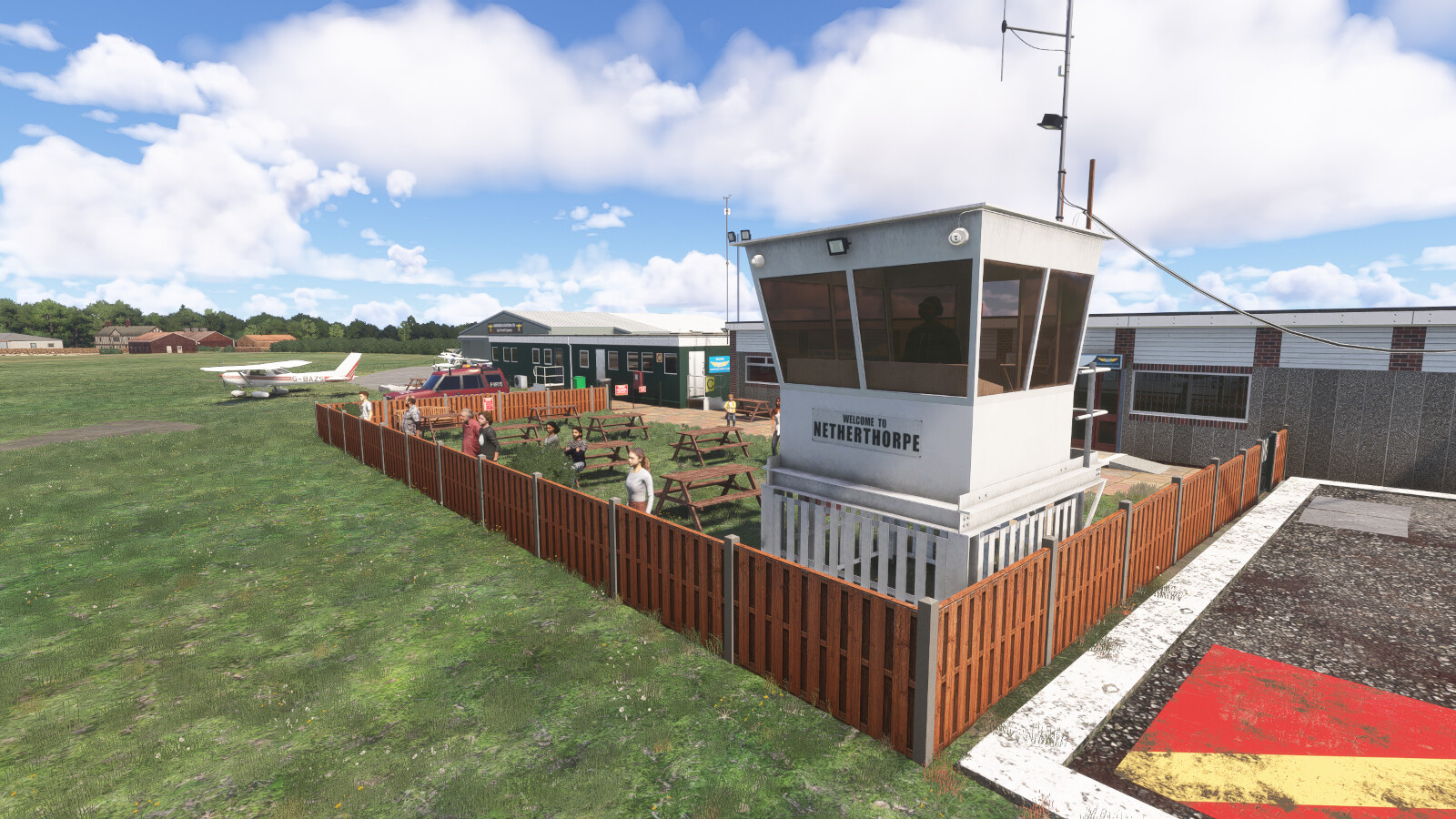
Located near Worksop in Nottinghamshire, close to the South Yorkshire border, Netherthorpe Airfield is one of the oldest continuously operating general aviation airfields in northern England. Surrounded by open agricultural countryside, it enjoys excellent visibility and straightforward VFR access while remaining within easy reach of Sheffield, Doncaster and the wider Midlands region.
Netherthorpe’s aviation heritage stretches back to the early 1930s, when local private pilots began operating from the site and laid the foundations for what would become the Sheffield Aero Club in 1935. At the time, aircraft operated from a simple mown grass field with no designated runways, using a white circle marked in the centre of the airfield as the landing area. During the Second World War, the airfield was requisitioned by the RAF and became home to Westland Lysander aircraft of No. 613 Squadron, which carried out coastal patrol and reconnaissance duties during the Battle of Britain. Following the war, Netherthorpe briefly hosted RAF gliding operations before returning to civilian use. The Sheffield Aero Club re-established itself at the airfield in 1961 and has remained at the heart of Netherthorpe ever since
The aerodrome features two grass runways, including Runway 18/36 which measures just 382 metres in length. Recognised as one of the shortest licensed runways on the UK mainland, it has made Netherthorpe a well-known destination amongst light aircraft pilots for decades.
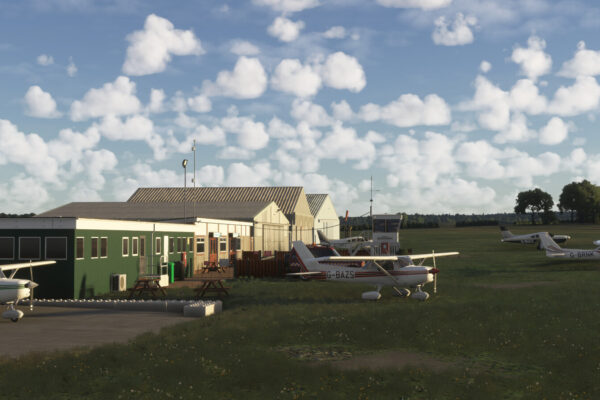
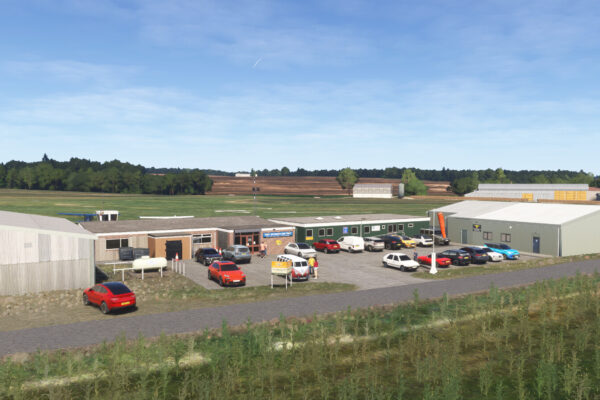
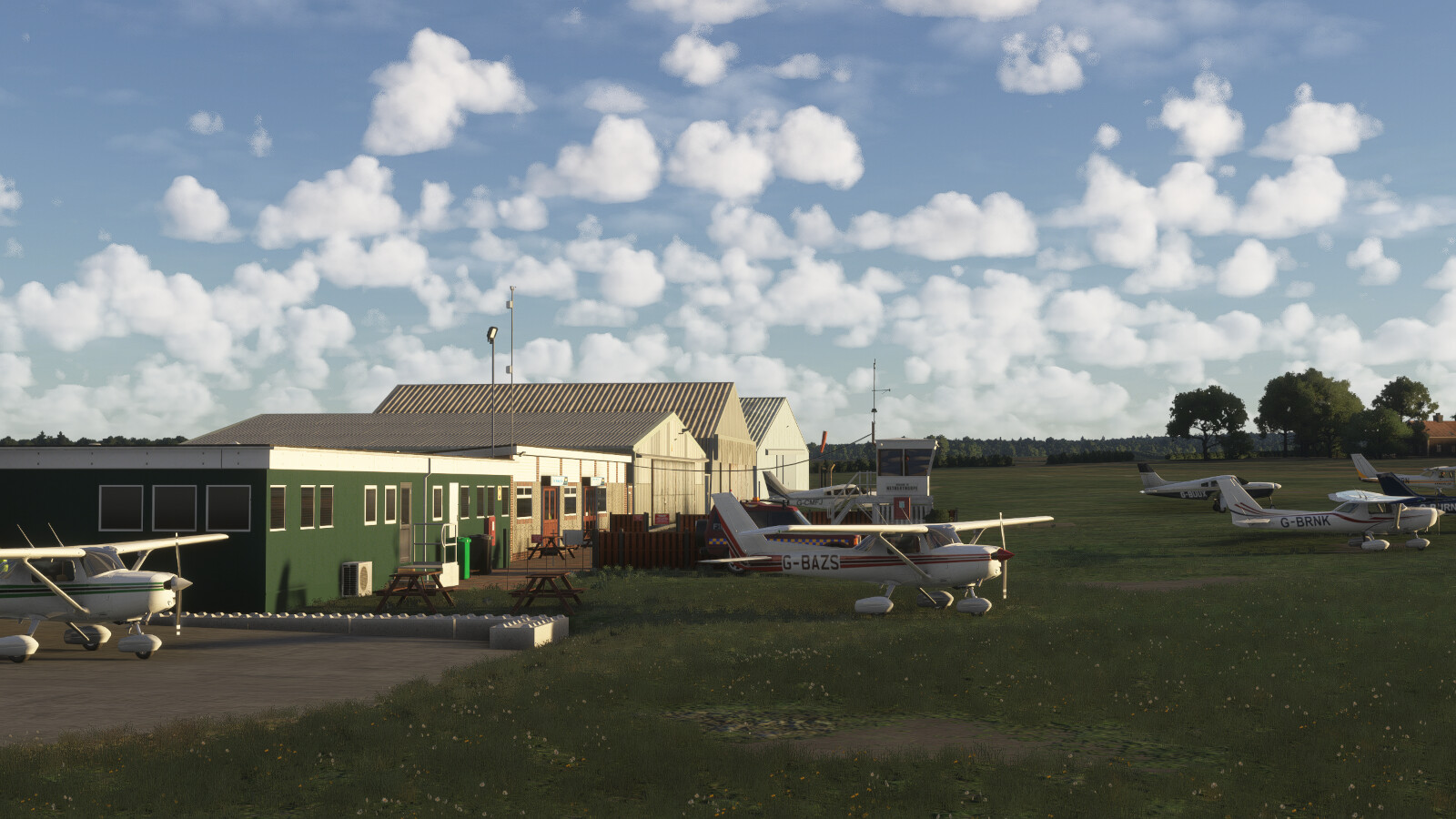
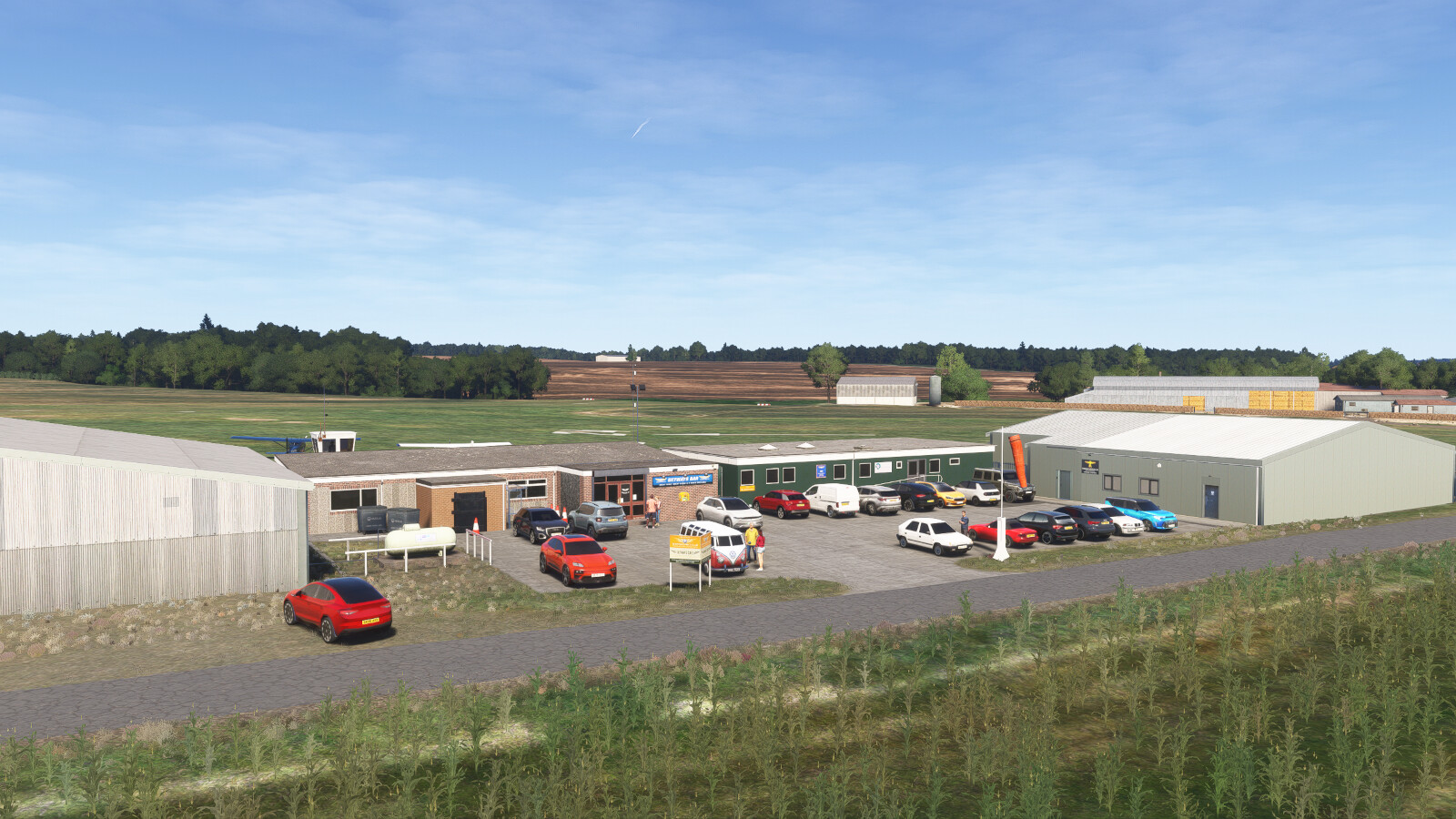
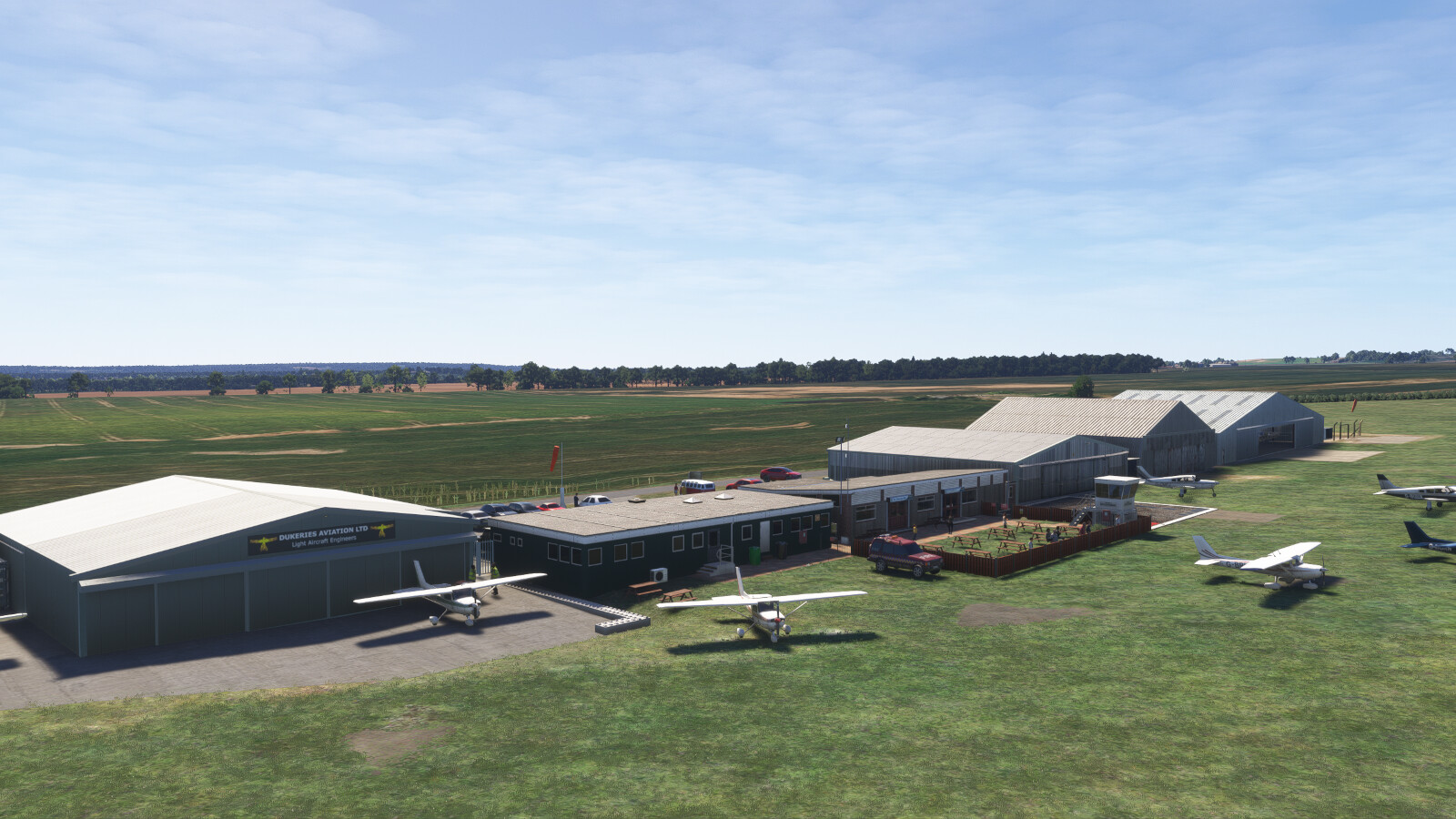
Today, Netherthorpe supports a wide range of aviation activities including flight training, private flying and visiting traffic from across the UK. The airfield is home to a varied range of privately owned light aircraft. Hangars, maintenance facilities, a clubhouse and the active flying club all contribute to the airfield’s busy day-to-day operation.
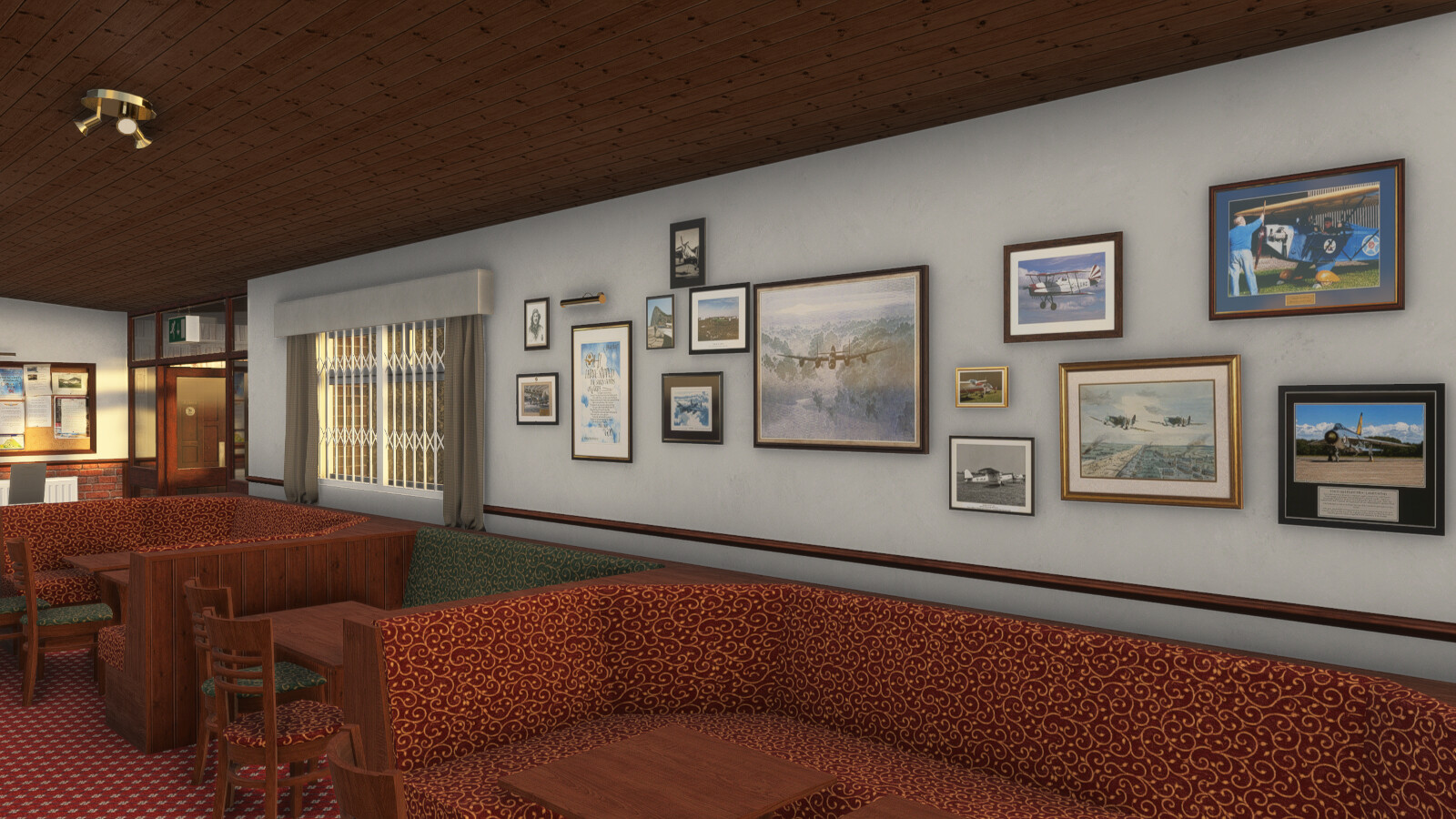
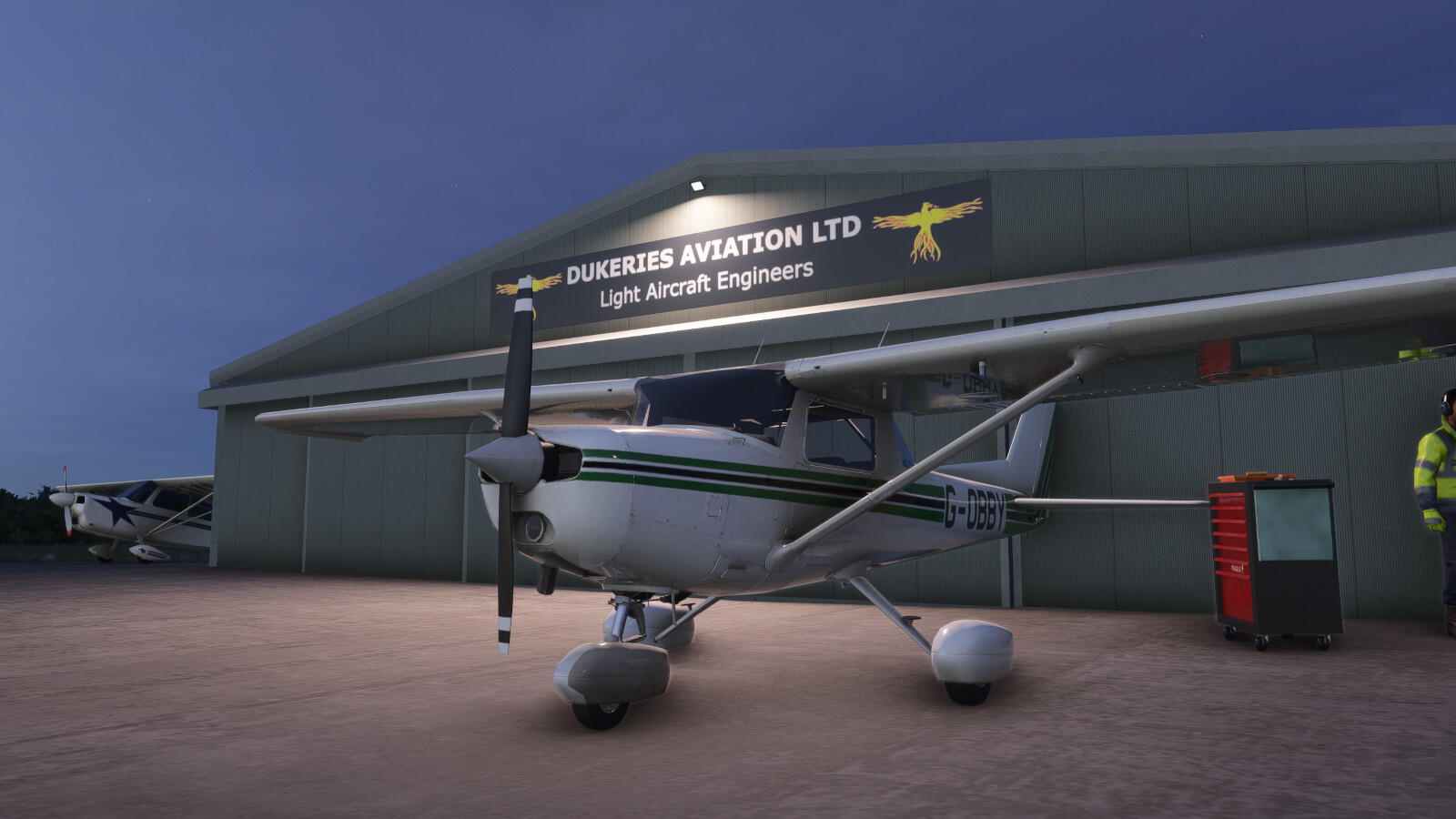
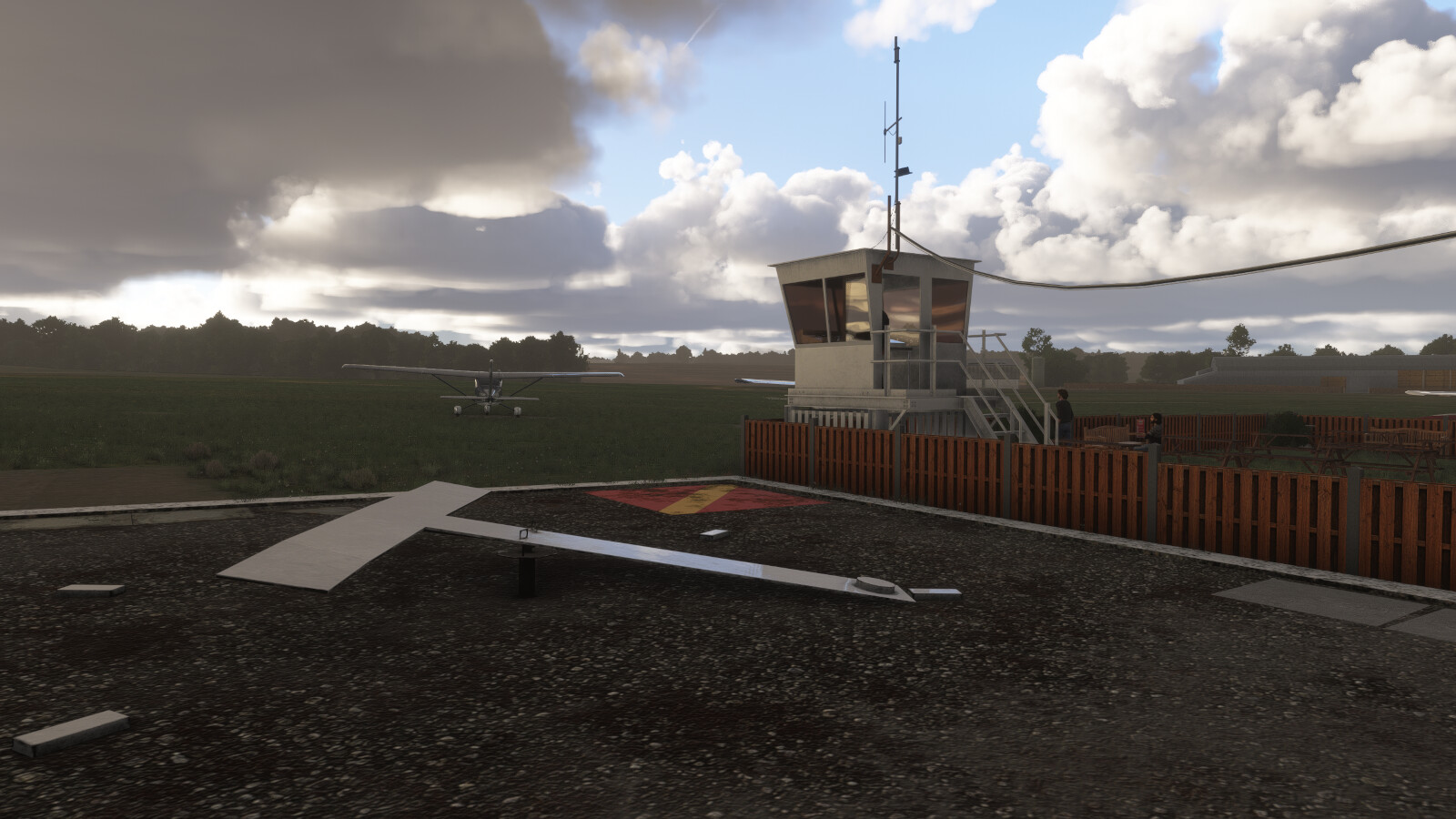
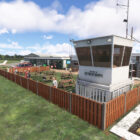
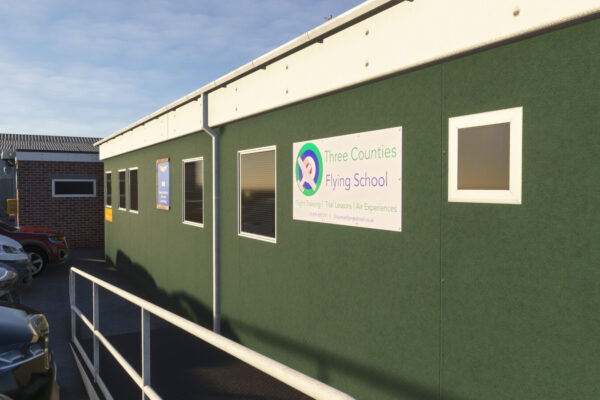
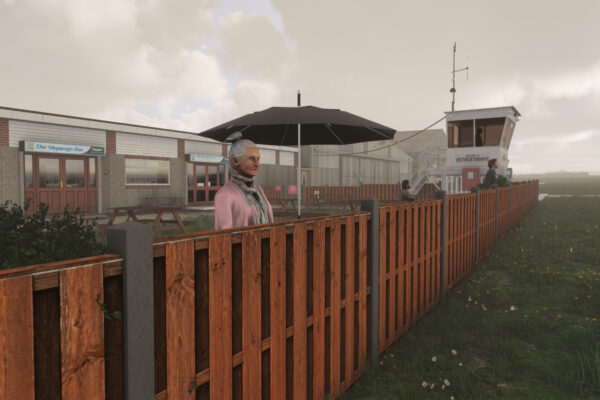
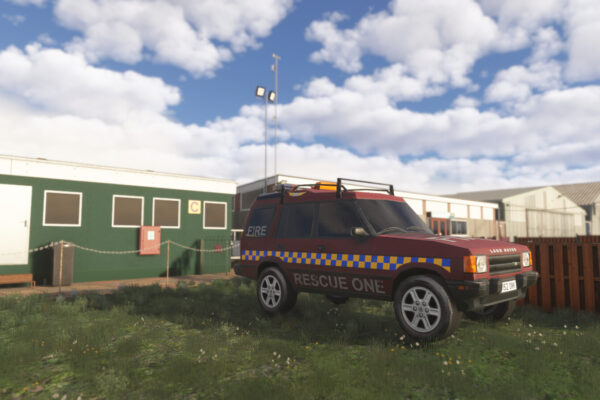
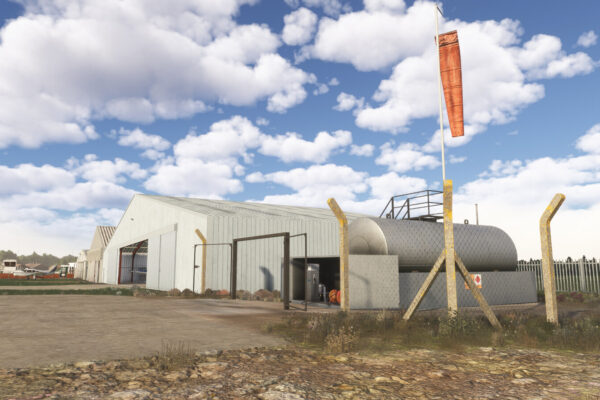
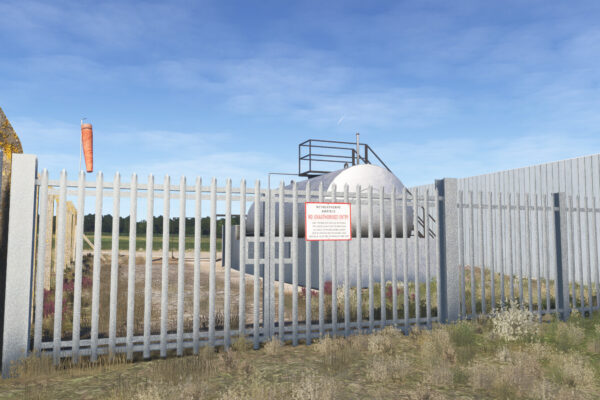
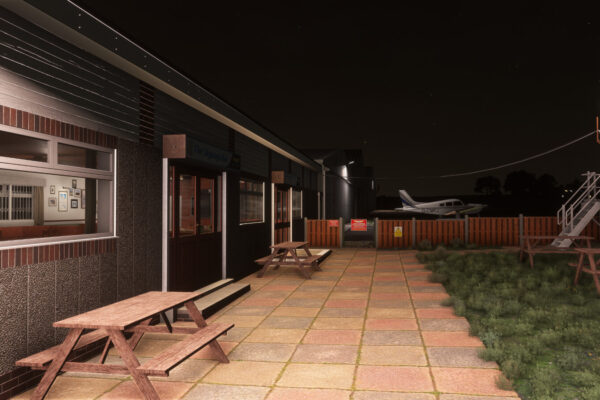
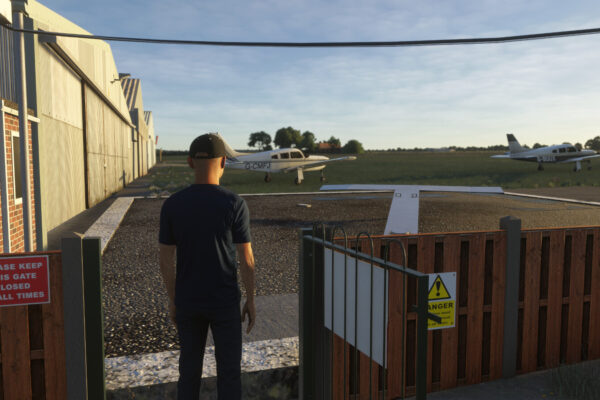
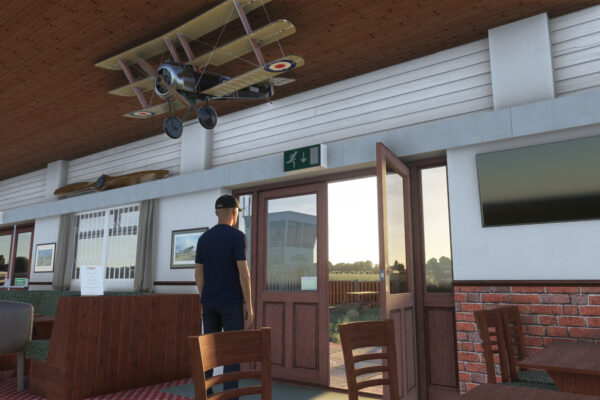
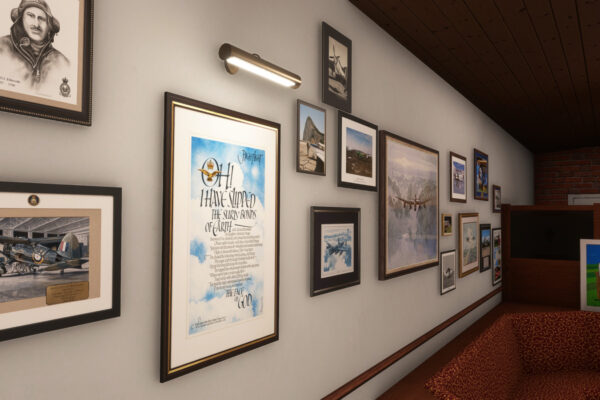
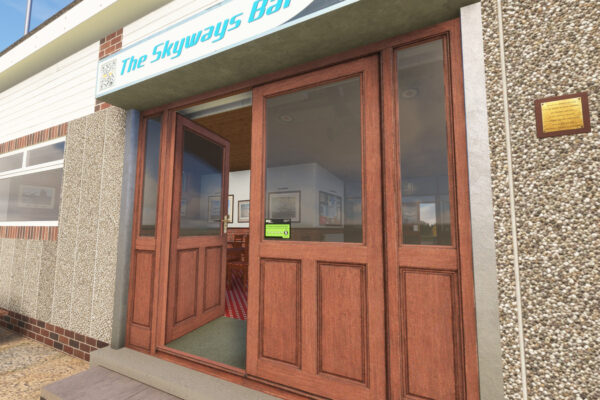
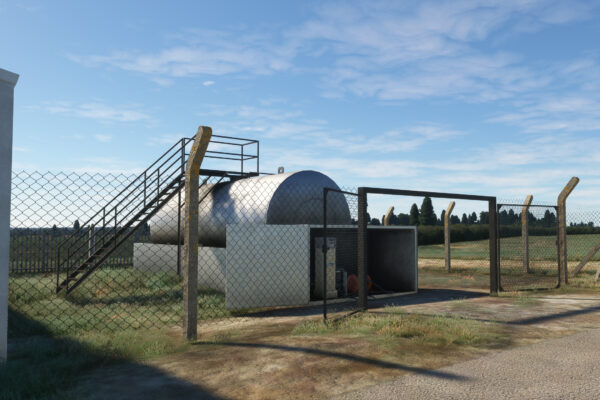
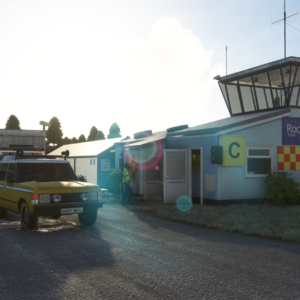
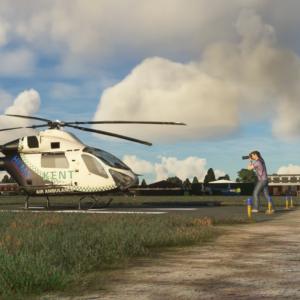
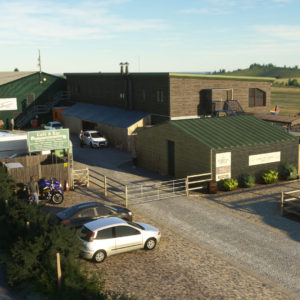
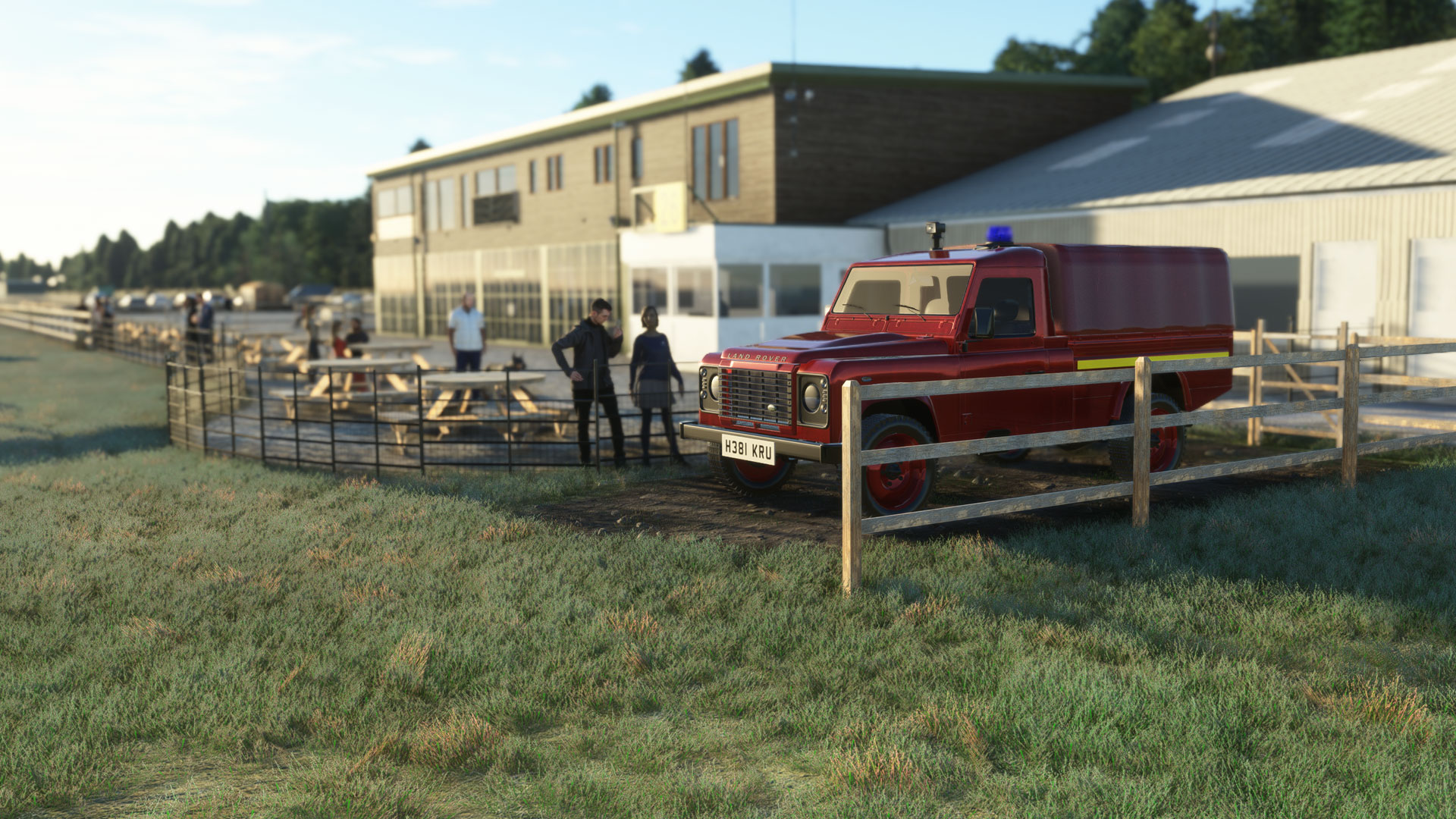
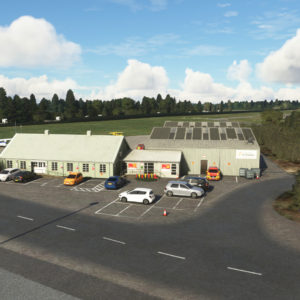
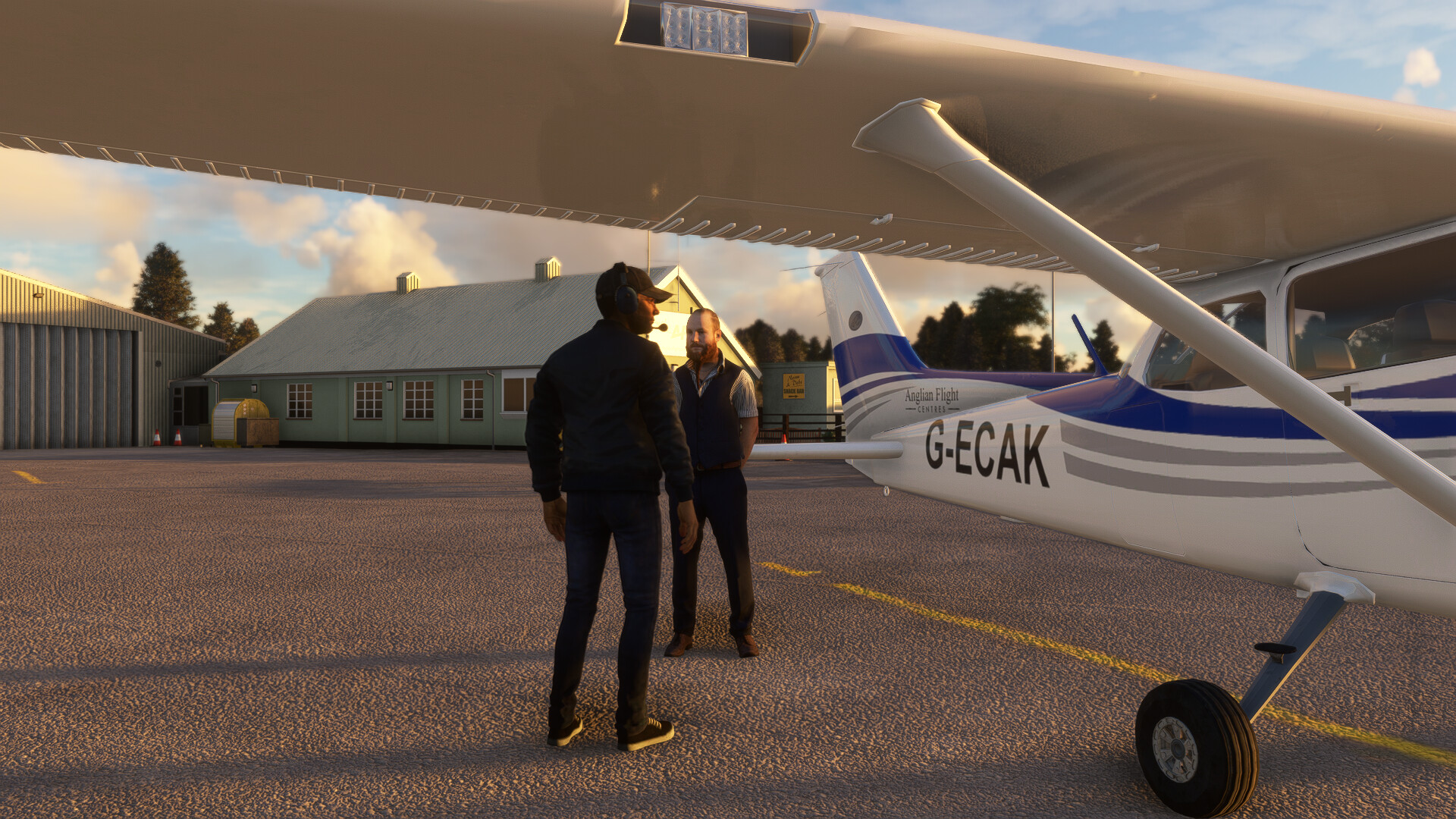
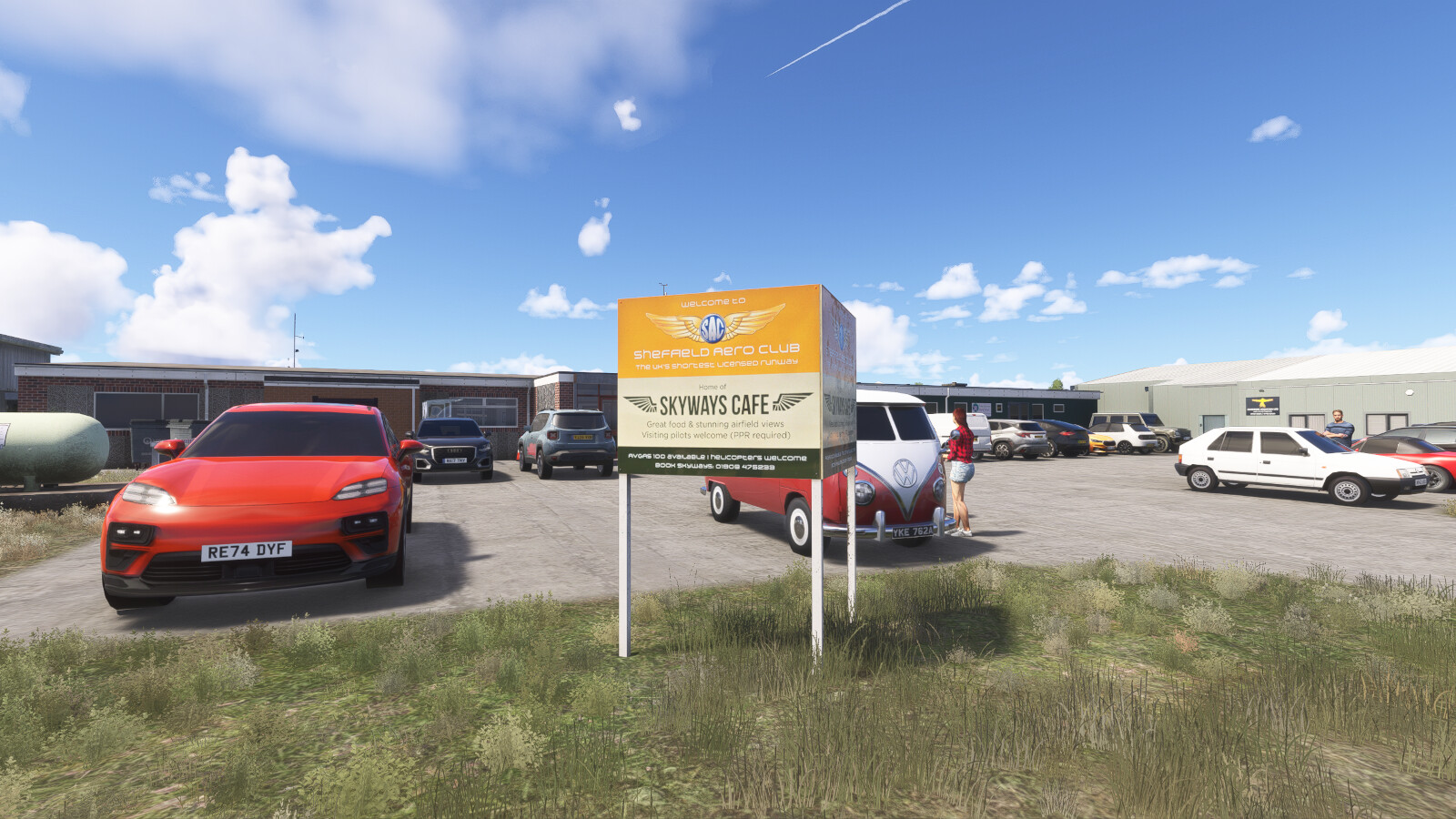
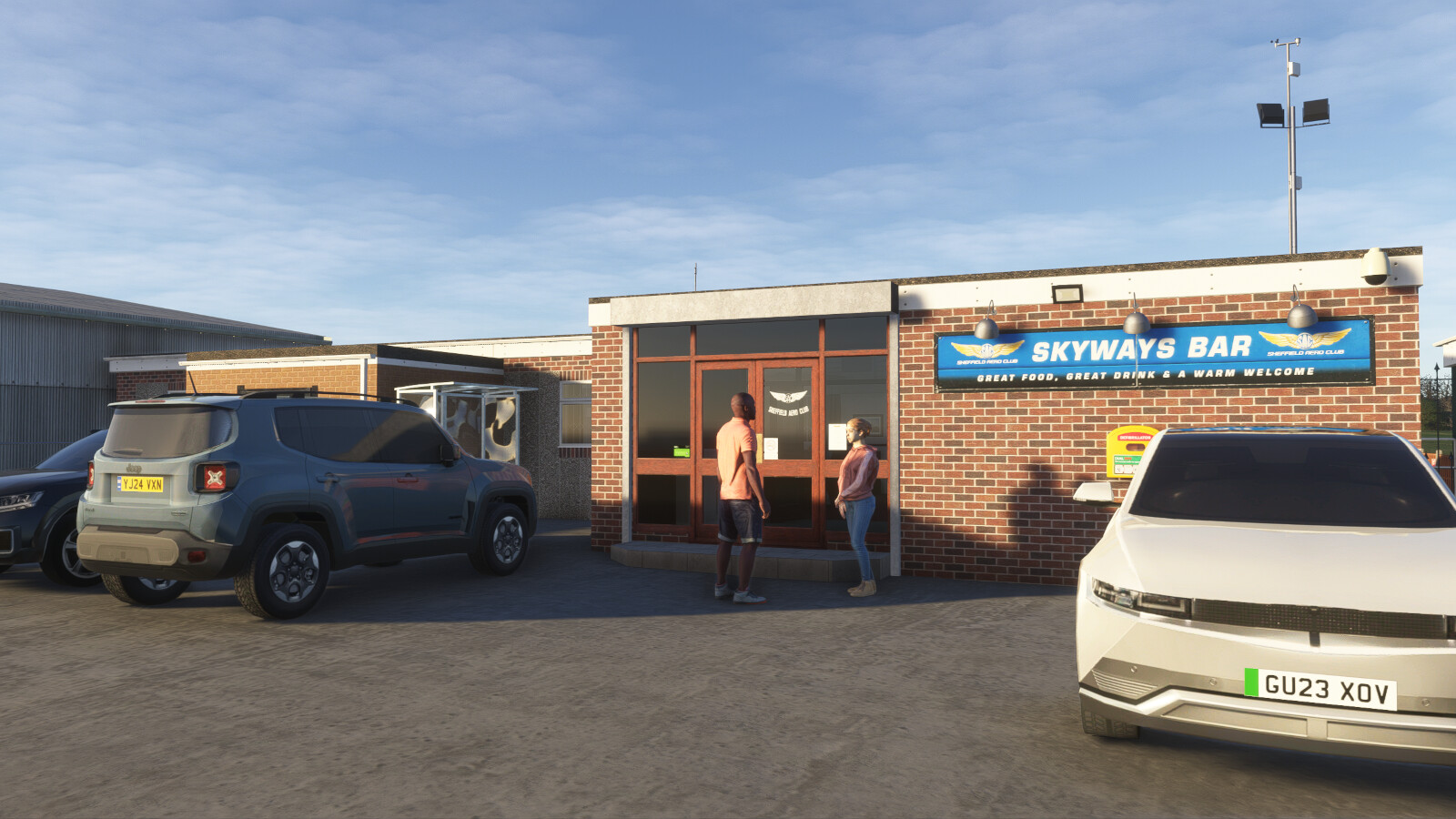
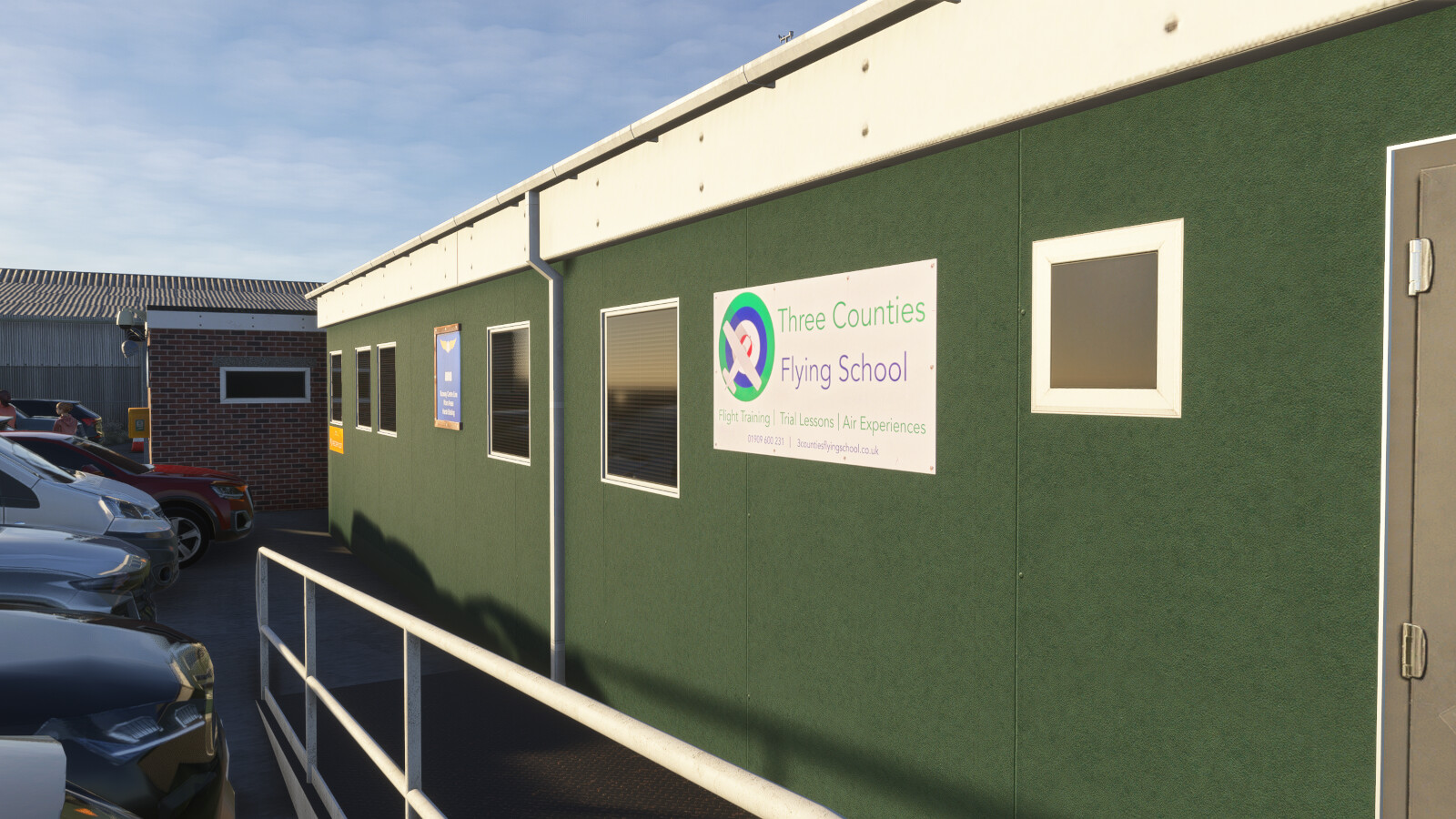
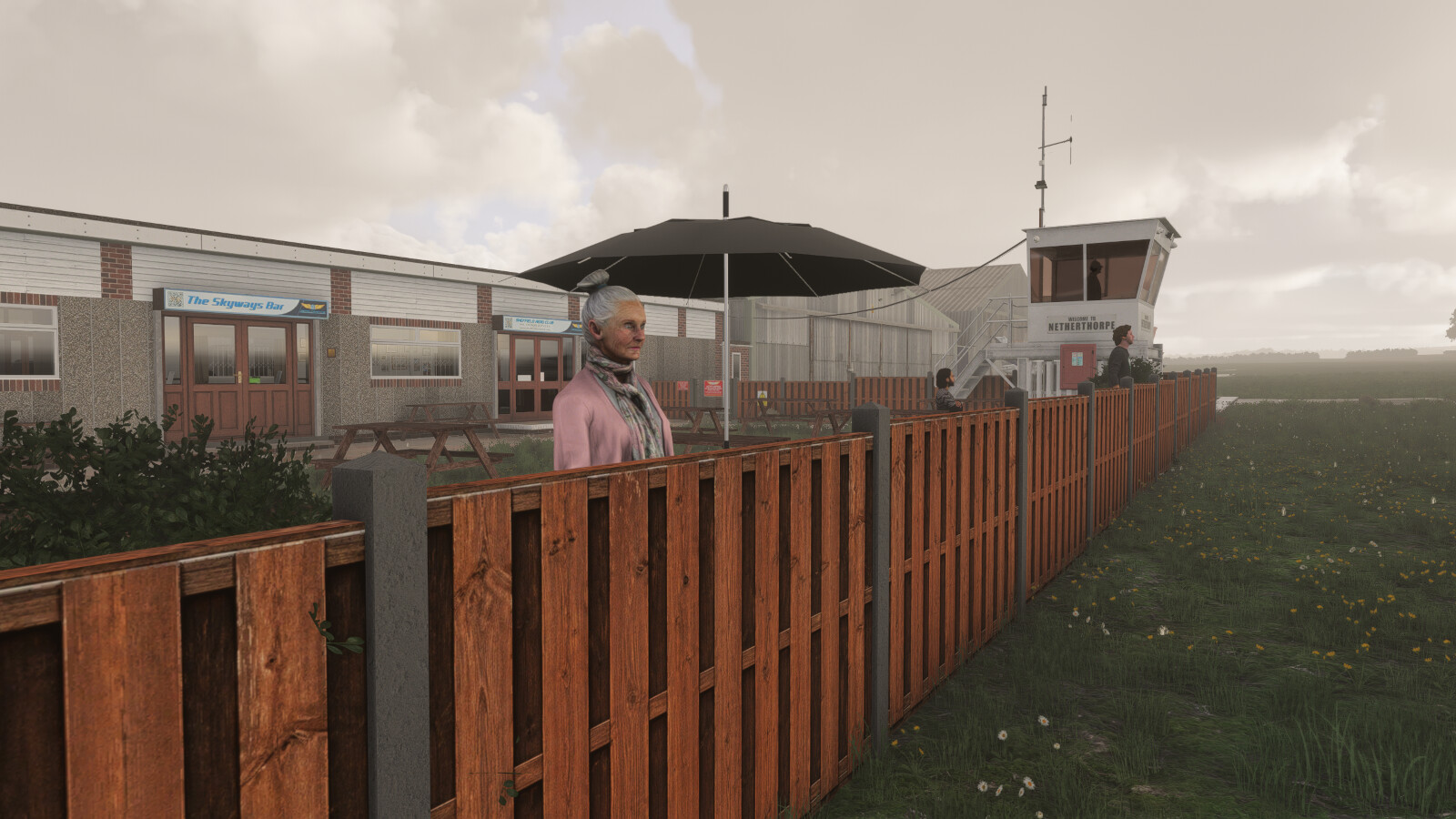
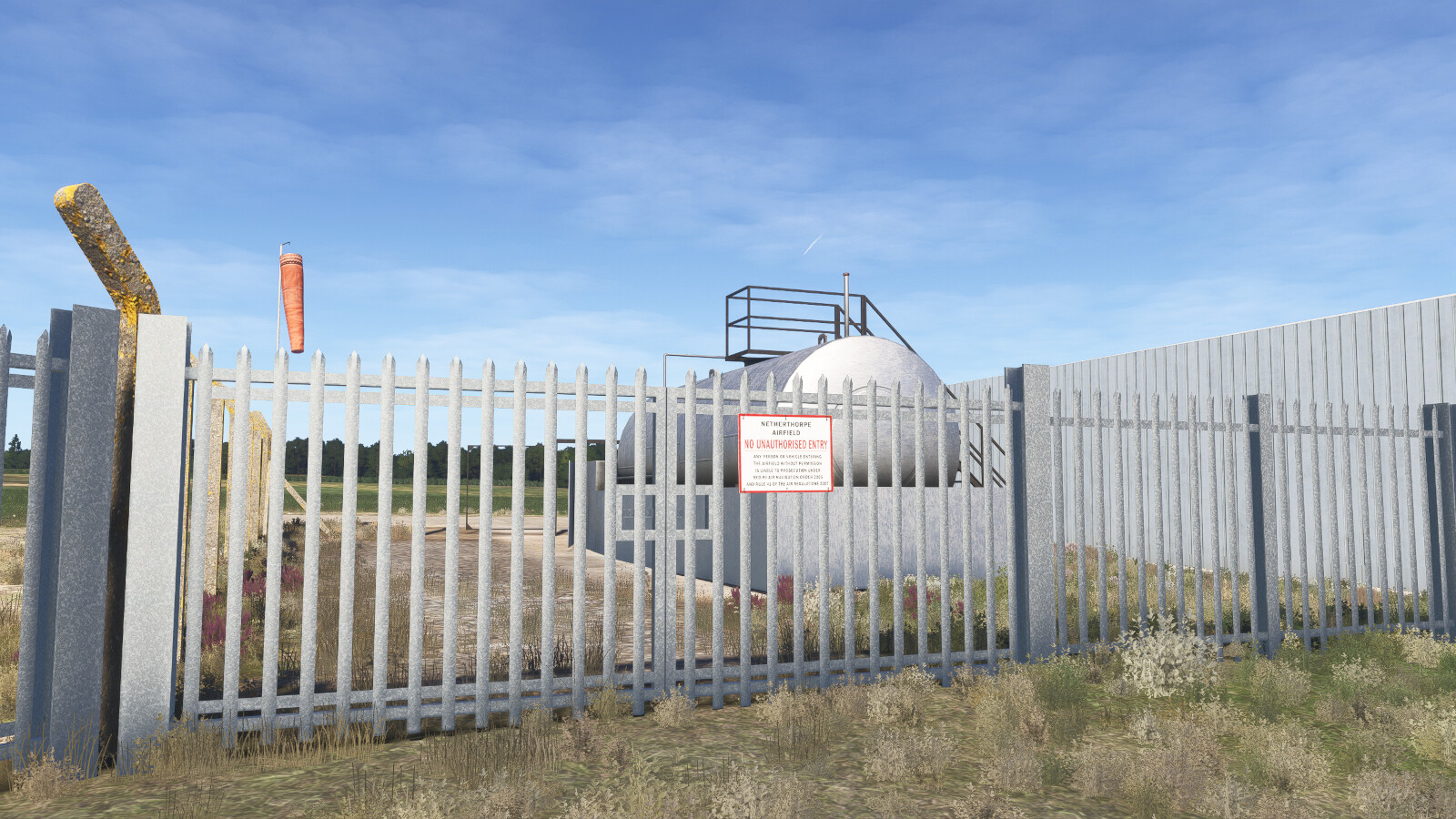
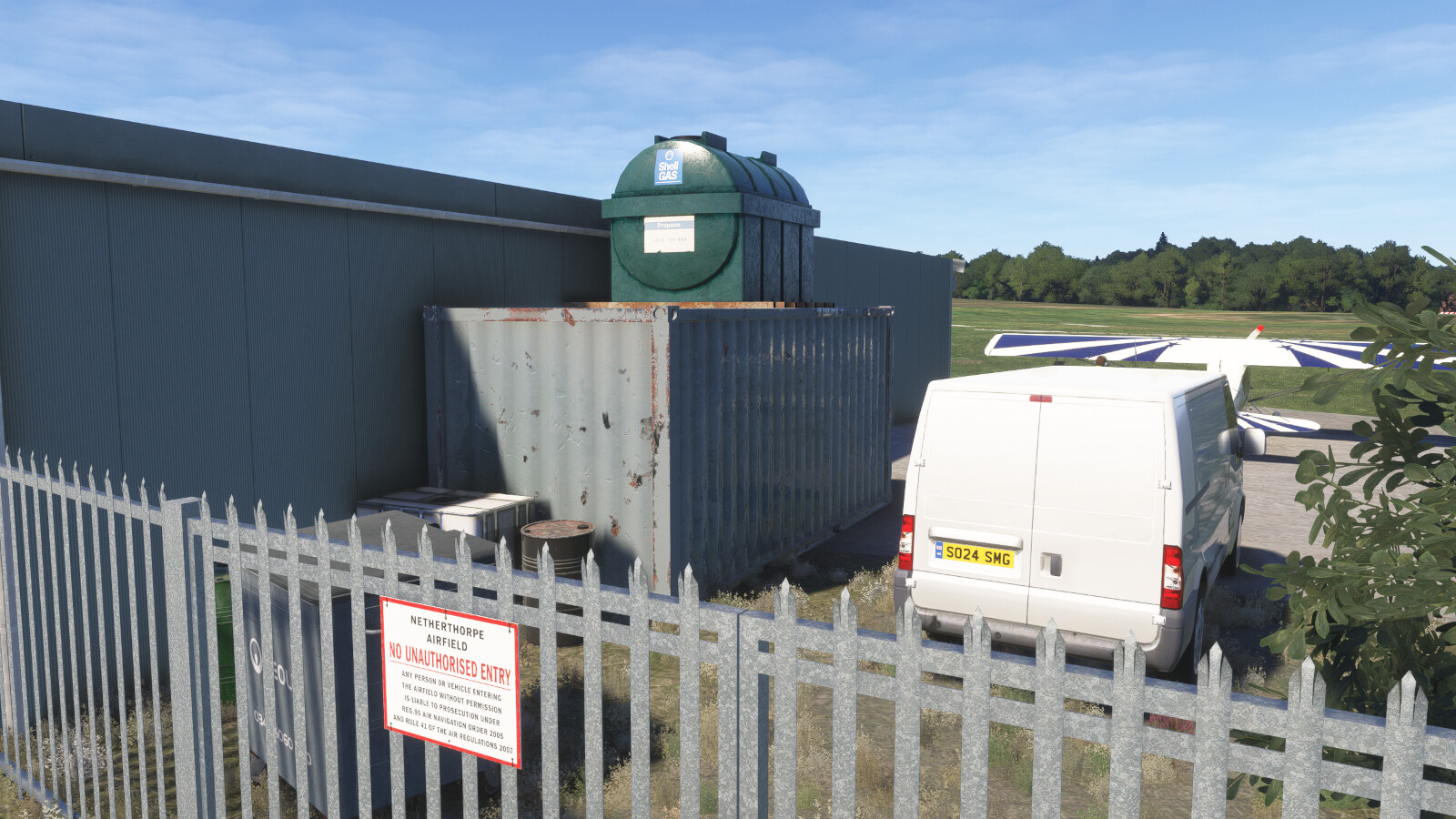
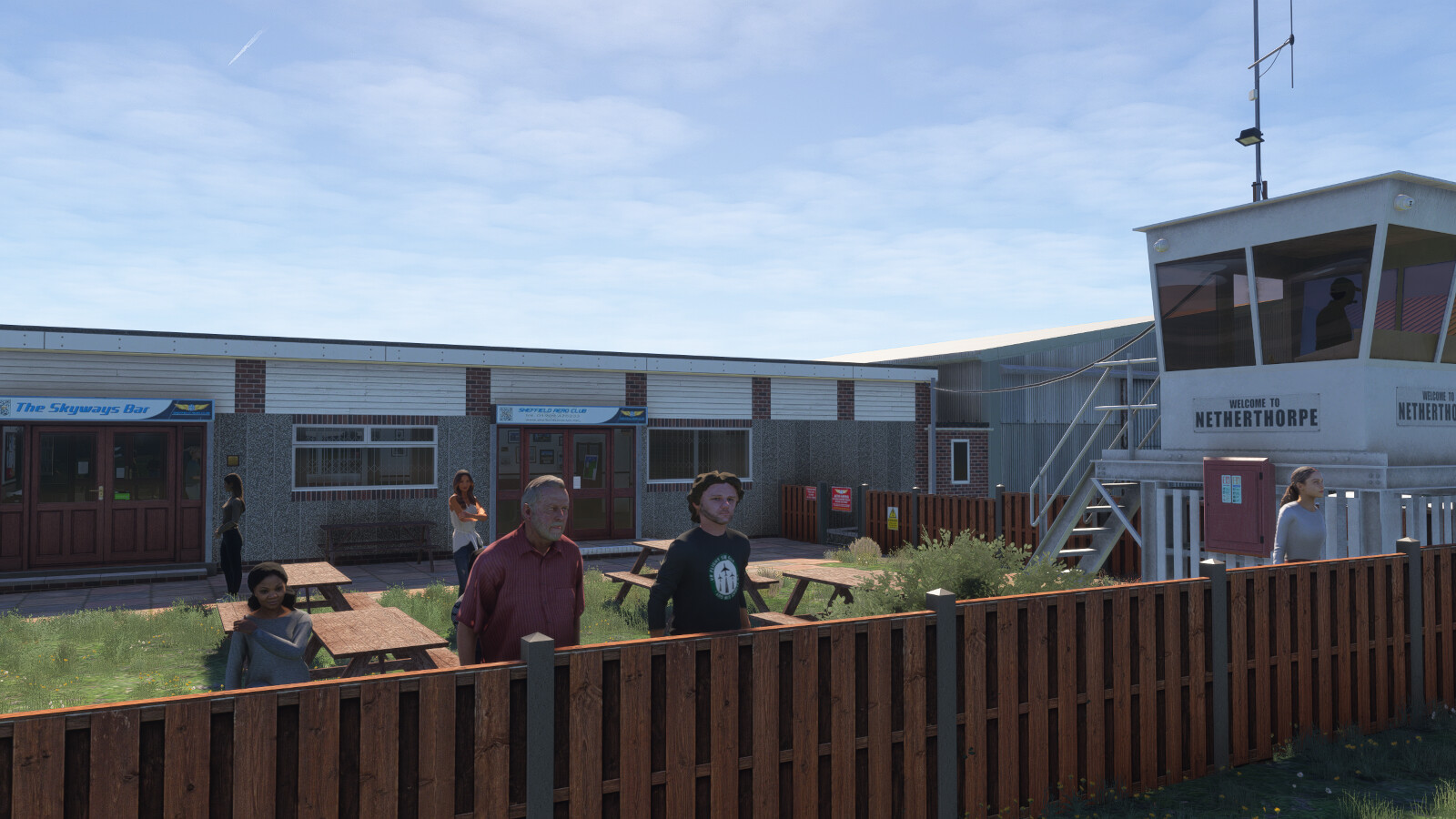
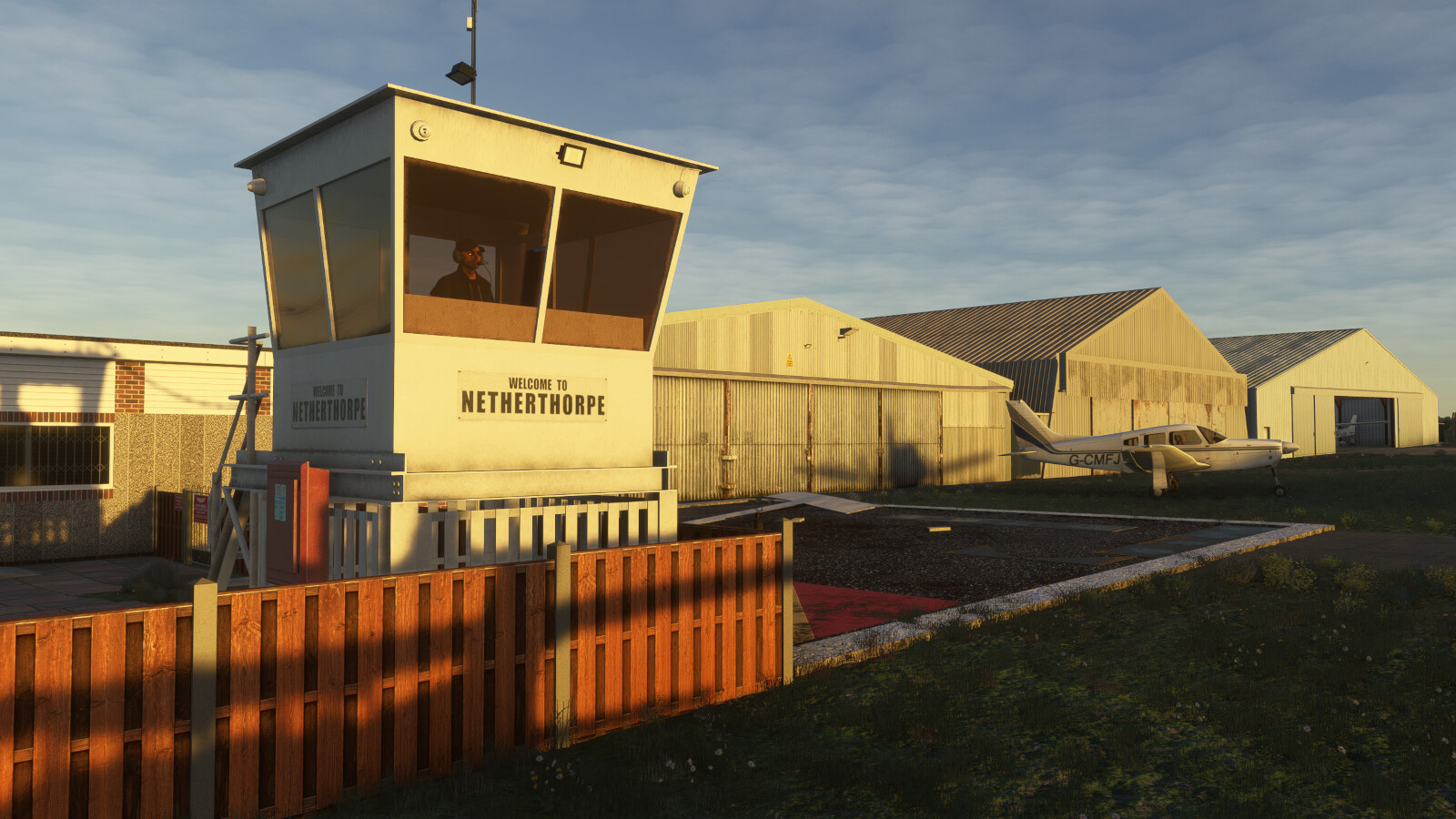
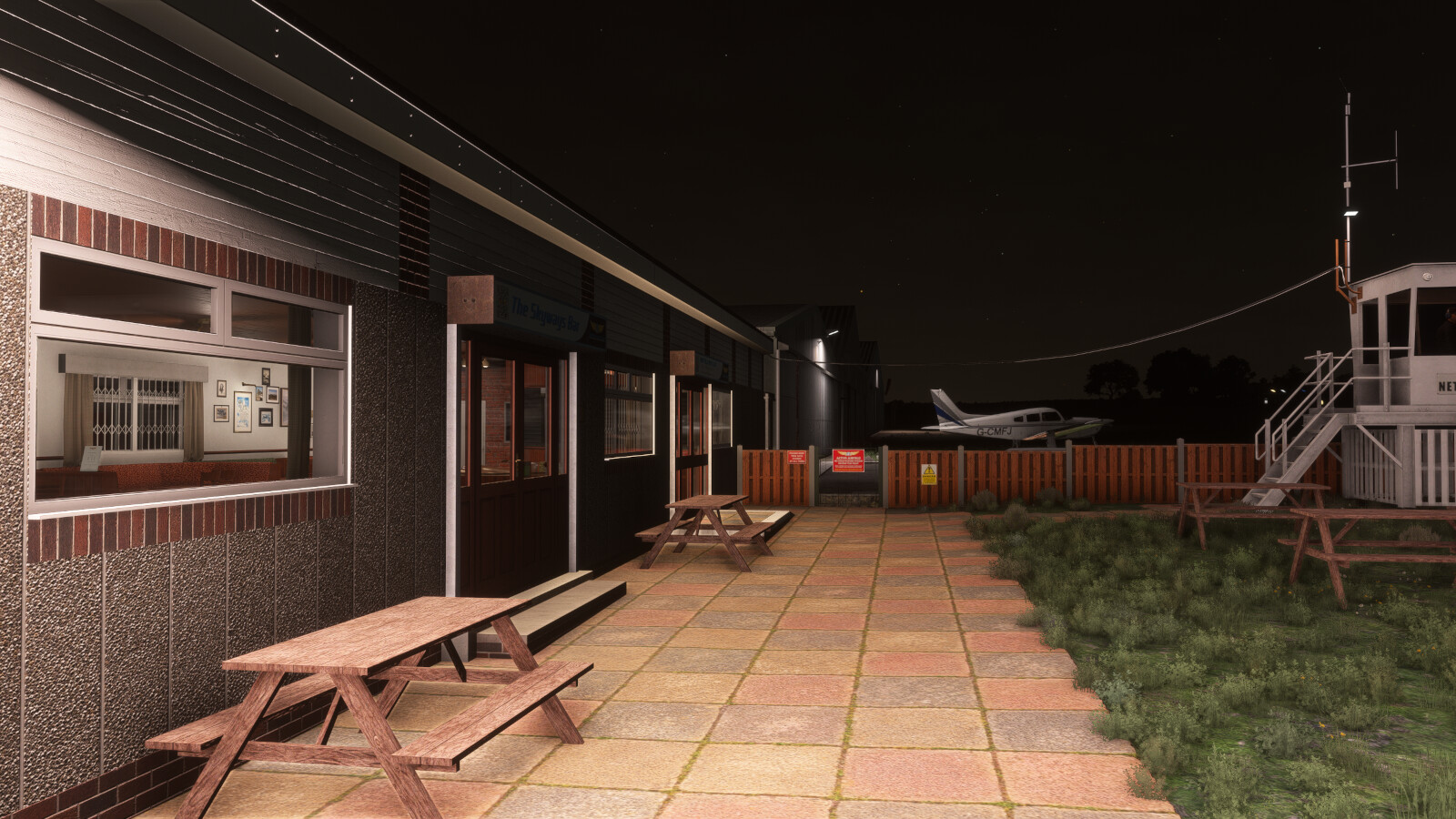
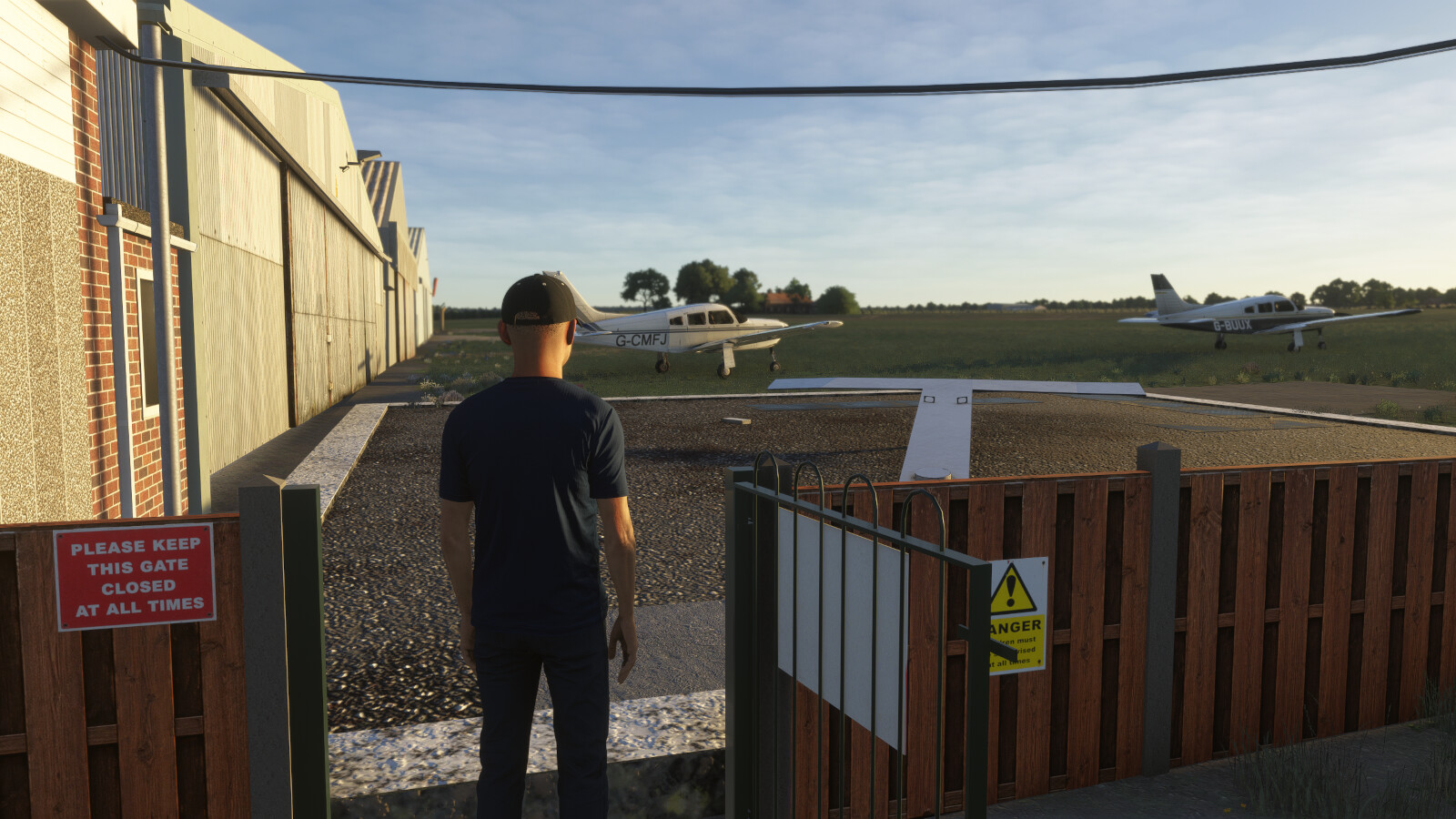
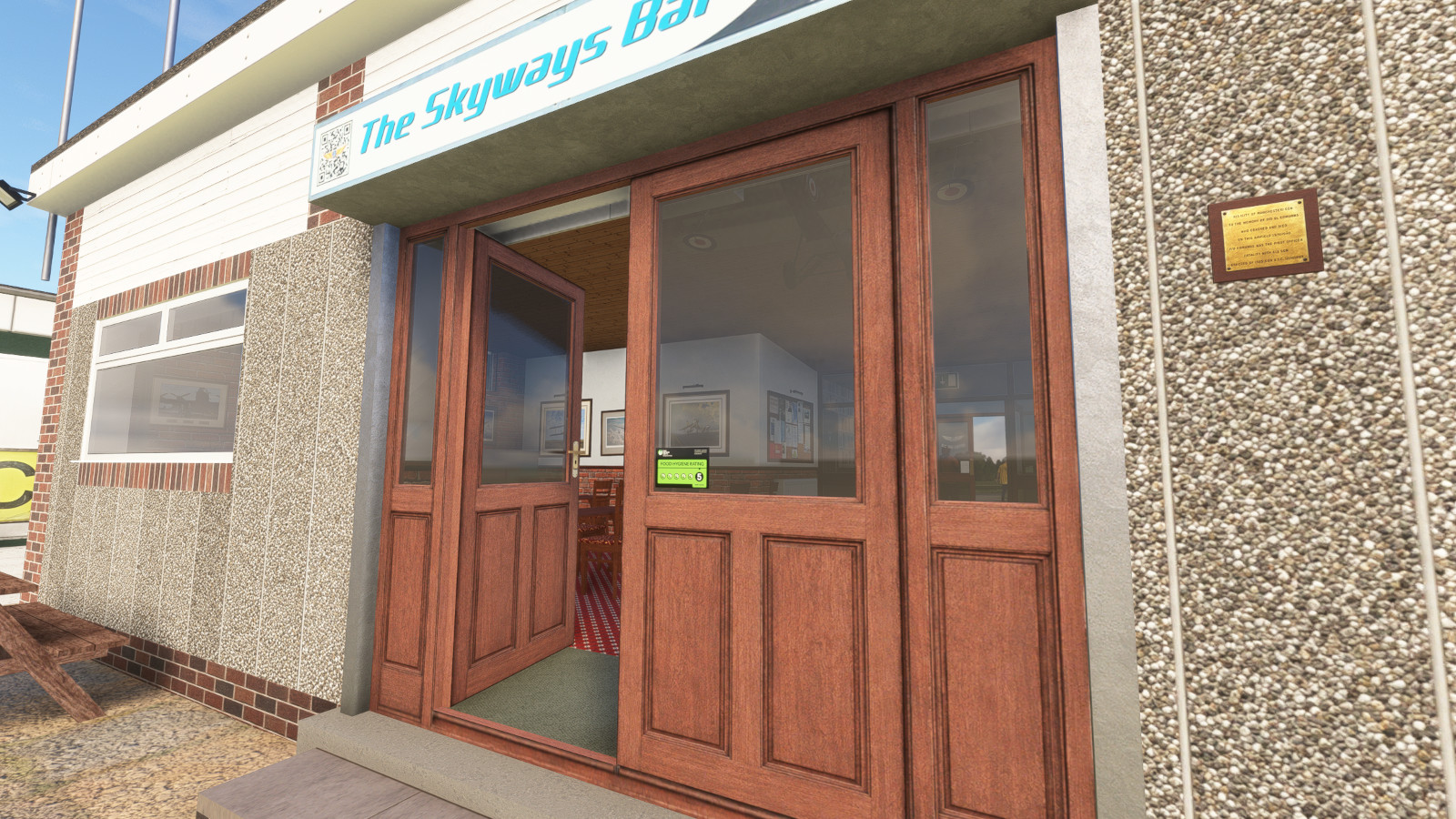
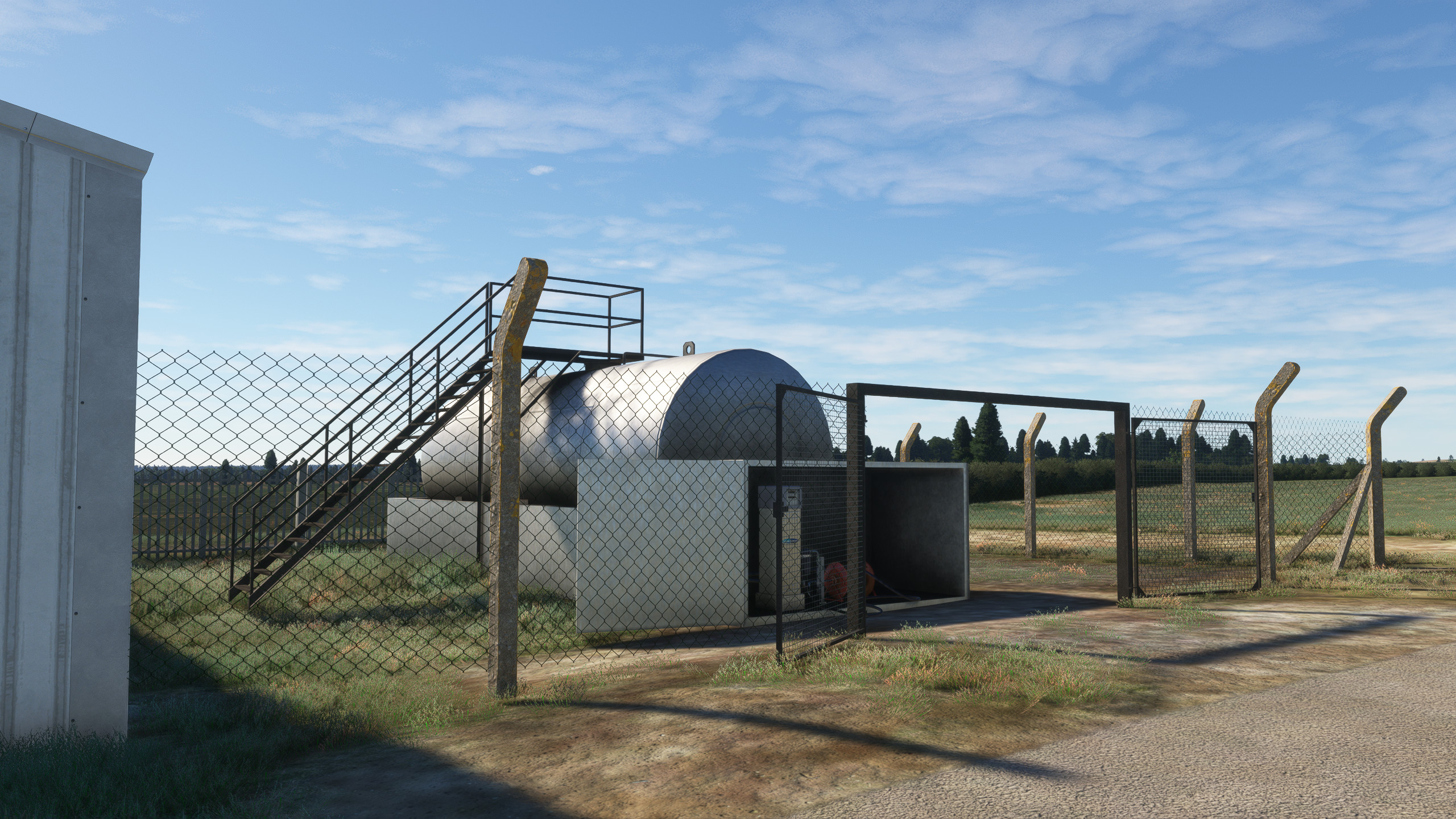
Netherthorpe Airfield has been meticulously recreated by Burning Blue Design undertaking on-site visits to ensure the highest levels of accuracy. It features:
-
- Over 100 custom 3D objects each with full Physical Based Rendering (PBR) textures.
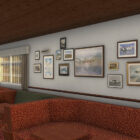
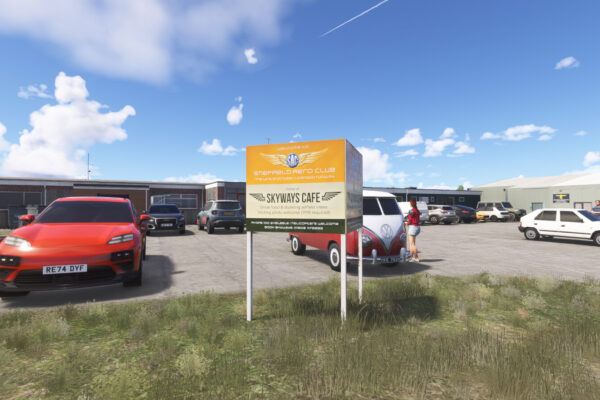
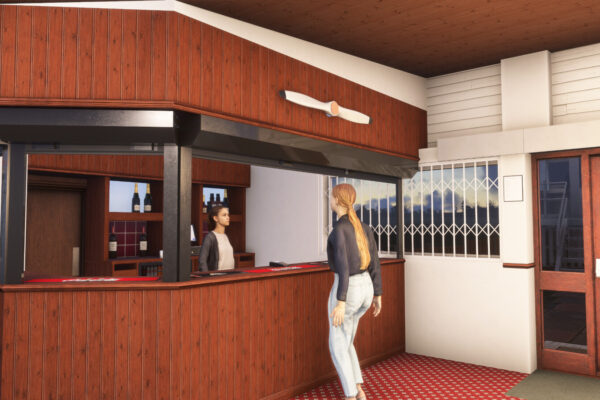
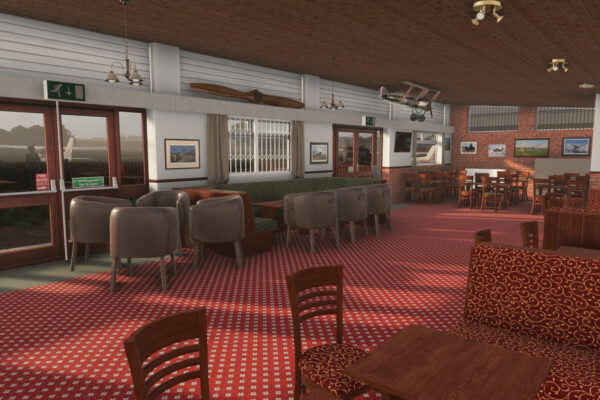
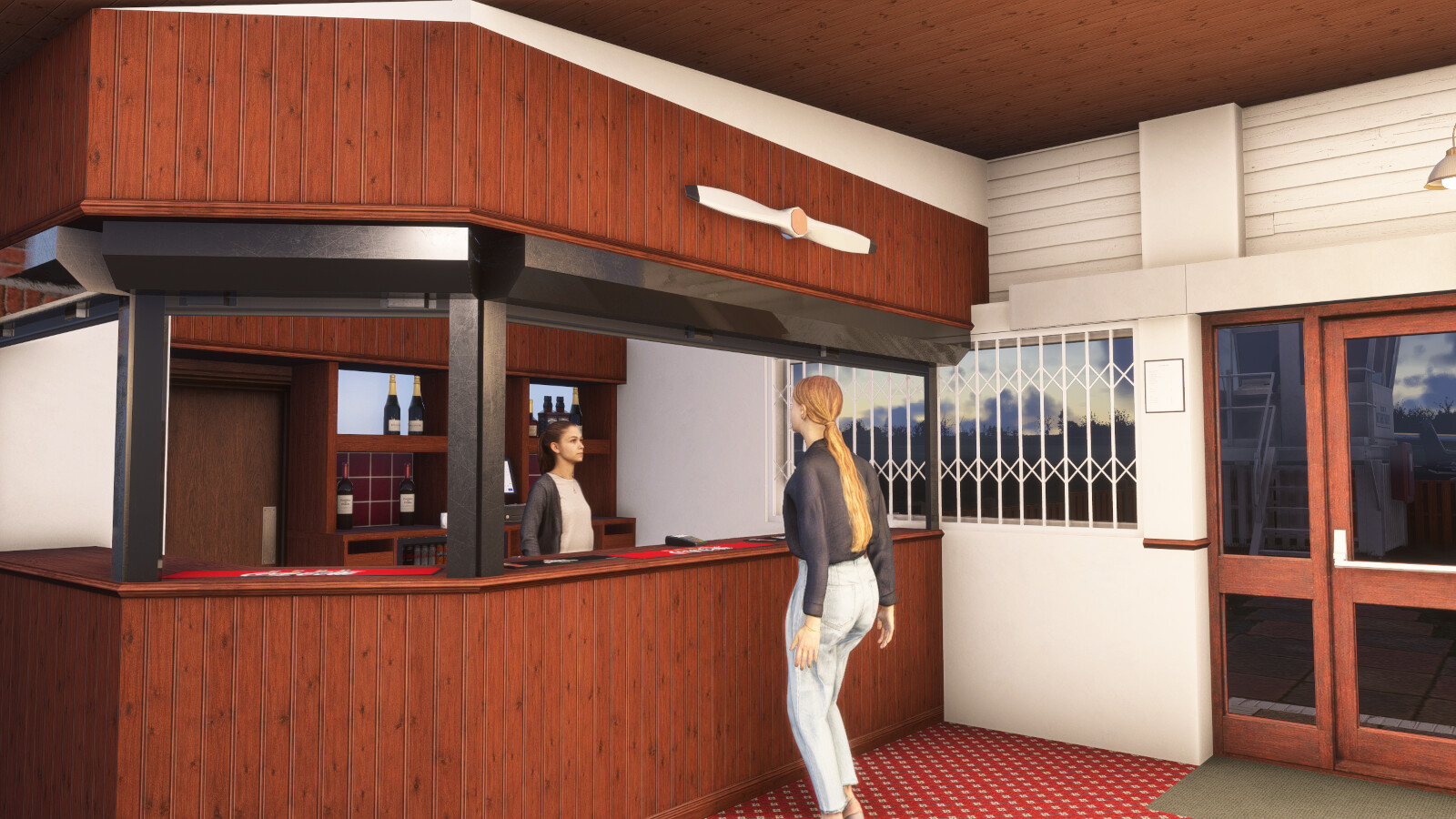
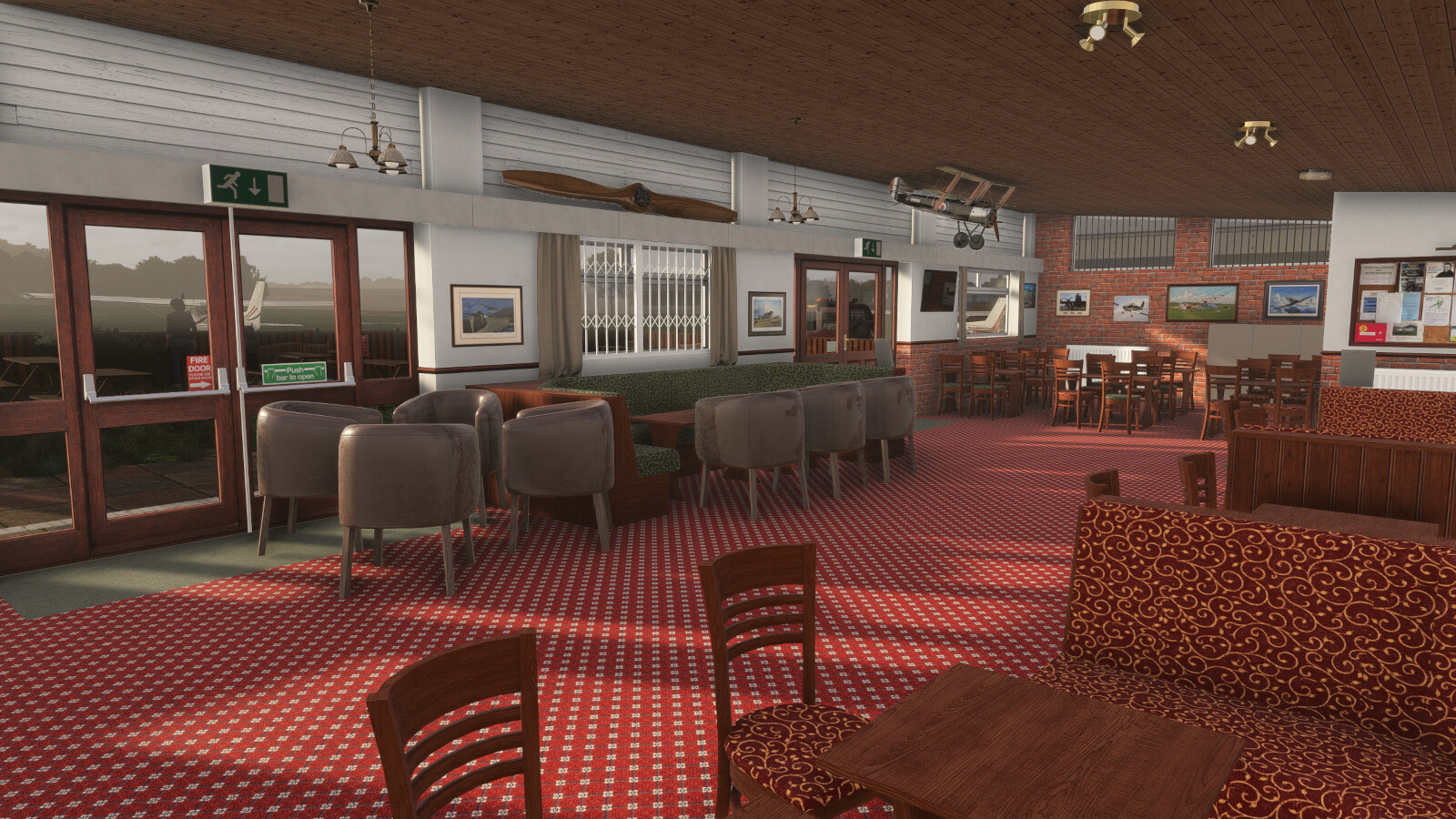
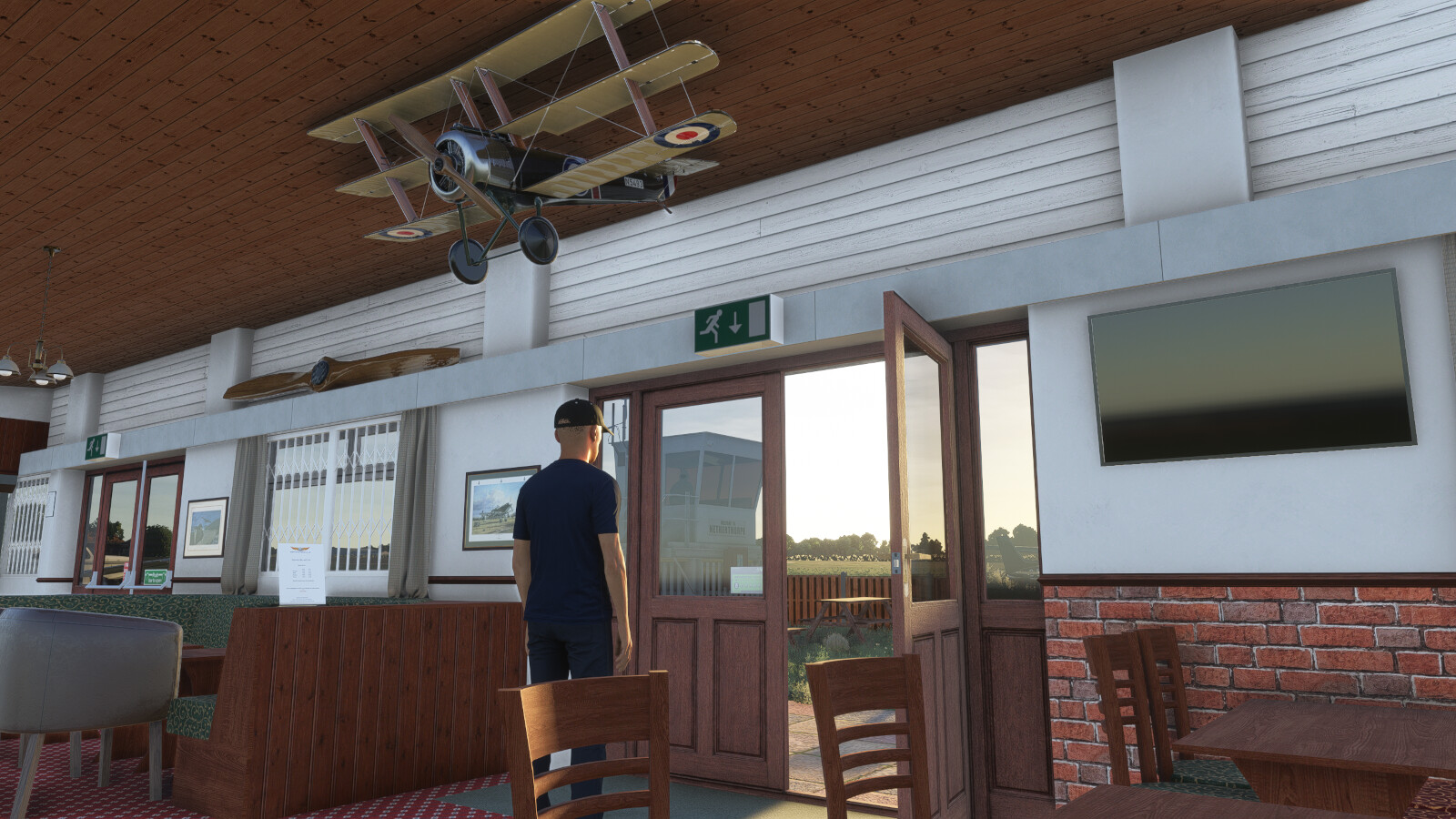
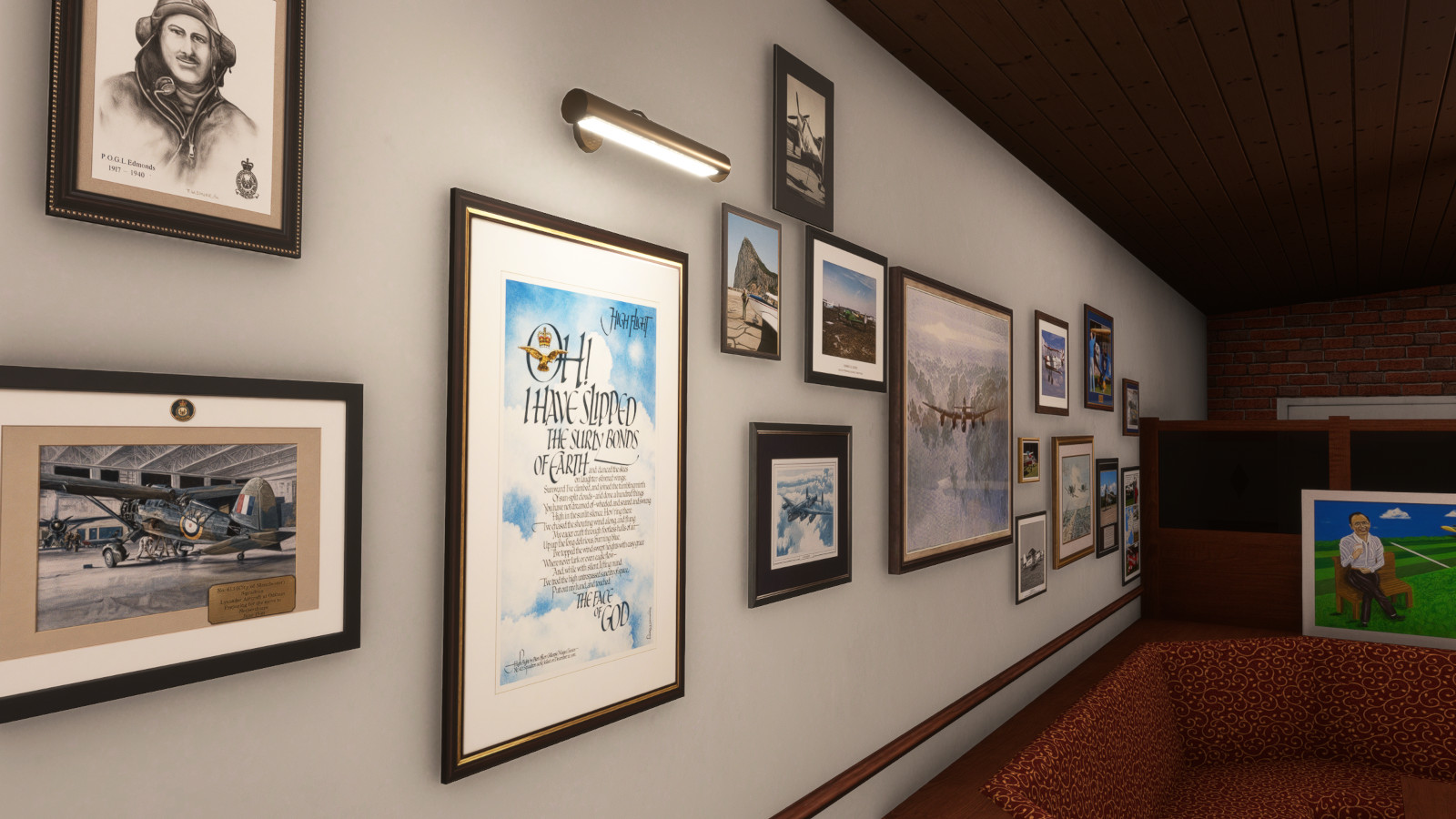
- Fully modelled, high detail restaurant interior
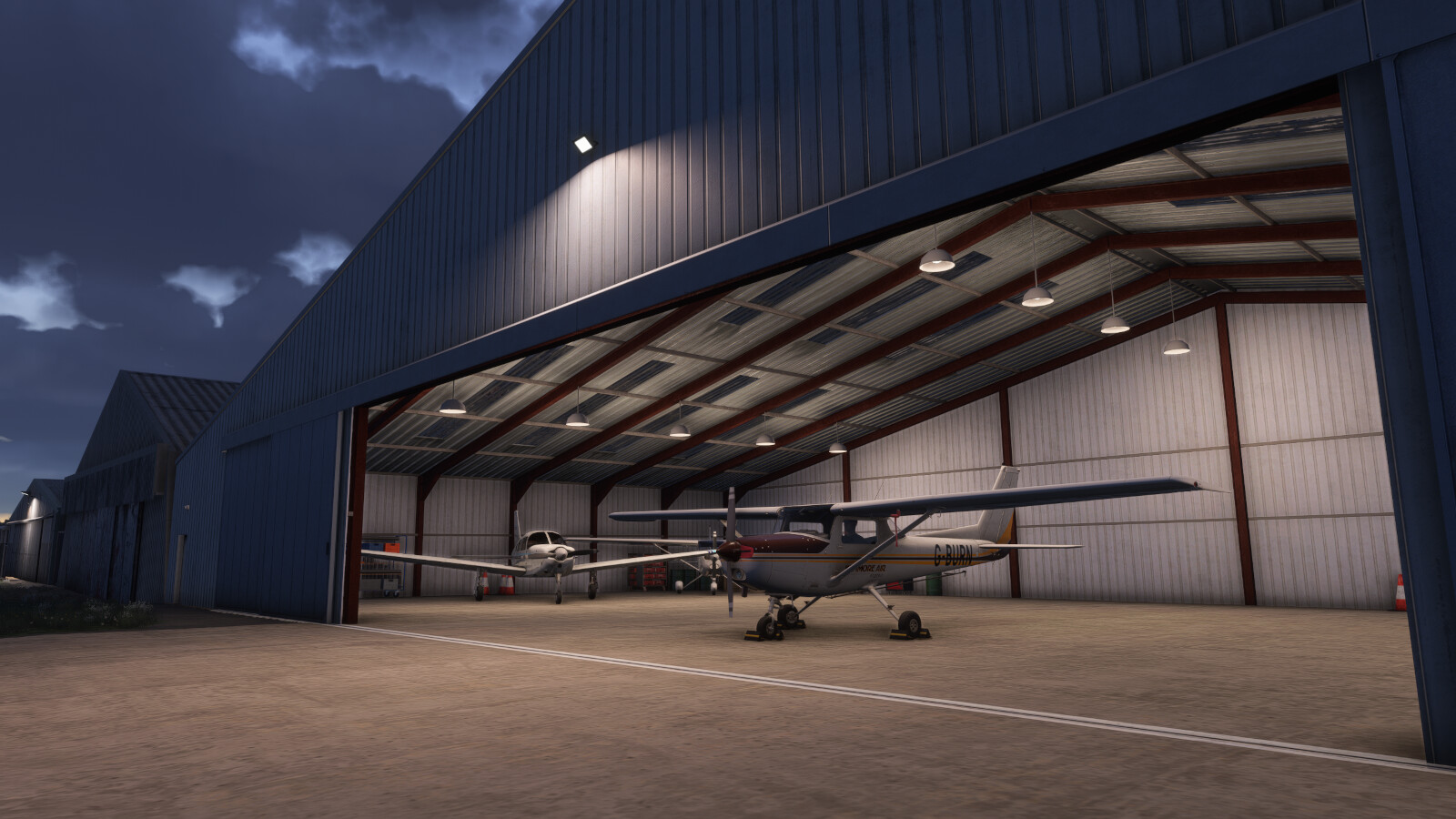
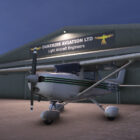
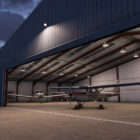
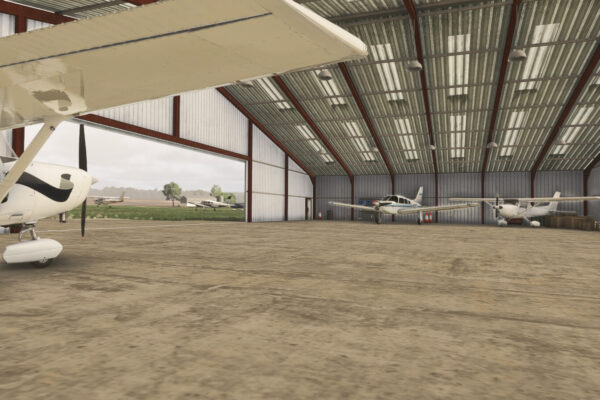
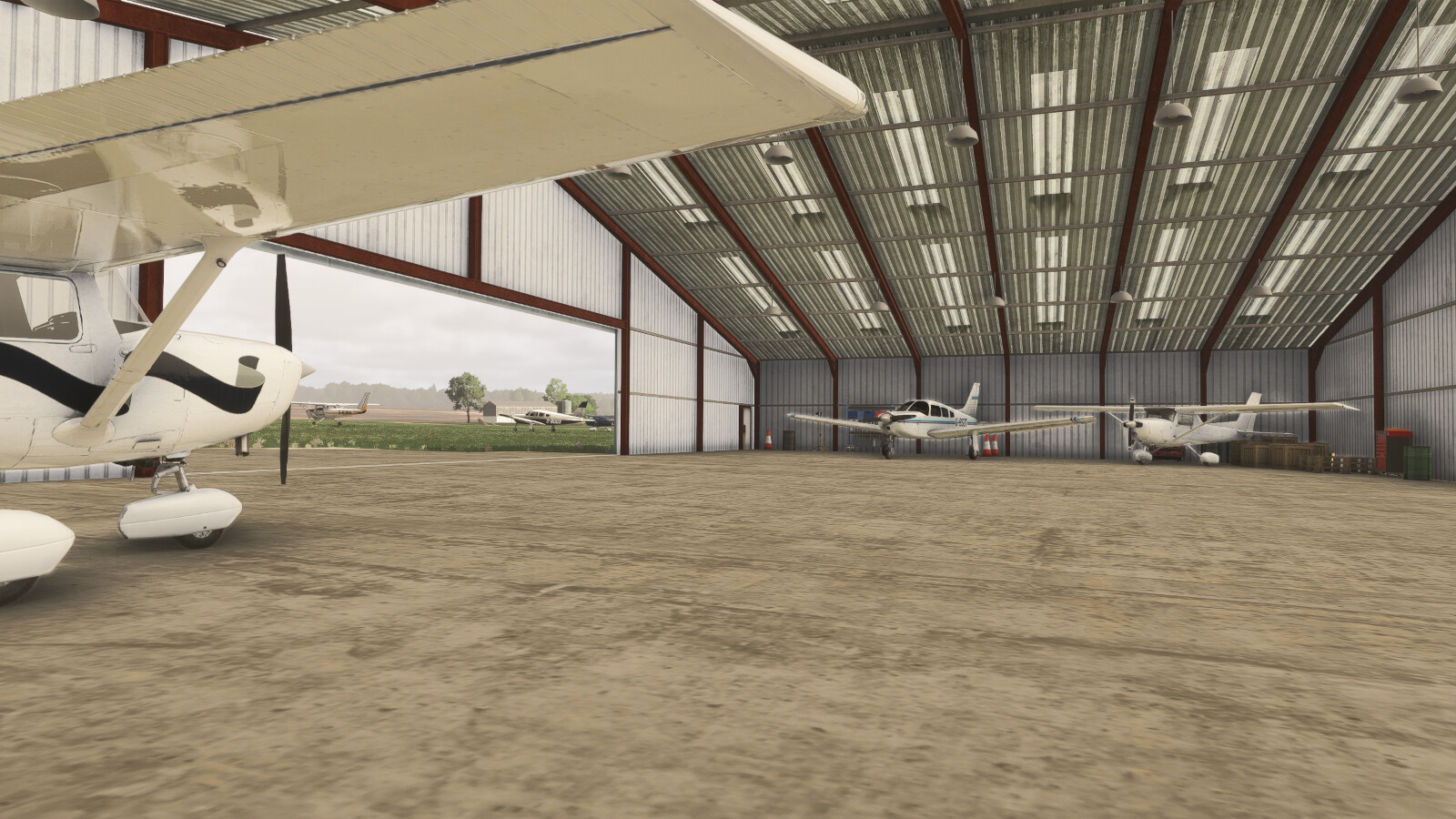
- Modelled hangar interior with parking spot and animated hangar doors
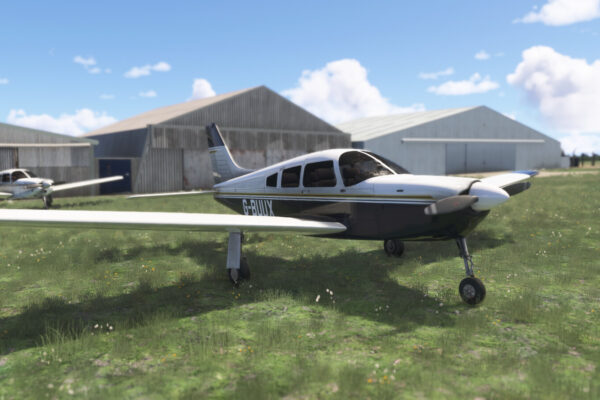
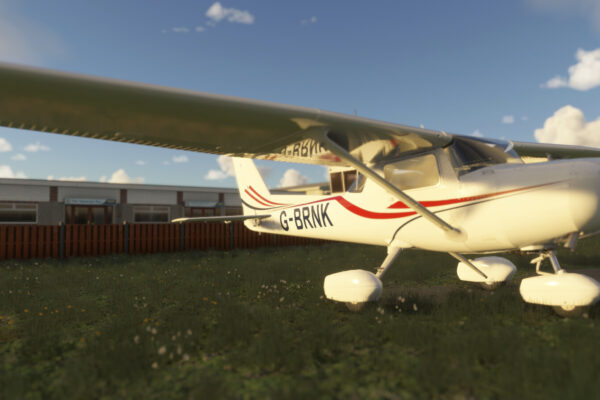
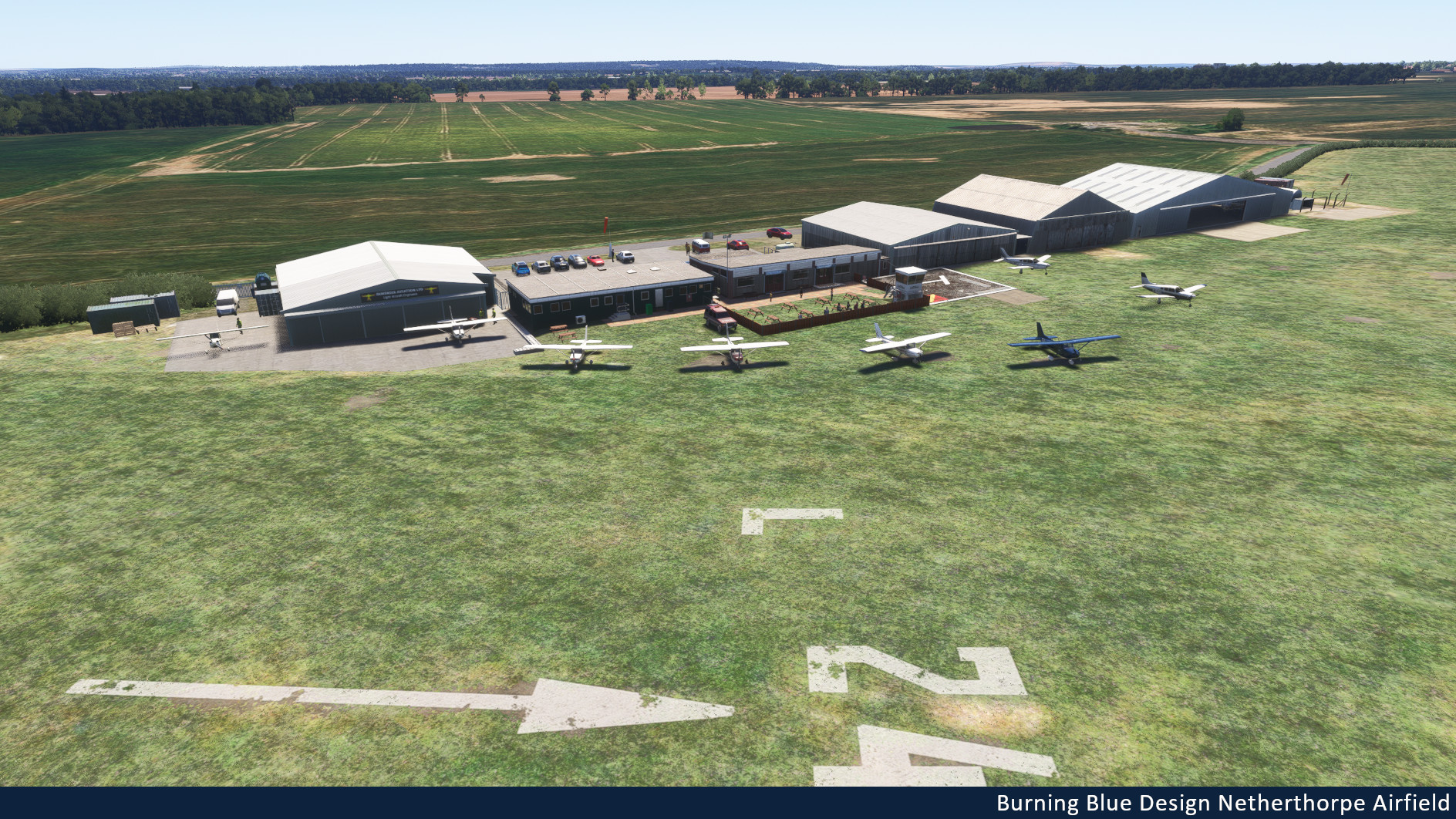
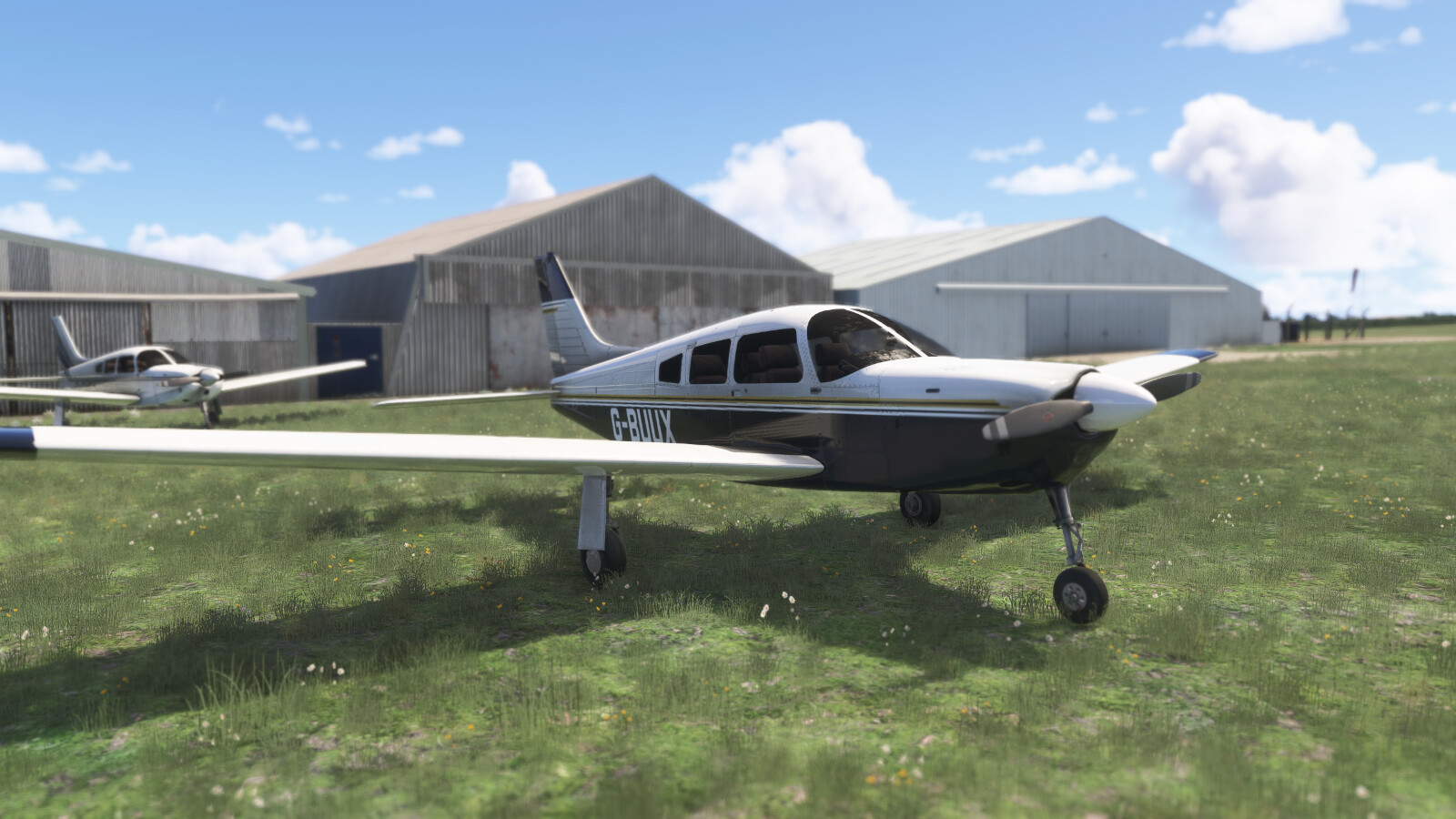
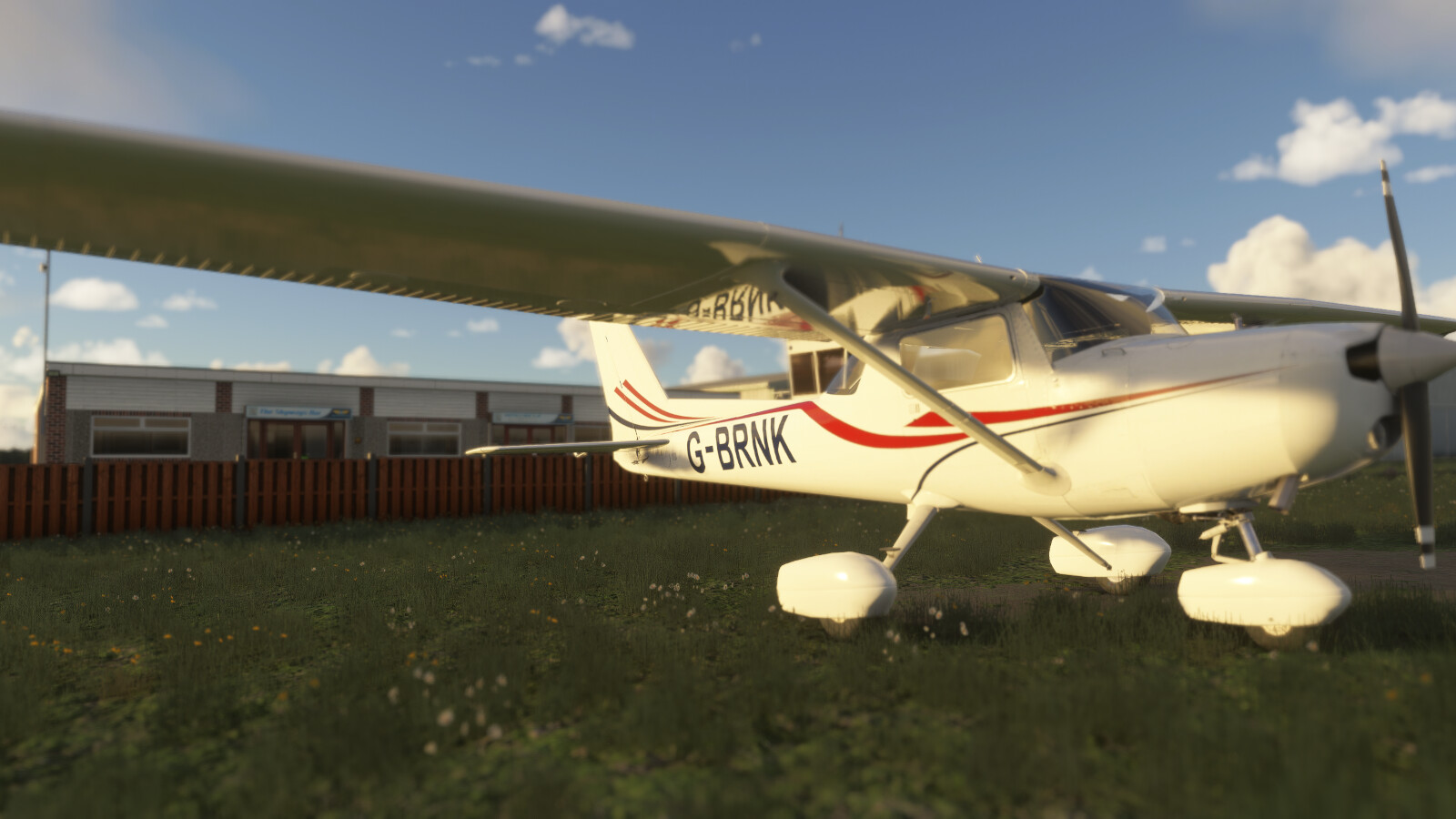
- Static Aircraft native to the airport:
- Piper PA-28 G-BUUX
- Cessna 152 G-BRNK
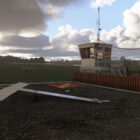
- Working animated signal square
- Accurate runways, taxiways and custom hold signs
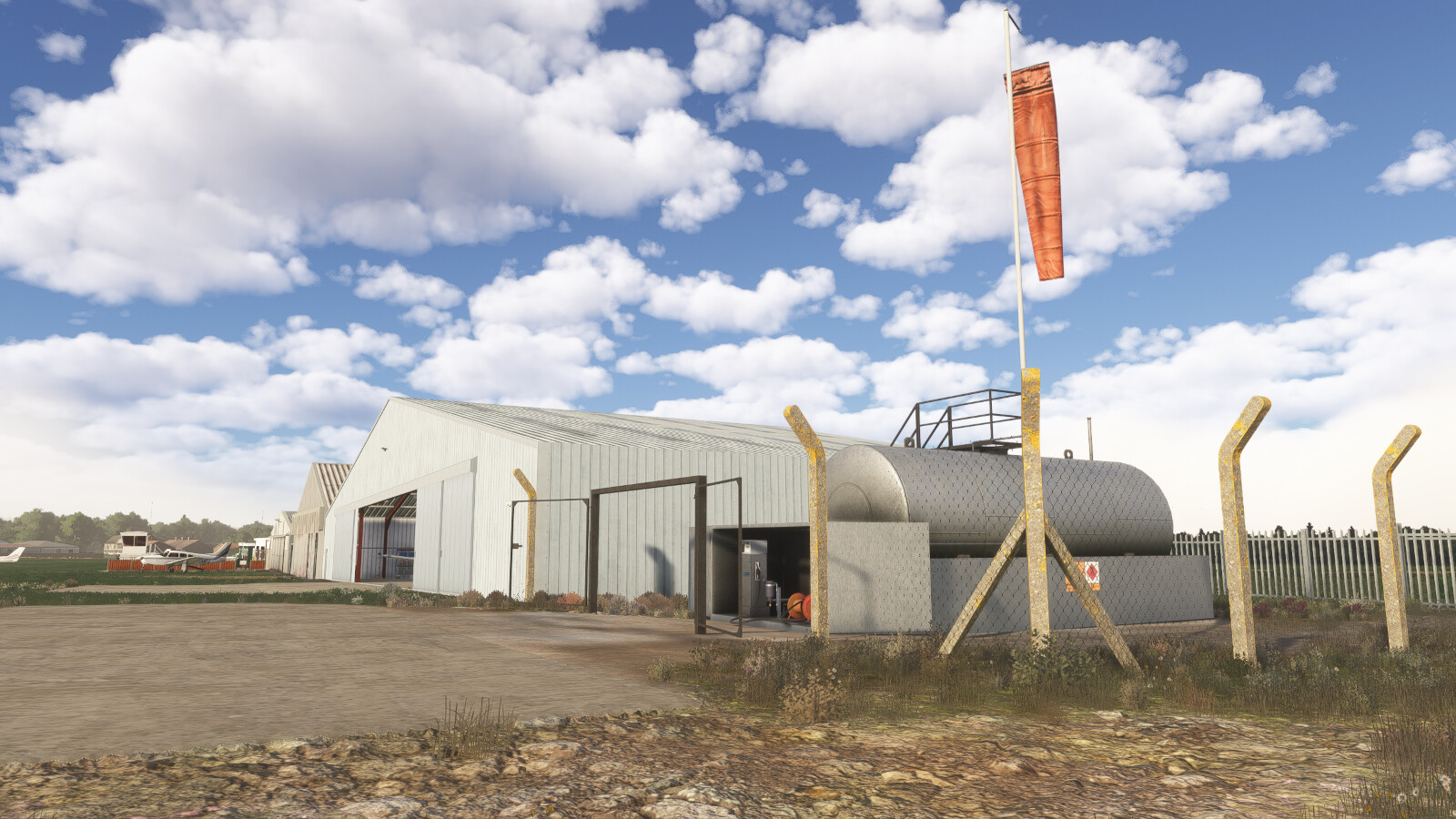
- Completely custom windsocks
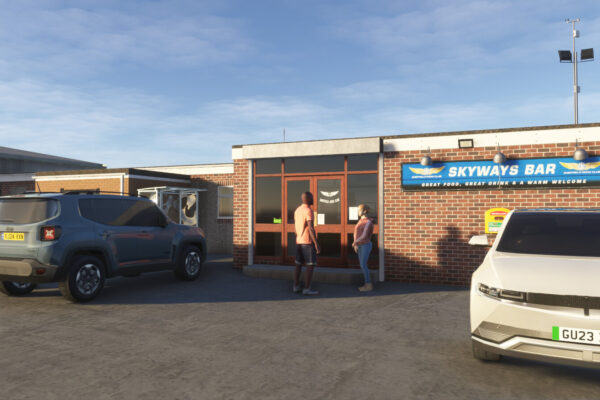
- Animated spectators
- Realistic night lighting
- Full dynamic weather compatibility
- Enhanced high resolution colour corrected ground textures
- Native support for both MSFS 2020 and 2024
- Full FsExplore compatibility (MSFS 2024 only)
- Open and close hangar doors manually
- Switch interior or exterior lighting on and off
- Doors open automatically for your avatar
Find out more about FsExplore in our FAQ
Image Gallery
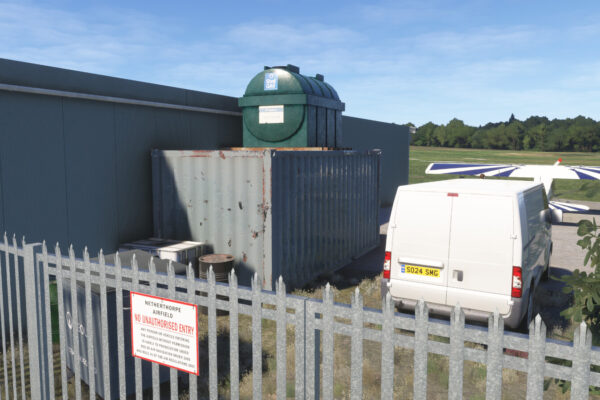
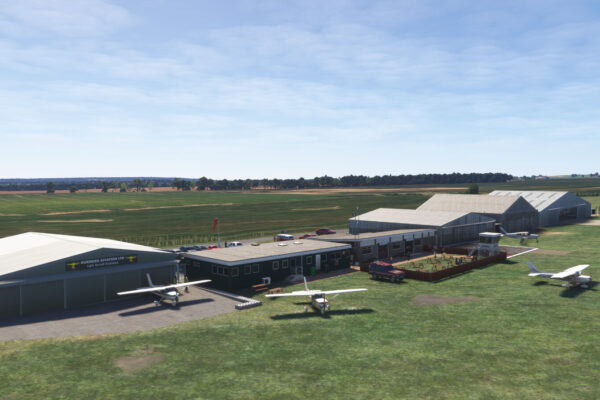
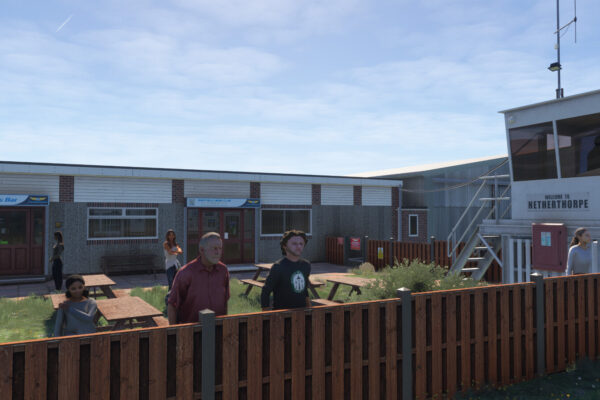
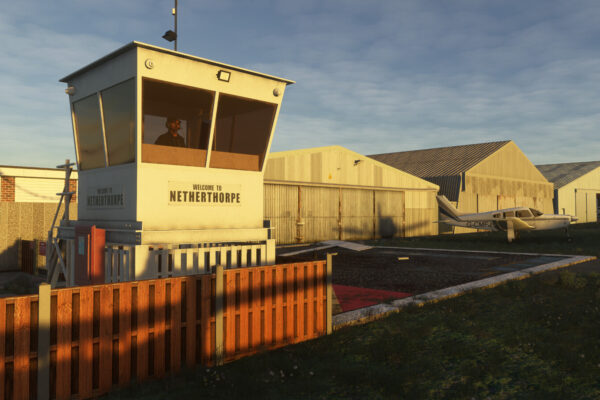
Trailer
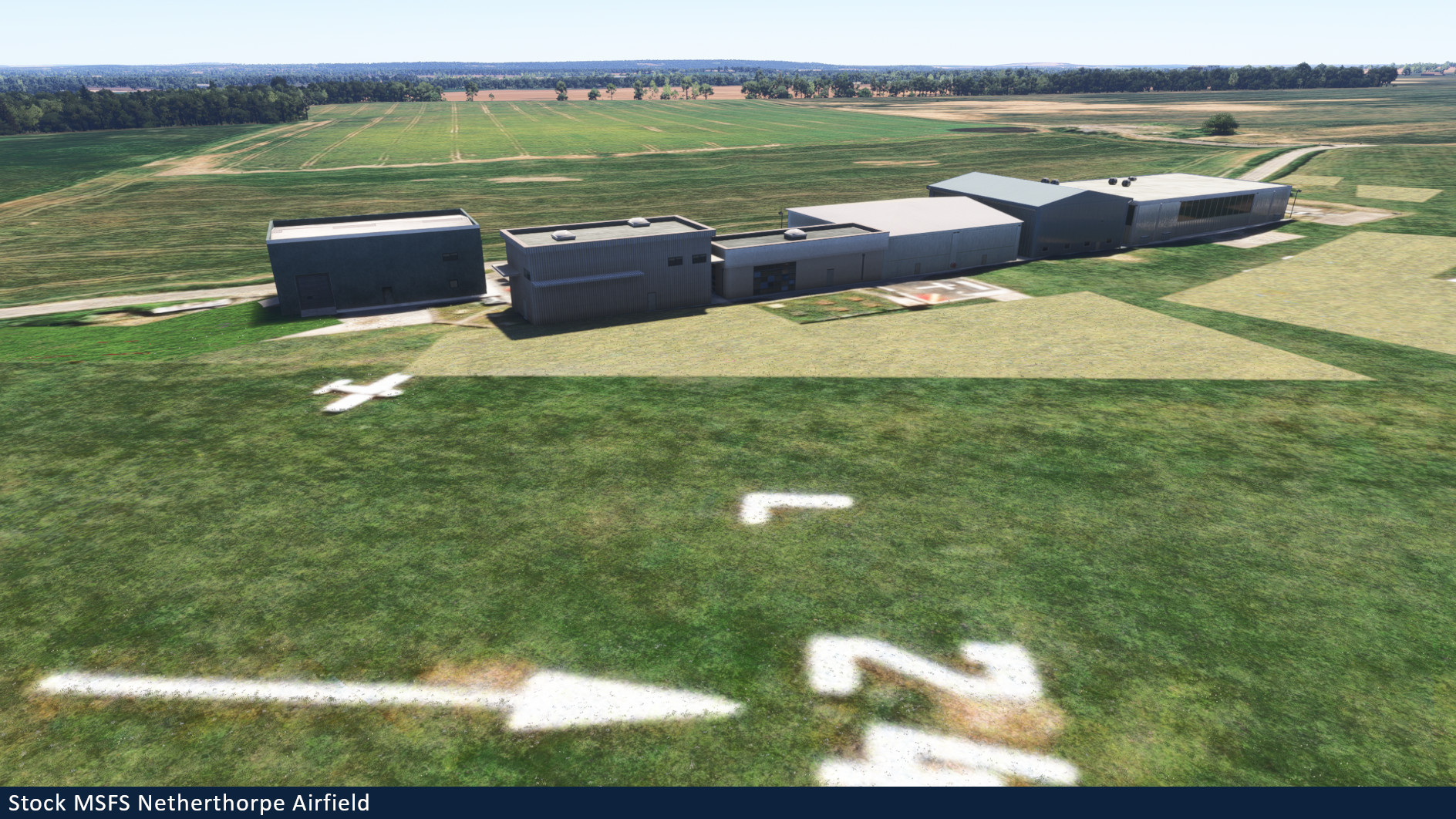
MSFS stock Netherthorpe vs Burning Blue Design Netherthorpe
Installation Instructions
Once you have purchased and downloaded the product, double click on the zip file to open it. You should see the airport’s folder inside, this will need to be extracted and placed into your Microsoft Flight Simulator Community folder, if you don’t know where the community folder is, we have a full guide on how to install our packages here.
If you still have trouble locating your community folder this easy to follow video will help: https://www.youtube.com/watch?v=fhSkMzWLFR0
There is also a community tool called ModmanFX which makes installing and removing Microsoft Flight Simulator packages incredibly easy, you can get it here: https://www.msfsaddons.org/freeware/modmanfx
Known Bugs
- Transparent and translucent glass panes can appear very dark when subject to particle effects such as rain, snow and fog. This is a known bug that Asobo/Microsoft are aware of and will hopefully fix in the near future.
Requirements:
Minimum
Recommended
Further Information and Licensing:
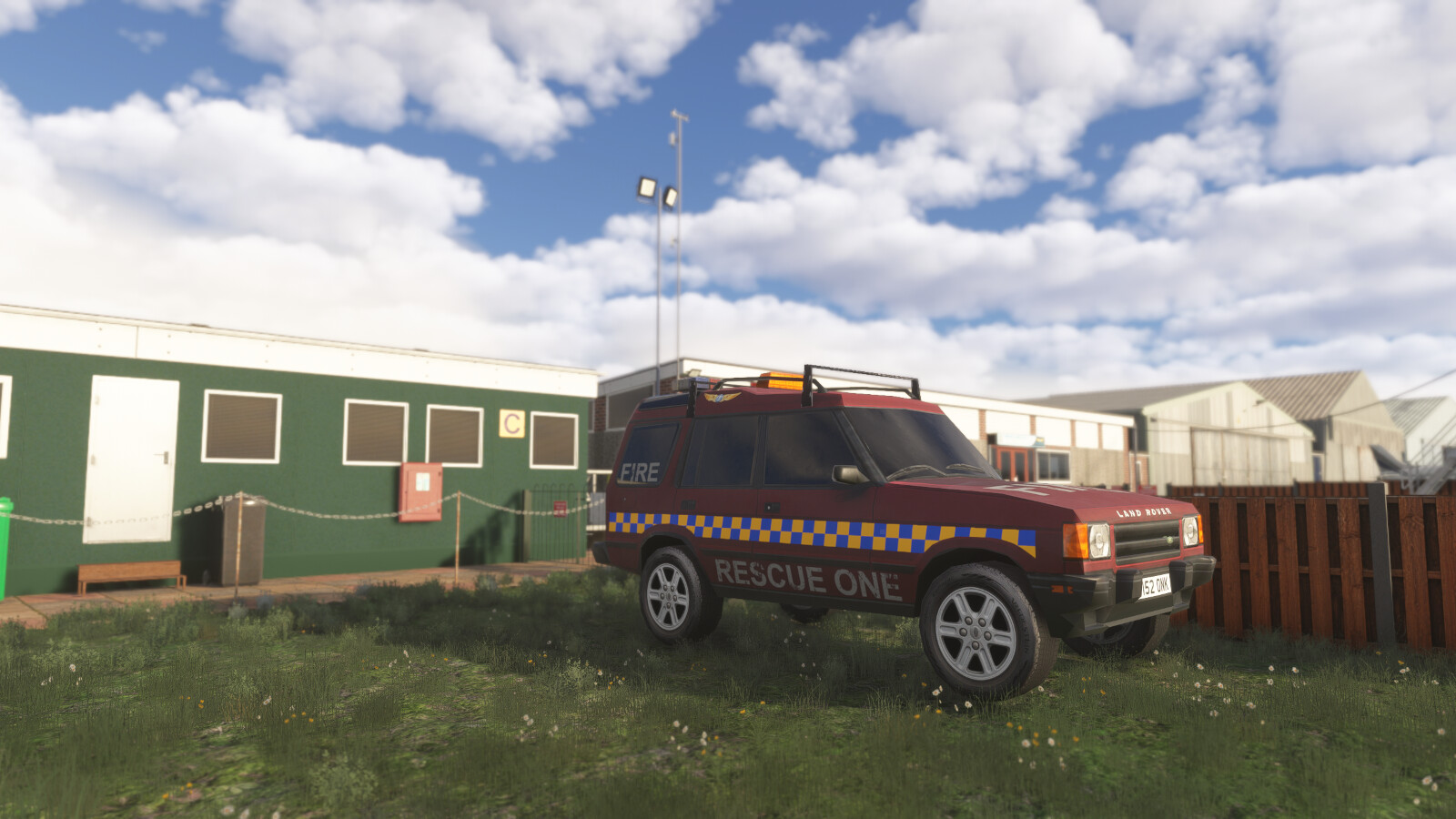
A number of the static vehicles used within the scenery were 3D models used under the Creative Commons Attribution License. The models were reskinned to match their real life contemporaries. For further information and full attribution on any of the individual models please contact us here: https://burningbluedesign.com/contact/
There are no reviews yet.